Apps and software
Best apps for florists in 2026: the must-have toolkit
There is an app for everything, and most florists don’t need most of them. Here is a short, phone-first toolkit organised by the job each app does, with examples of popular choices so you can compare. We’re not affiliated with any of them except ShotSetter, and features and prices change, so check each one’s own site.
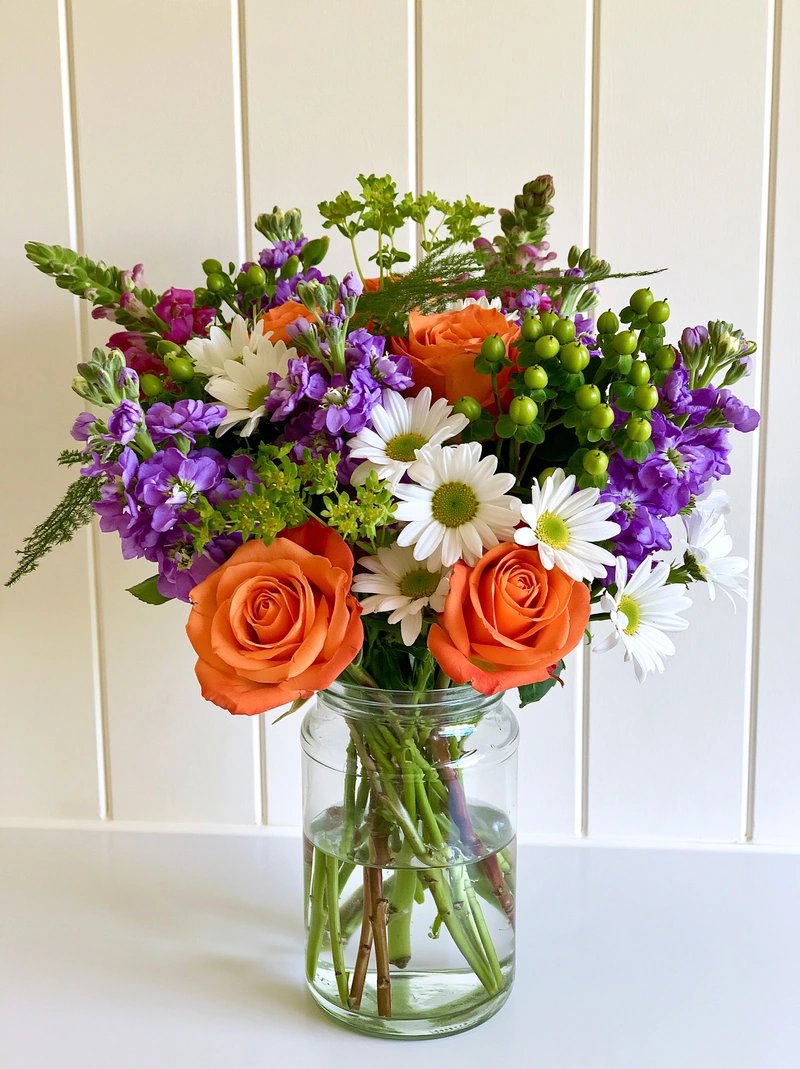 Phone photo
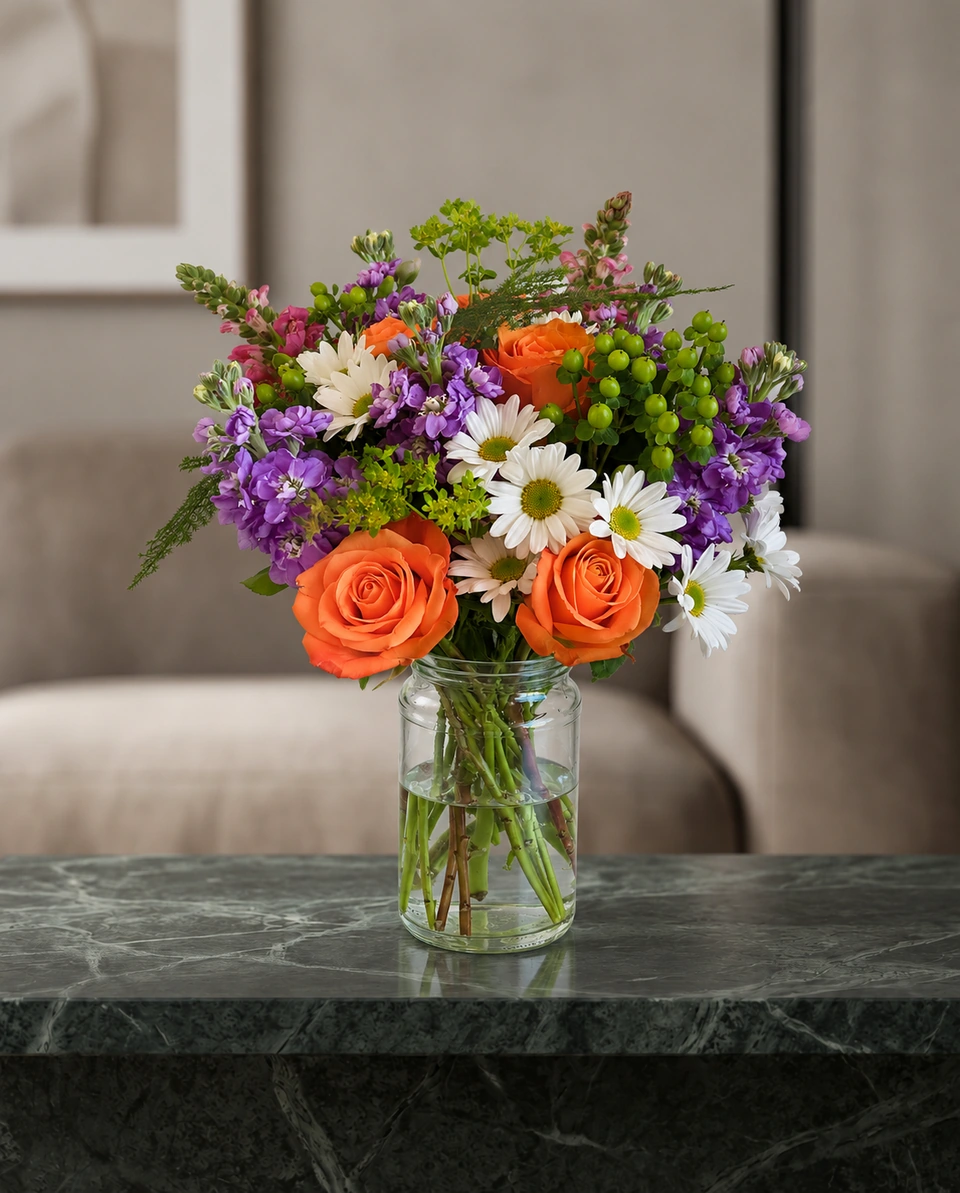 Studio photo
The toolkit, job by job
| Job | What to look for | Popular examples |
|---|---|---|
| Orders and payments | Card payments in the shop and online, order tracking | Square, Shopify POS, and florist systems such as Floranext |
| Your website | Product pages, delivery dates, card messages at checkout | Shopify, Squarespace, Wix, or a florist website provider |
| Wedding and event proposals | Recipes, quotes and proposals for couples | Florist proposal software such as Curate or Details |
| Product photos | Studio photos of your own flowers, matching across your menu | ShotSetter |
| Social posts | Posts, Stories and pins from your photos, with captions | ShotSetter’s Campaign kit, Canva for flyers and menus |
| Scheduling posts | Plan Instagram and Facebook posts ahead | Meta Business Suite (free) |
| Local search | Your listing in Google Maps and search | Google Business Profile |
| Bookkeeping | Expenses, invoices and tax | QuickBooks, Xero |
Start with four
A way to get paid
A card reader and online checkout, so no order is lost.
A Google Business Profile
Free, and often the first thing local customers see.
A way to make good photos
Every other app shows your photos: your website, Instagram, Etsy and delivery menus.
A simple social routine
One photo, several posts. Read 30 days of florist social media ideas.
Where ShotSetter fits
ShotSetter does one job well: it turns one phone photo of your flowers into a 4K studio product photo in about a minute, in 200+ rooms made for flowers, then makes the social posts, captions and Etsy listing words from it. It works alongside your shop system and website. Compare it with other photo tools in PetalPro alternatives for florists.
Made only for florists
The photo tool every florist should have
Your flowers are the product. ShotSetter makes the photo as lovely as the arrangement, wherever you share it: one phone photo in, a studio photo out.
For social media
Fresh posts and Stories every week, without a photo shoot or moving a single bucket. Download post and Story sizes with your logo and a caption, and let your flowers shine in a calm, professional feed.
For selling on your website
A studio product photo for every design, all in one house style, so your shop looks like a boutique. Customers see your real work instead of stock photos, and get what they saw.
- Skip the photographer. A studio photo from one phone photo, in about a minute.
- From 33¢ a photo. Every photo is 4K and uses 1 credit. A trial pack is $9 for 10 credits, good for 30 days.
- No subscription needed. Start with a one-time trial pack. Try 3 photos free, no card.
- Your real flowers. Your flowers and vase kept natural, so customers see your own work.
- 200+ rooms made for flowers. Studios, pedestals, homes, weddings and every season.
- A free fix with every 10 credits, if something isn’t quite right.
Quick answers
What apps do florists need?
A way to take payments and orders, a website, a Google Business Profile, a way to make good product photos, a simple social media routine and bookkeeping.
What is the best photo app for florists?
One made for flowers. ShotSetter turns one phone photo into a 4K studio product photo in a room made for flowers, keeps your arrangement as made, and makes the social posts from it.
Do florists need special software?
Shops with many orders, weddings or wire services often use florist software for orders and proposals. Smaller and home florists can start with a card reader, a simple website and good photos.