Valentine’s Day
Valentine’s menu photos for florists
Valentine’s Day is the biggest day in the florist’s year, and most customers choose from your menu before they ever speak to you. Red roses in front of a cluttered cooler look like a gamble. The same roses in a calm studio look like a gift. Here is how to get every item on your Valentine’s menu photographed early, without a photo shoot.
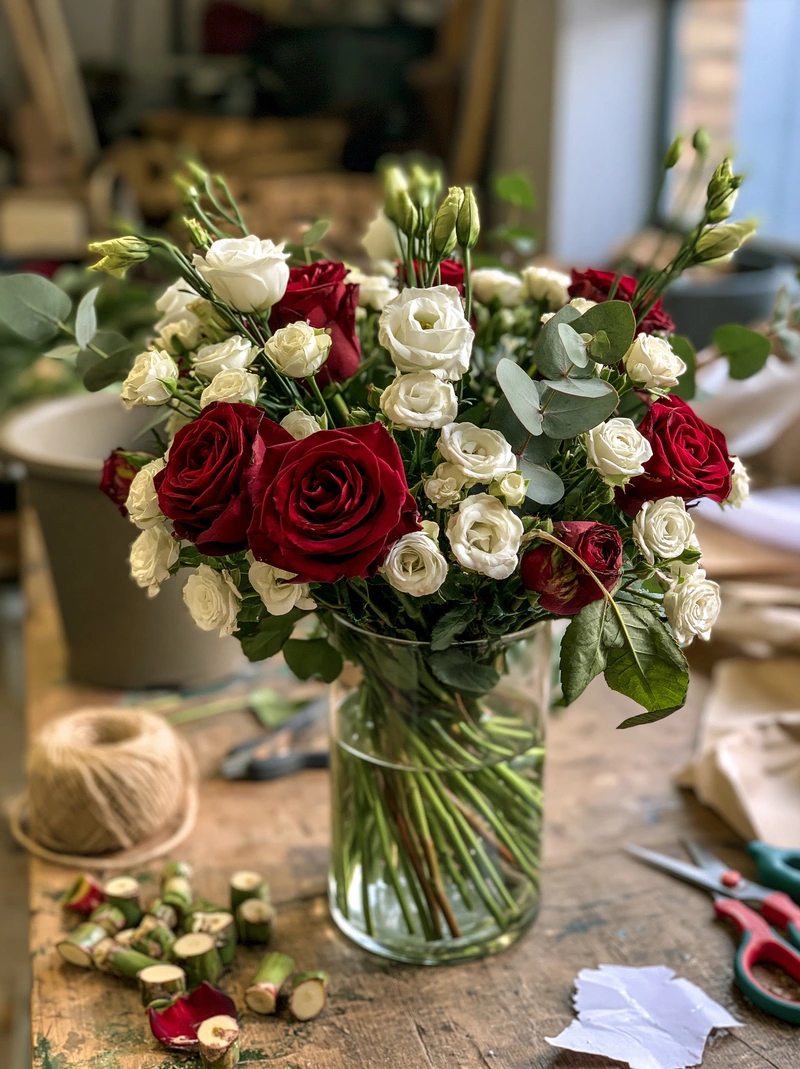 Phone photo
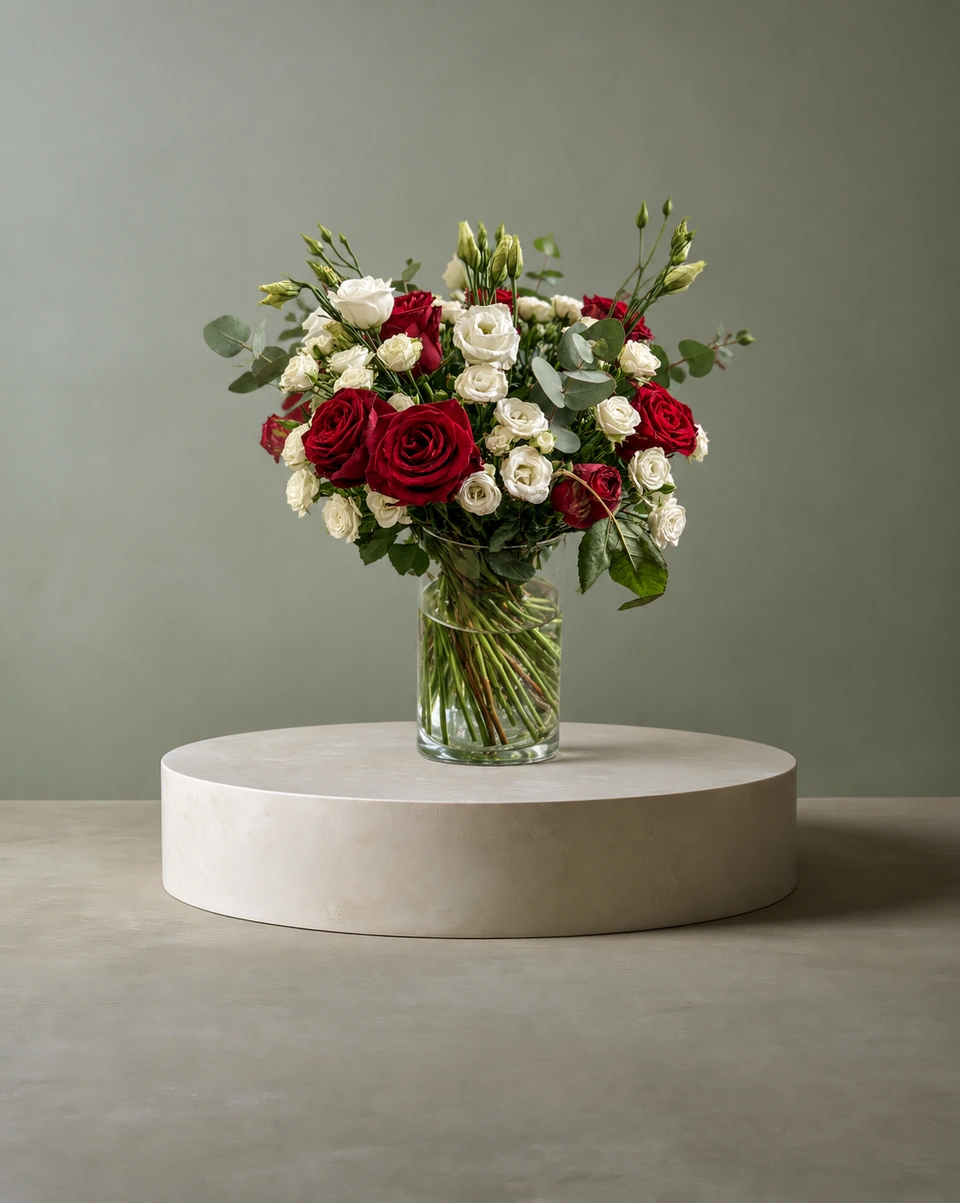 Studio photo
When to photograph your Valentine’s menu
In the first weeks of January. Florists usually set their Valentine’s menu then, and you want the photos on your website and social pages before orders build up. Make one sample of each menu item, photograph it, and the whole menu is done in an afternoon.
What to photograph
- Your hero: the dozen red roses, in the exact vase or wrap customers will receive.
- Every size you sell: make and photograph each one, so customers see what the extra money buys.
- Something other than roses: tulips, ranunculus or a mix of soft pinks, for customers who want something different.
- Gifts and extras: a box arrangement, a single stem, a bud vase.
Make the menu look like a set
Pick two or three rooms and use them for the whole menu. A matching look makes your page feel like a boutique window, and customers can compare designs side by side.
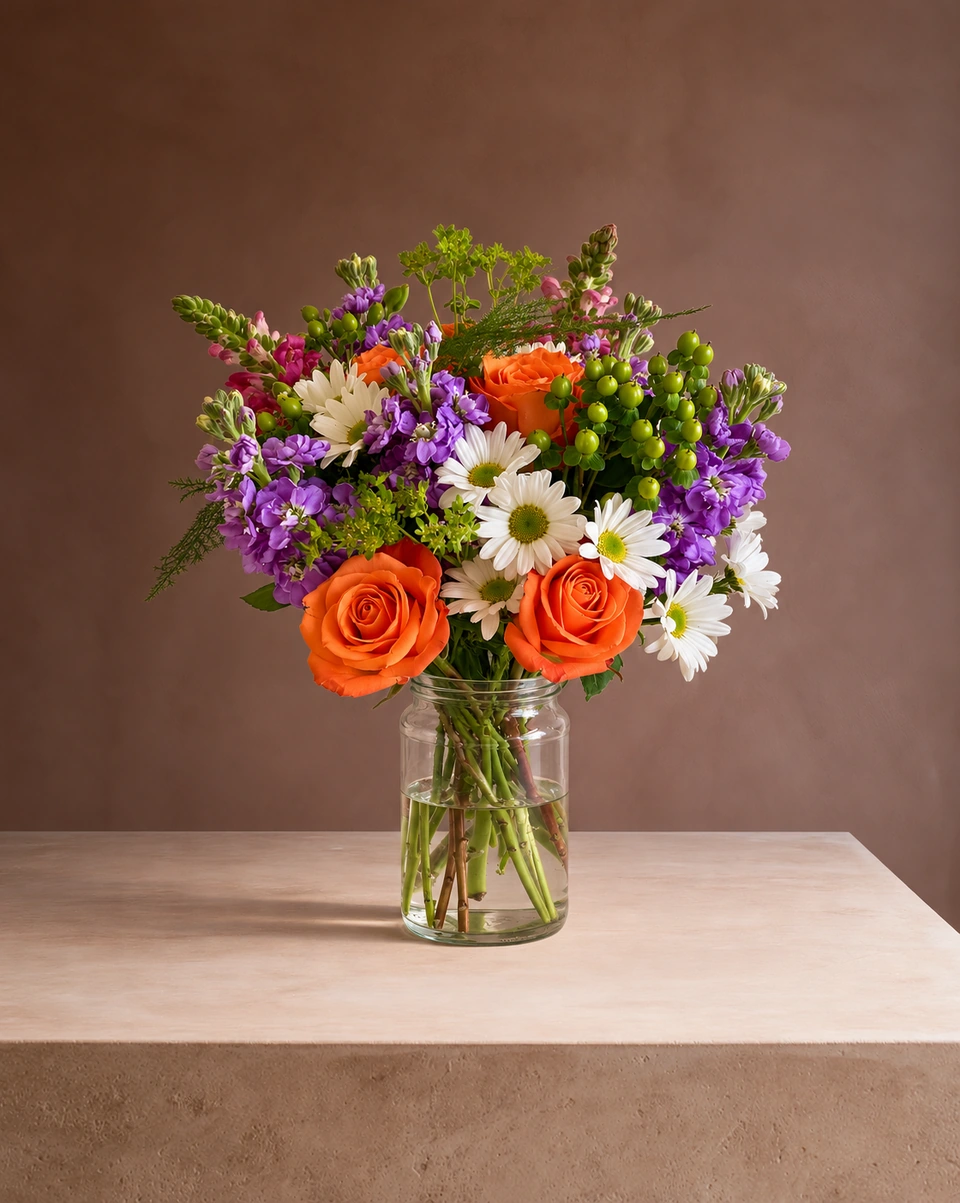
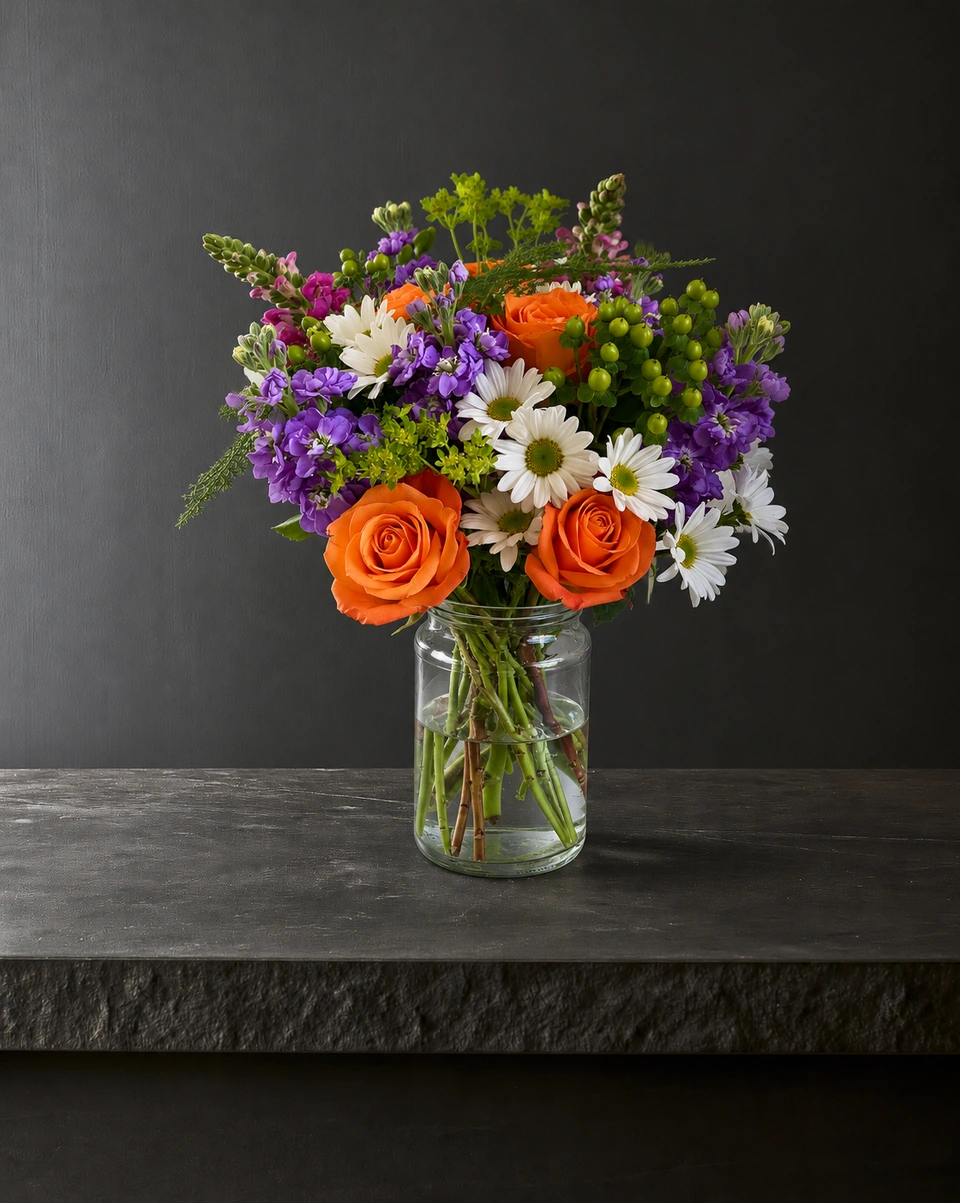
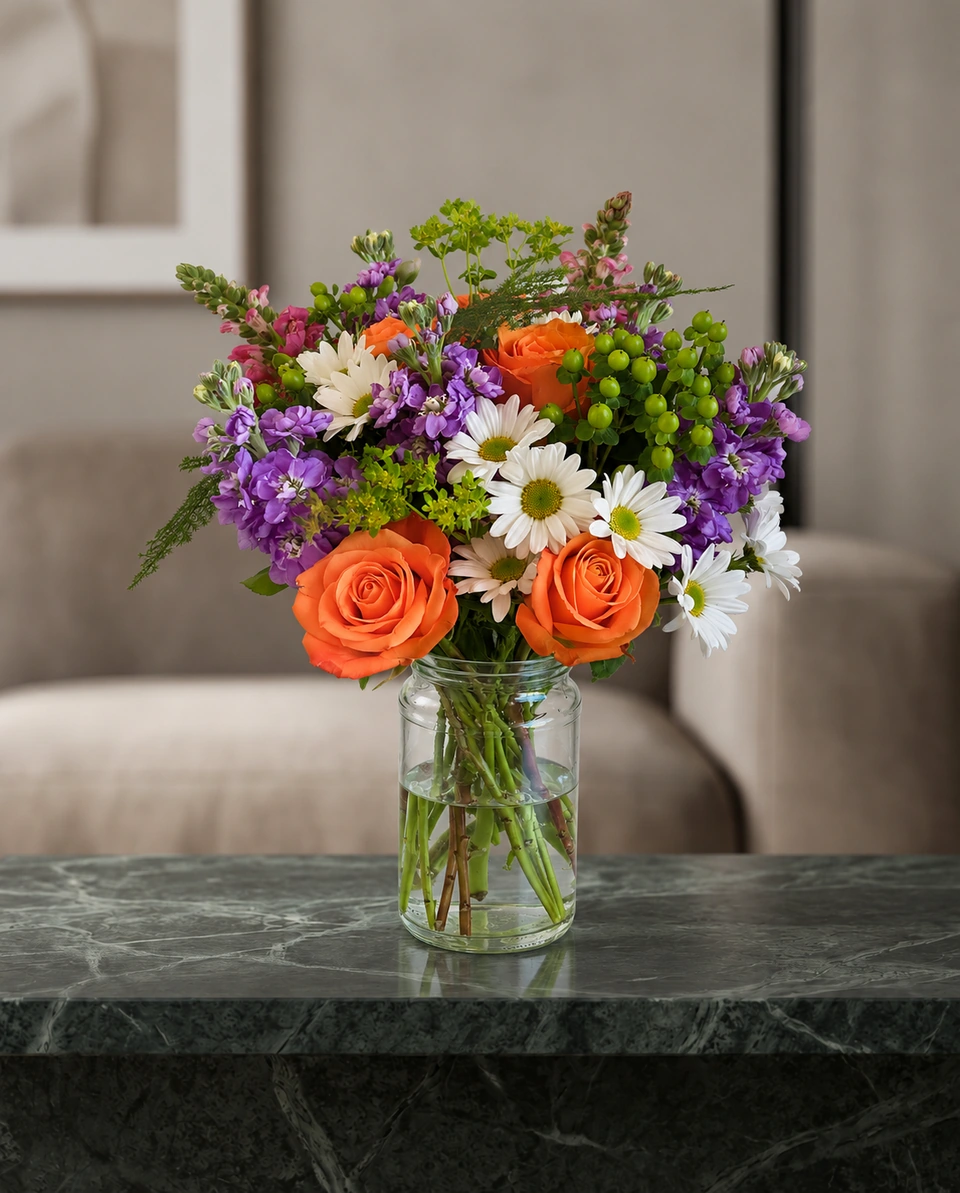
Rooms that suit red and pink flowers:Valentine blushSweetheart tableSage & stoneBlush hatbox · lid off
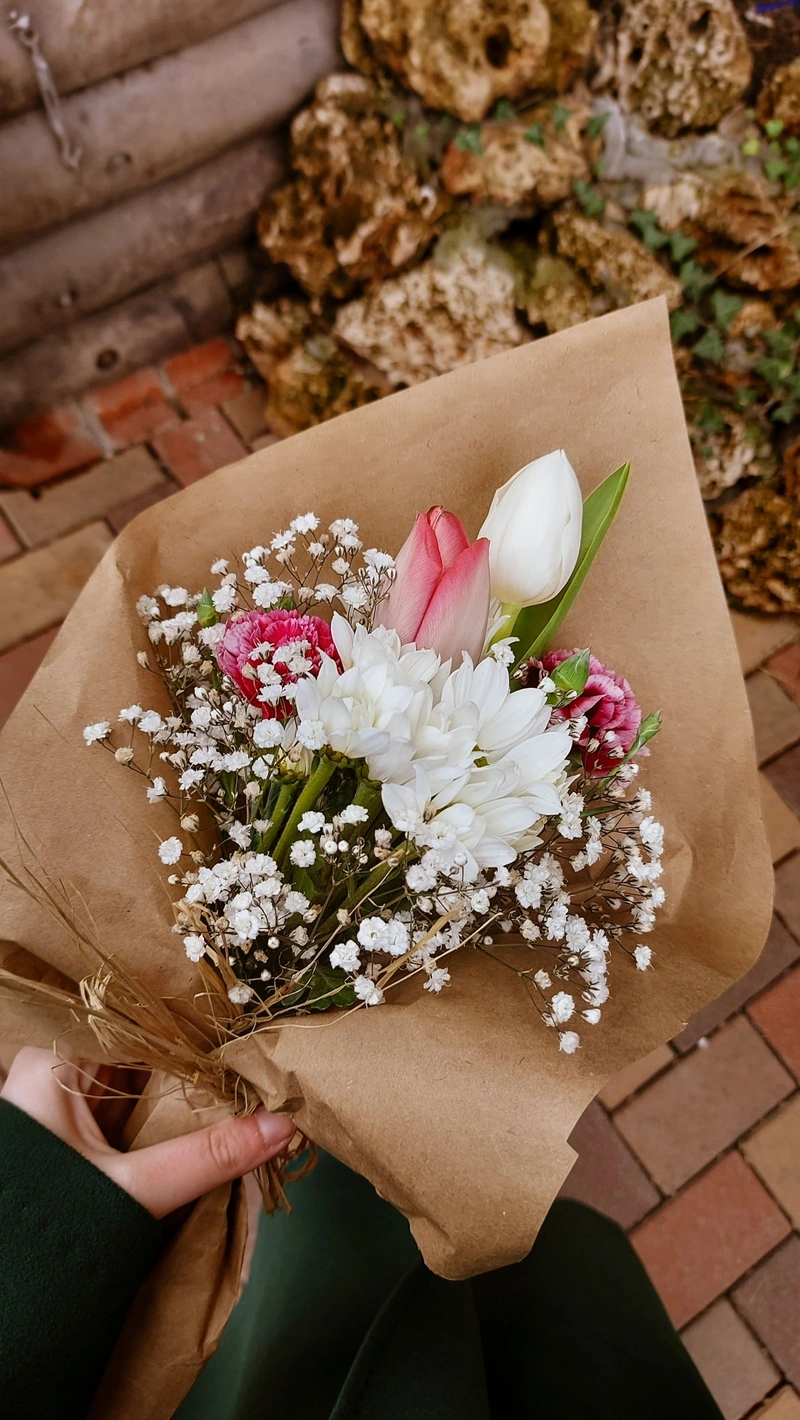 Phone photo
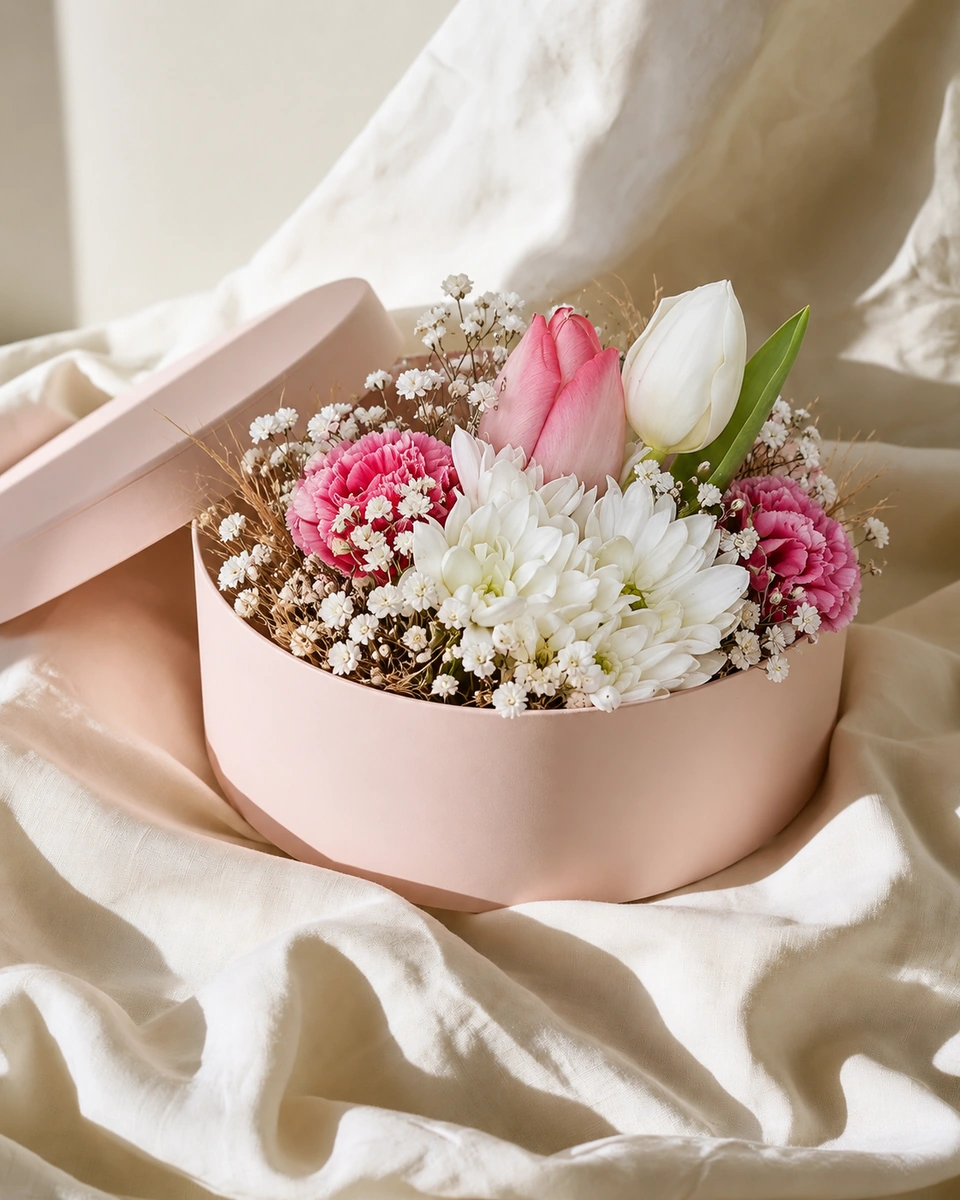 Studio photo
A one-afternoon plan
Make one sample of each item
Use the stems you’ll actually order, so the photo matches what goes out on the day.
Take one phone photo of each
By a window, at flower height, with the whole piece in the frame. Our phone photo guide has the details.
Upload them to ShotSetter
Choose your two or three rooms. Each studio photo takes about a minute.
Download every size
A website size for your menu page, plus post and Story sizes with your logo for Instagram and Facebook.
Plan your countdown posts
Two weeks out, one week out and last order day. Fresh photos for each keep your feed lively.
Made only for florists
The photo tool every florist should have
Your flowers are the product. ShotSetter makes the photo as lovely as the arrangement, wherever you share it: one phone photo in, a studio photo out.
For social media
Fresh posts and Stories every week, without a photo shoot or moving a single bucket. Download post and Story sizes with your logo and a caption, and let your flowers shine in a calm, professional feed.
For selling on your website
A studio product photo for every design, all in one house style, so your shop looks like a boutique. Customers see your real work instead of stock photos, and get what they saw.
- Skip the photographer. A studio photo from one phone photo, in about a minute.
- From 23¢ a photo. A Classic photo uses 1 credit. Packs start at $9 for 15 credits and never expire.
- No subscription needed. Pack credits never expire. Try 3 photos free, no card.
- Your real flowers. Your flowers and vase kept natural, so customers see your own work.
- 192 rooms made for flowers. Studios, pedestals, homes, weddings and every season.
- A free fix with every 10 credits, if something isn’t quite right.
Quick answers
When should florists photograph their Valentine’s menu?
In early January. That leaves time to put the photos on your website and social pages before orders build up in the weeks before 14 February.
Can I use one photo for every size of Valentine’s arrangement?
Show each size you sell with its own photo, made from that real arrangement. Customers should see what they will receive.
How much do Valentine’s menu photos cost with ShotSetter?
From 23¢ for each Classic photo. A ten-item menu uses about ten credits. Packs start at $9 for 15 credits and never expire, and new accounts get 3 free credits.