Home florists
Kitchen-table studios and market stalls.
- Instagram posts and Stories
- Etsy and Facebook listings
- Price lists for regulars
New accounts get 3 free credits · no card neededPhone app coming soon
Product photography made for florists
Snap your arrangement on your phone, pick one of 192 rooms, and get a studio product photo in about a minute, for less than $1. Your flowers and vase stay as you made them, natural and full of detail, so customers see your real work, not stock photos.
3 free credits for new accounts · no card needed
iPhone & Android app coming soon. Already works on your phone: add shotsetter.com to your home screen.Tell me when the app is out
1Pick an example
Illustrative test example2The room fits your flowers
Each room has a set spot and surface for your piece. Your flowers are placed at a natural size, then lit, shadowed and reflected by the room itself, so they look like they were always there.
3Download & share
Post, Story, website and print sizes in about a minute. Not quite right? Every 10 credits include a free fix.
Examples are illustrative tests made from demonstration photos, not customer work. Results depend on your photo and the room you choose.
Your flowers, kept. The varieties, colours and shape you arranged.
Your vase, kept. Its shape, rim and water line, or your wrap and ribbon.
Fitted to the room. On a real surface, at a natural size, in the room’s own light.
Checked for you. Compared with your original, with a free fix for every 10 credits.
Sized for everywhere you sell
Example results
One arrangement can fill a week of posts: a warm studio, dark stone, a pedestal, a living room or a florist’s hands. Tap Before and Room on any example to see exactly what it was made from.
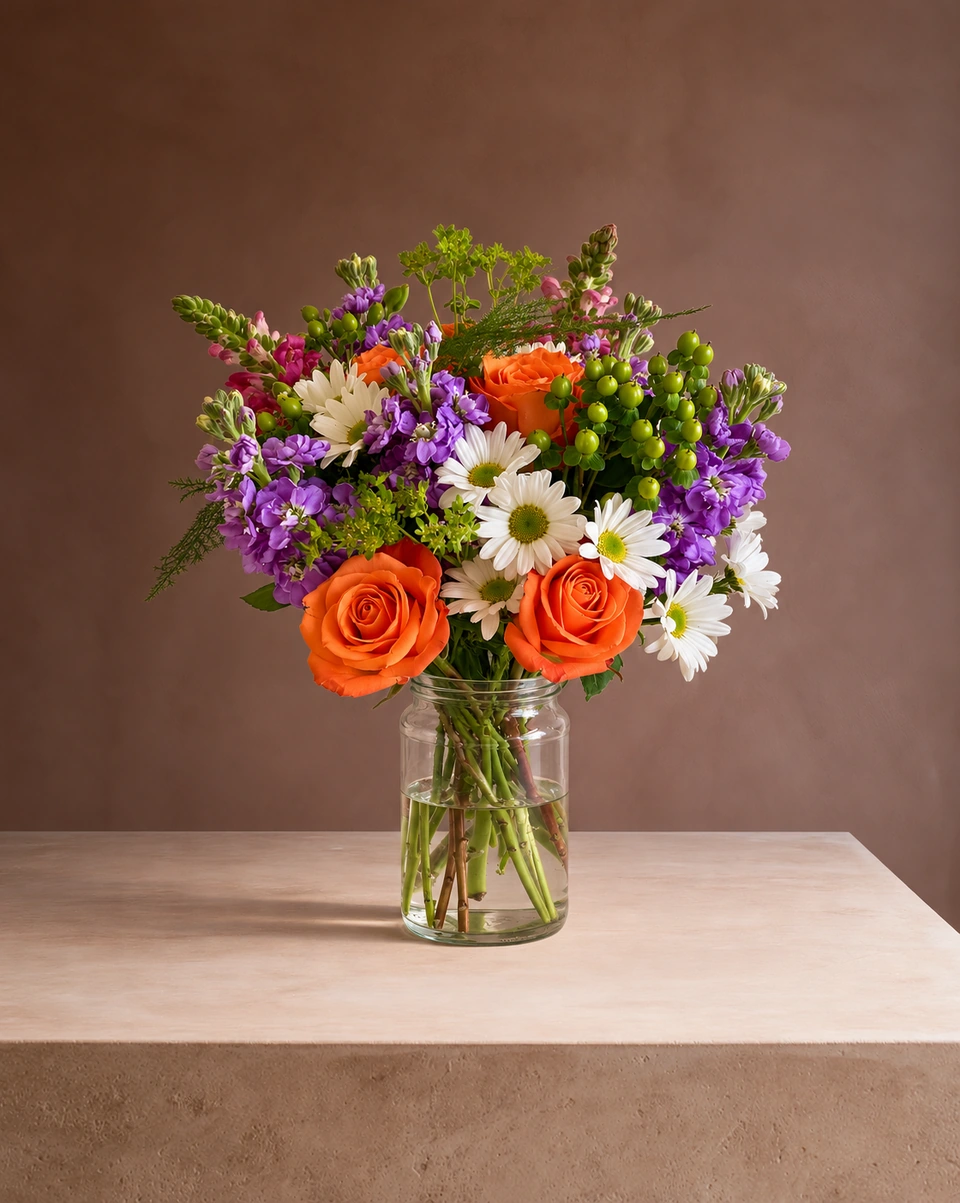
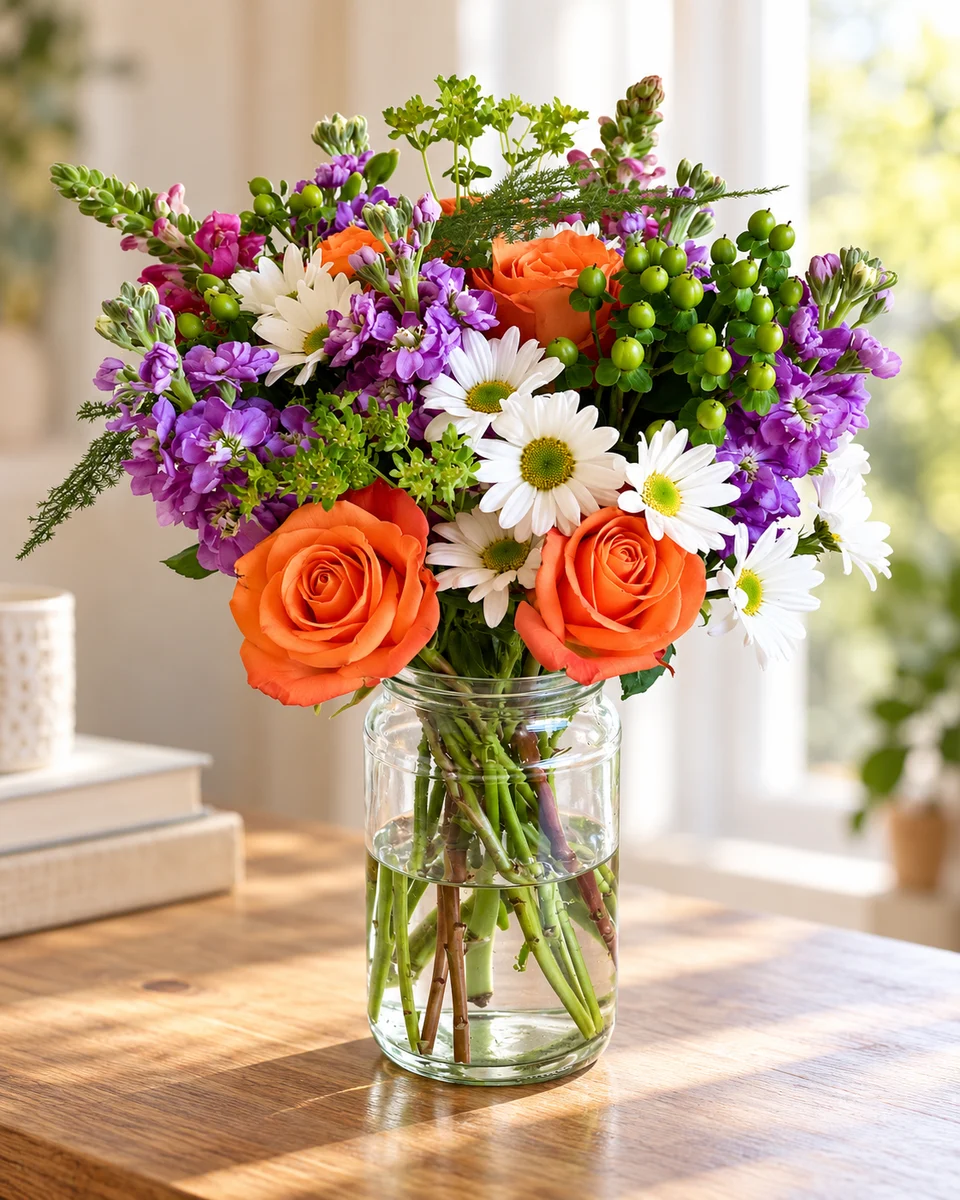
Illustrative test exampleThe same orange roses, purple stock and daisies in the same glass jar, standing on a warm plaster block.
From the mixed jar photo · Room: Clay afternoon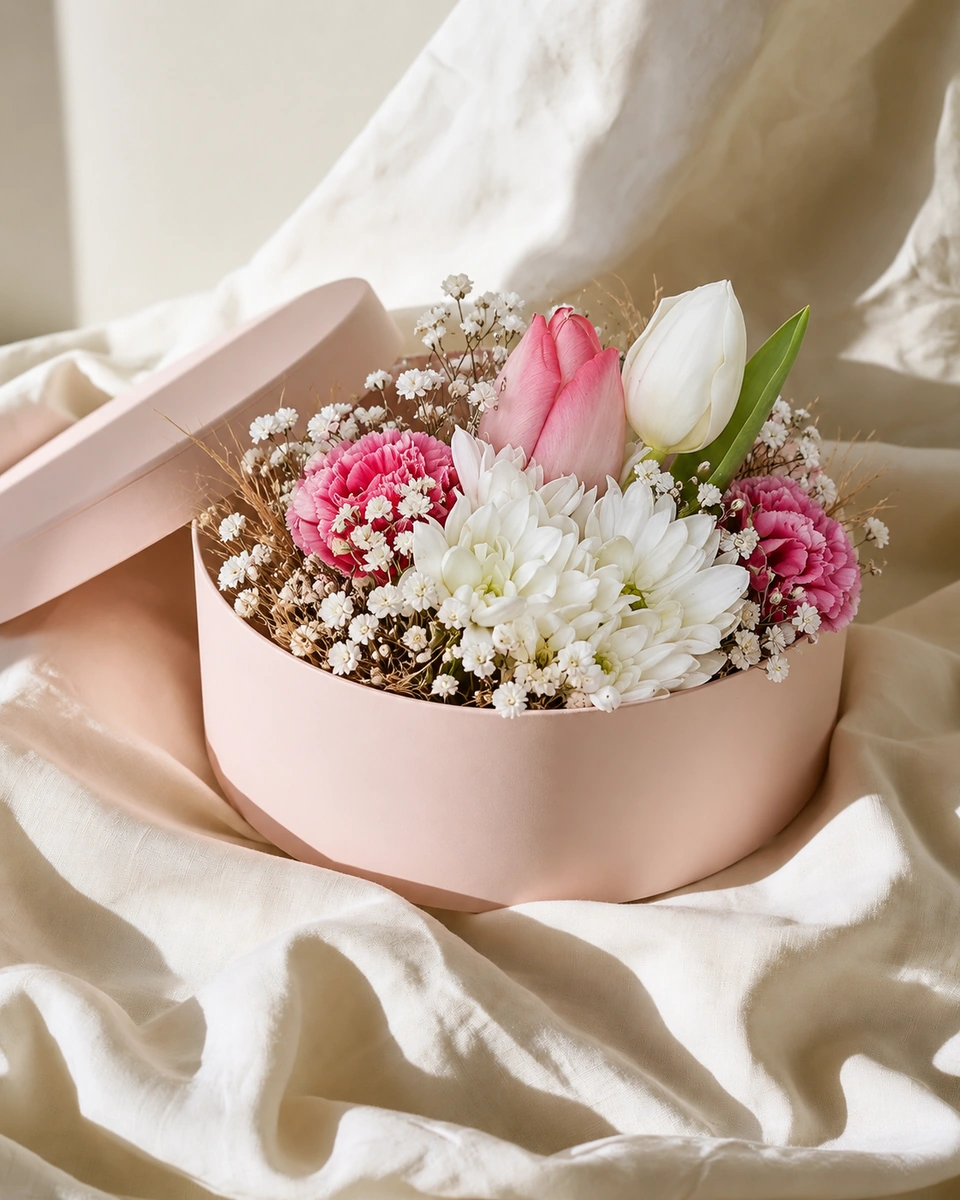 Illustrative test example
The tulips, carnations and gypsophila from the wrapped bouquet, arranged low in the room’s blush hatbox. The kraft wrap is left out on purpose.
From the wrapped tulips photo · Room: Blush hatbox · lid off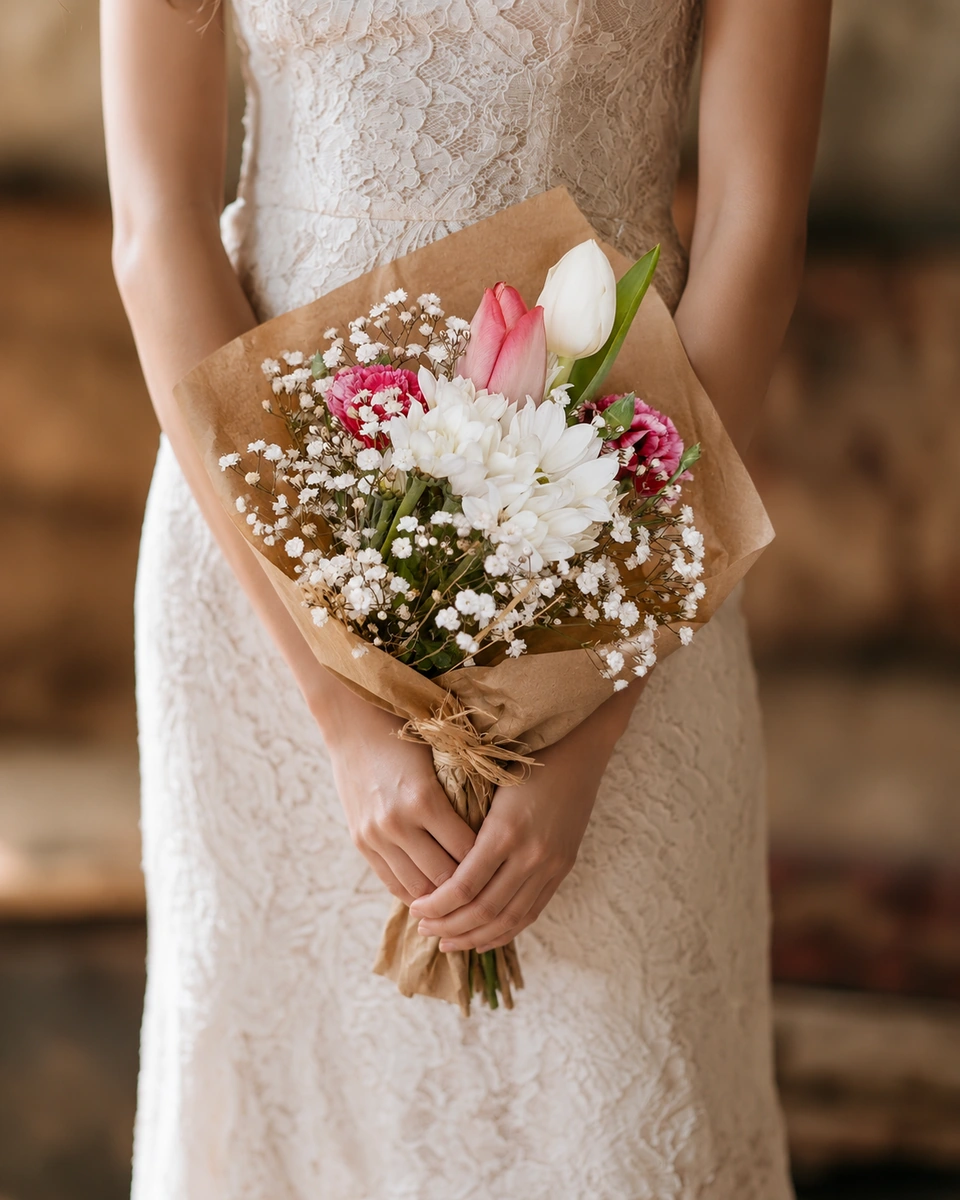 Illustrative test example
The wrapped tulip bouquet held by a bride in lace, with the kraft paper gathered naturally in her hands.
From the wrapped tulips photo · Room: Before the vows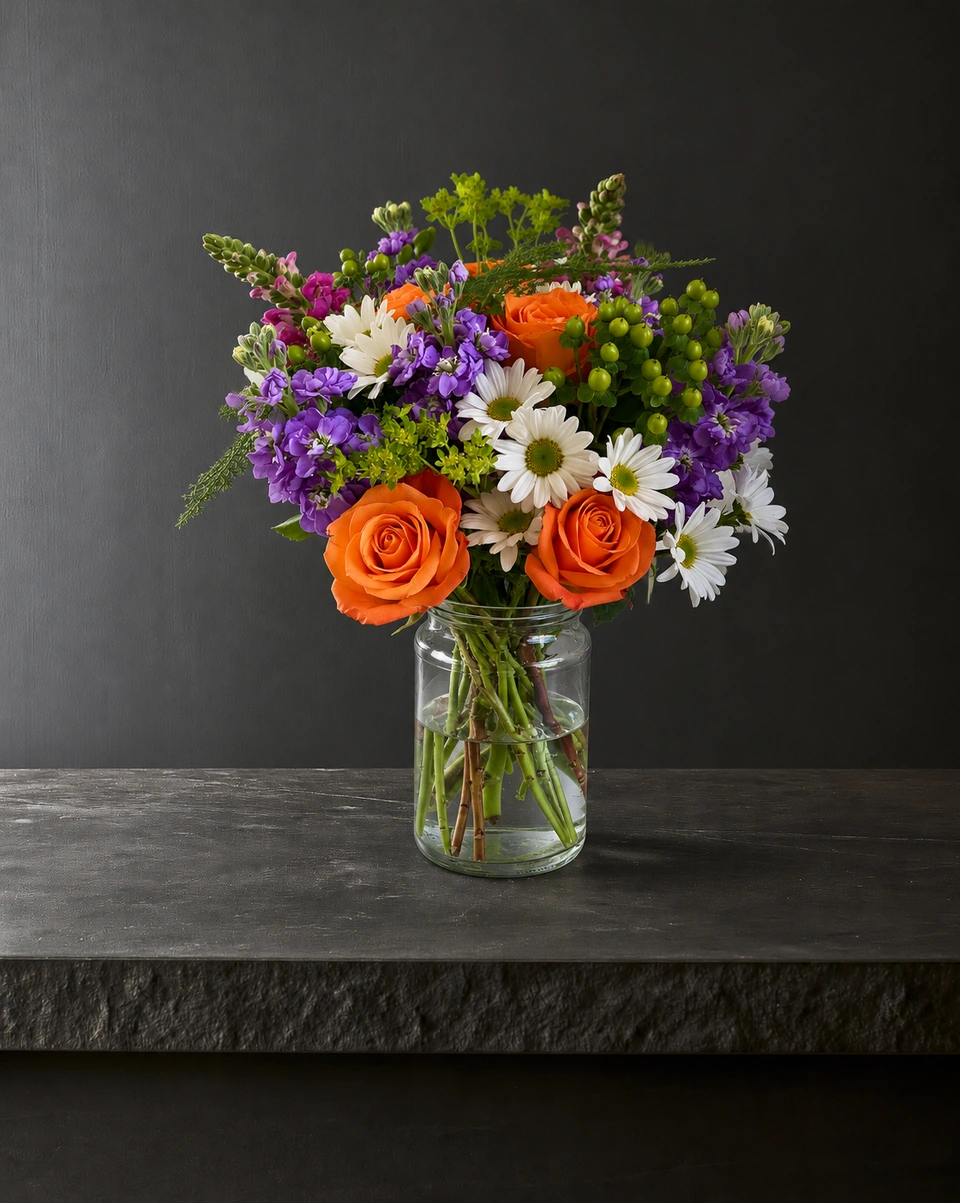 Illustrative test example
The same jar arrangement on dark stone, lit softly from the side so the colours glow.
From the mixed jar photo · Room: Black limestone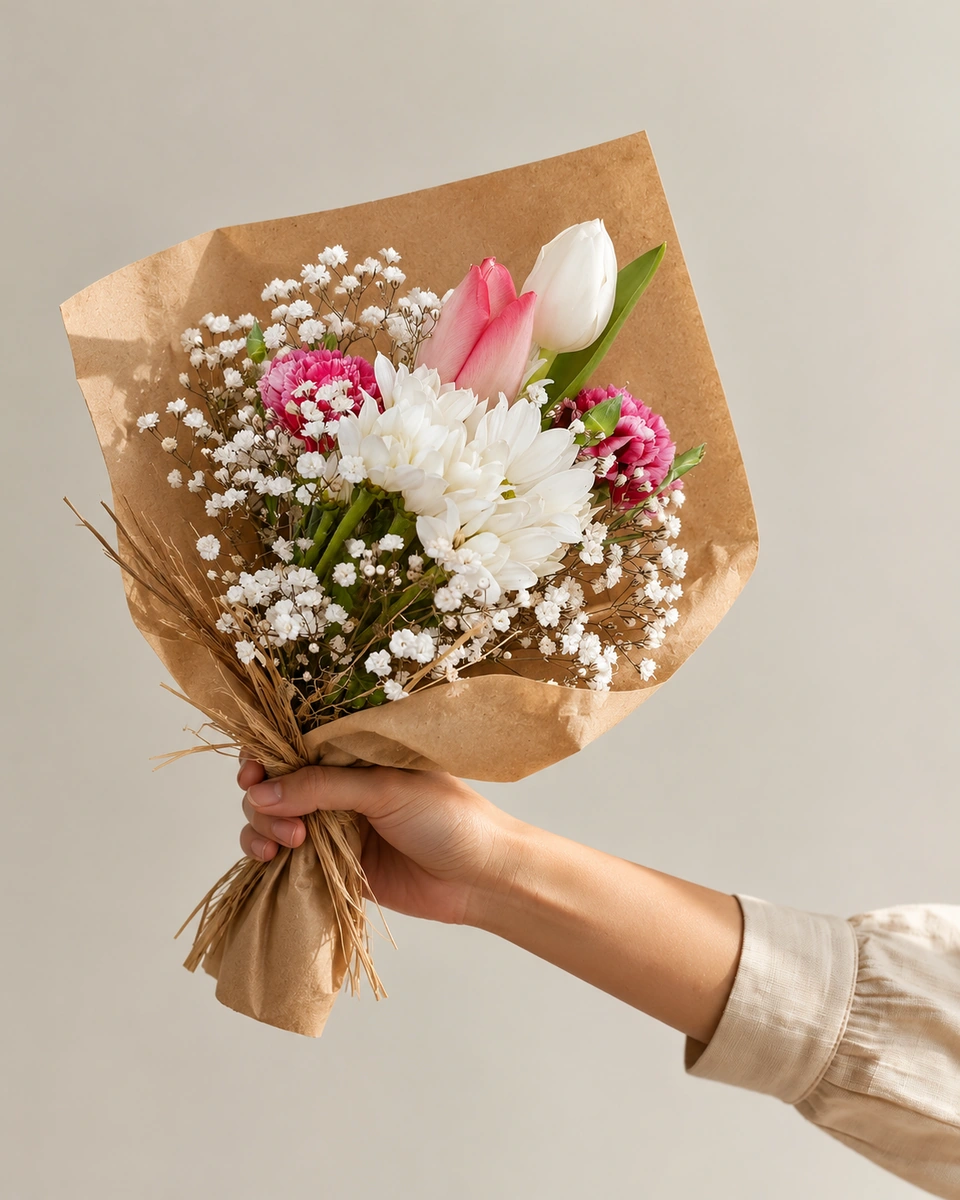 Illustrative test example
The kraft-wrapped bouquet held out in a relaxed hand against warm linen, ready to hand over.
From the wrapped tulips photo · Room: An open hand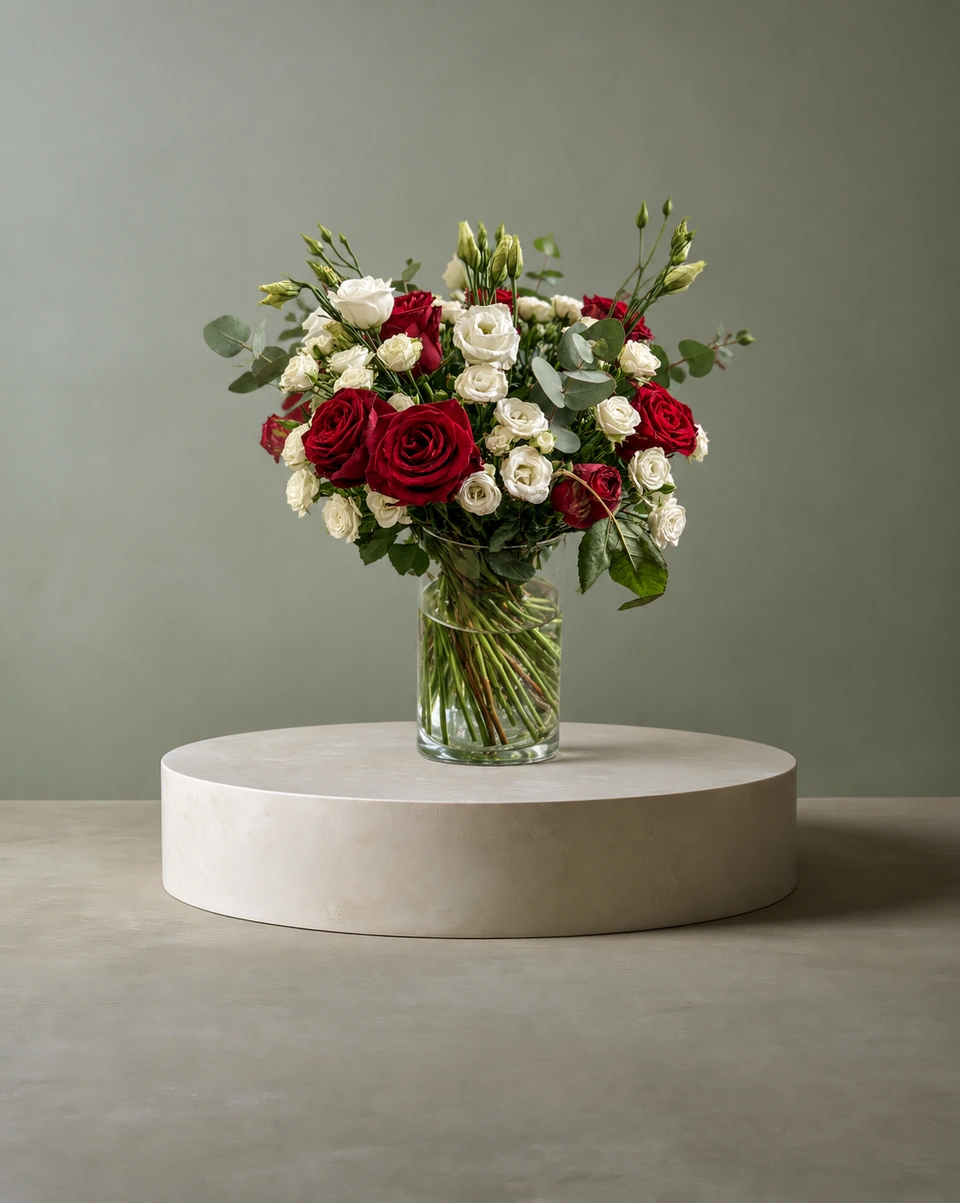 Illustrative test example
The red and ivory roses with eucalyptus in the same clear glass, standing on a round stone plinth.
From the red & ivory roses photo · Room: Sage & stone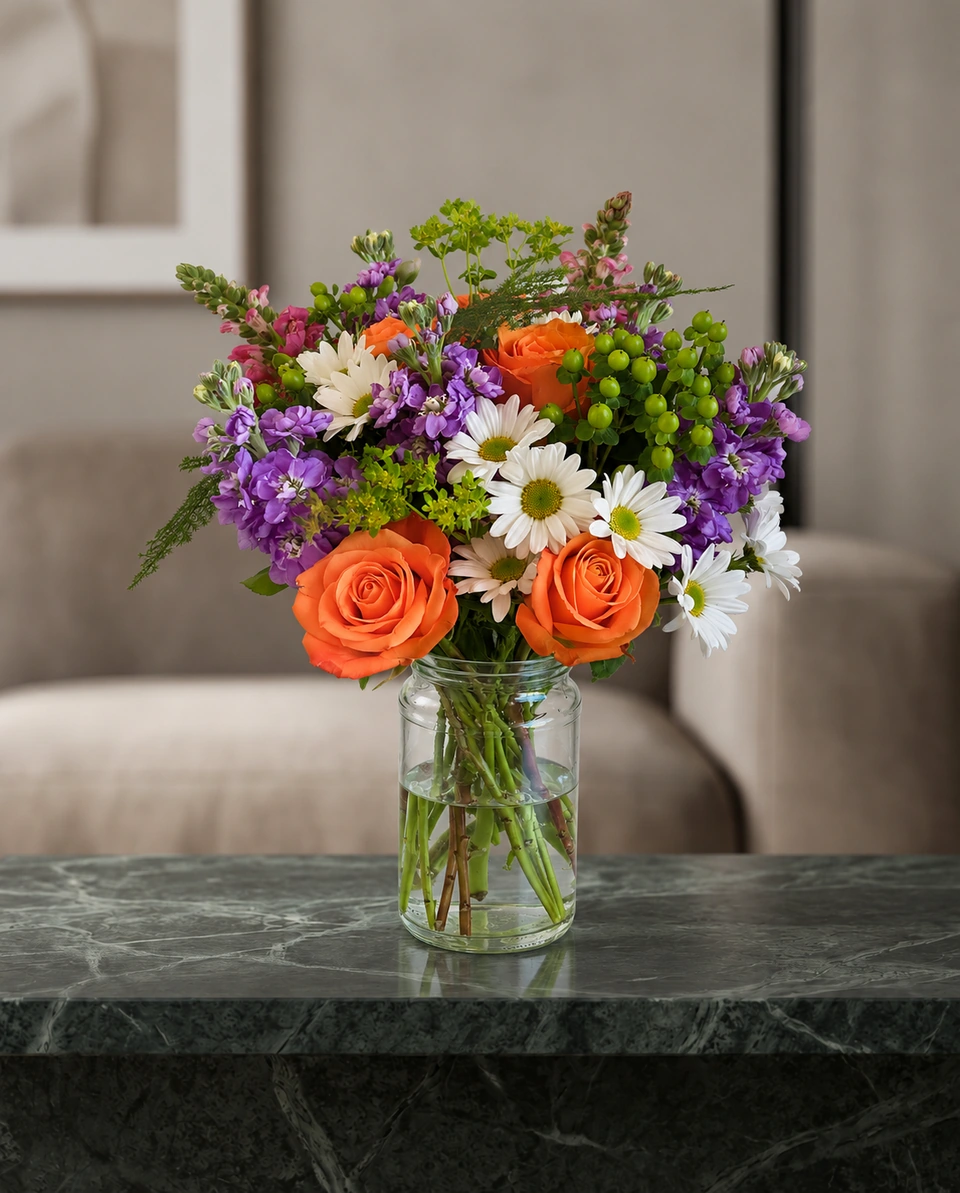 Illustrative test example
The same jar on green marble in a calm living room, with the sofa softly out of focus.
From the mixed jar photo · Room: Emerald marble · quiet lounge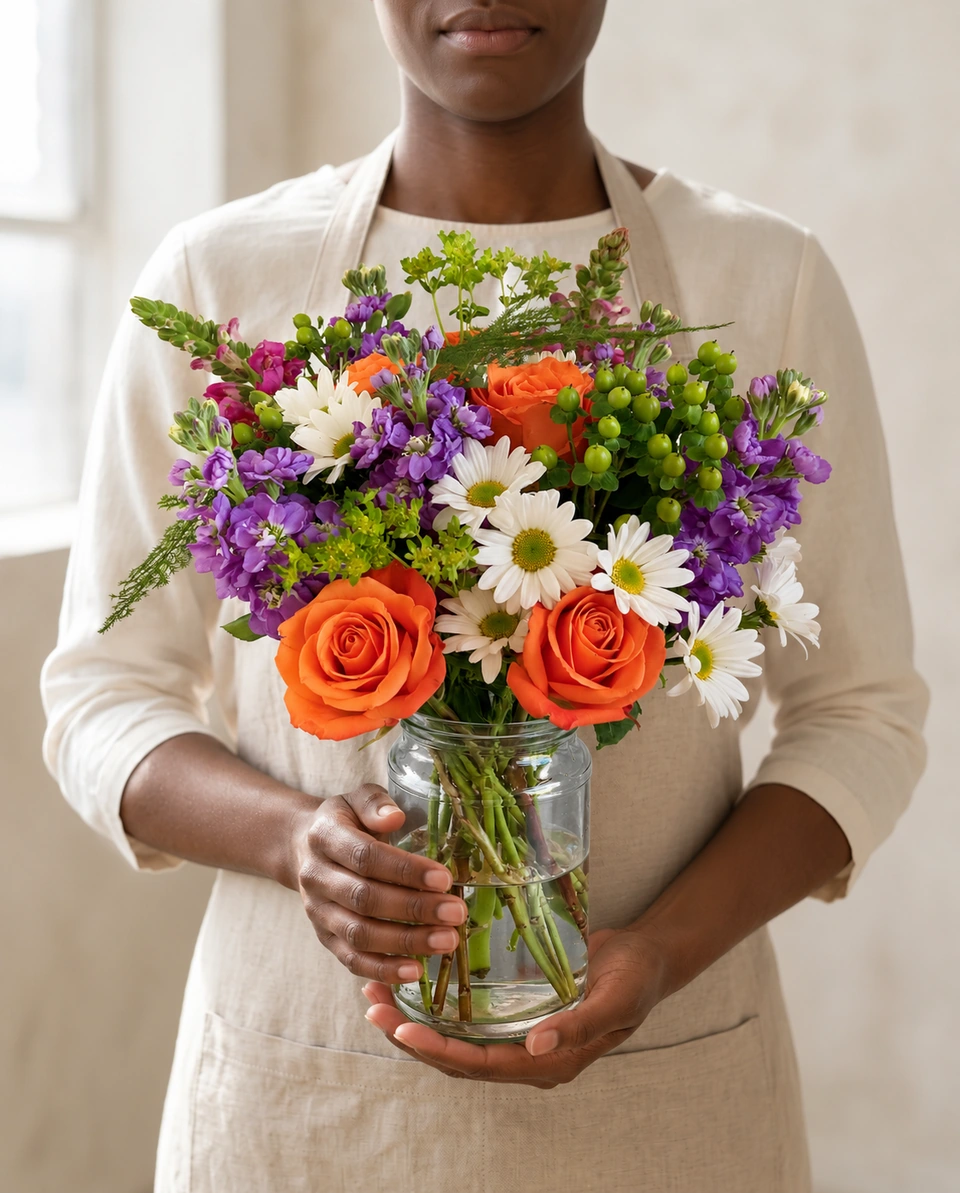 Illustrative test example
The arrangement carried in its own jar by a florist in a linen apron, one hand under the base.
From the mixed jar photo · Room: In the maker’s hands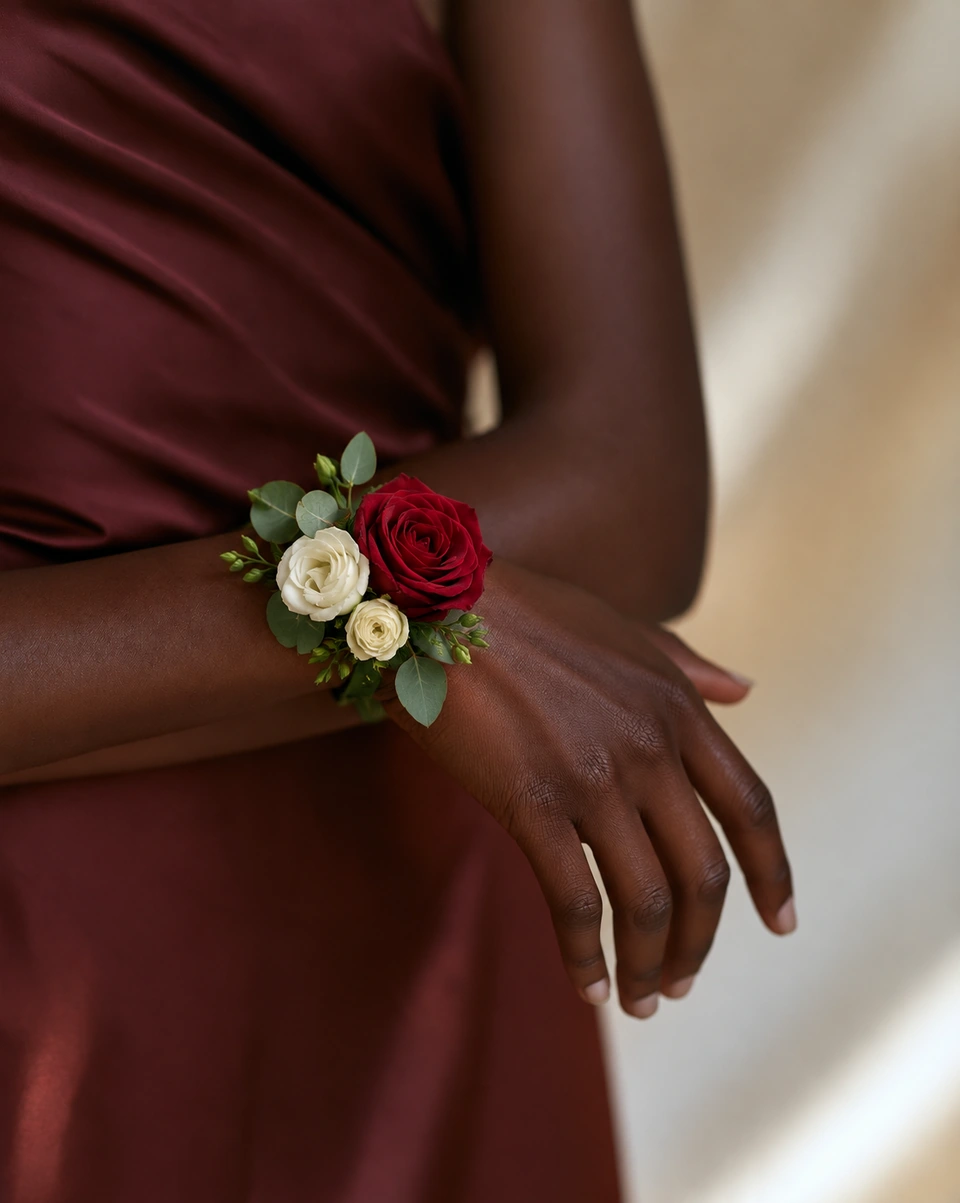 Illustrative test example
A wrist corsage made from one red rose and cream blooms chosen from the arrangement. The vase and the rest of the flowers are left out on purpose.
From the red & ivory roses photo · Room: On your wrist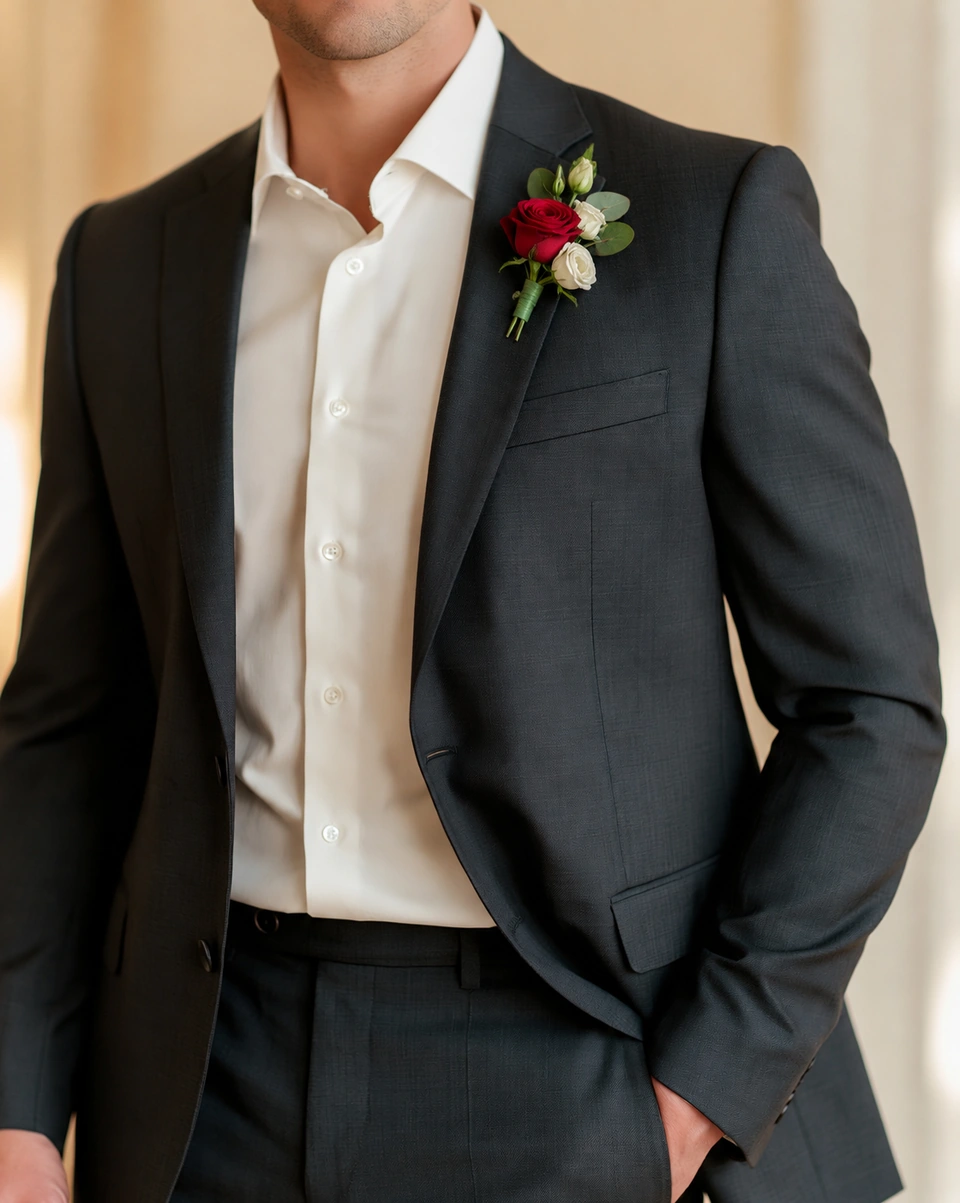 Illustrative test example
A buttonhole made from a red rose and ivory accents chosen from the arrangement, pinned to a charcoal suit.
From the red & ivory roses photo · Room: The finishing touchIllustrative test examples, picked from our own tests and made from demonstration photos, not customer work. Shown whole, with no retouching. Results depend on your photo and the room you choose.
Look closer
Close-ups cropped from the examples above, with no retouching. Premium means the close-up holds up: the same flowers, and glass that really stands on its surface.
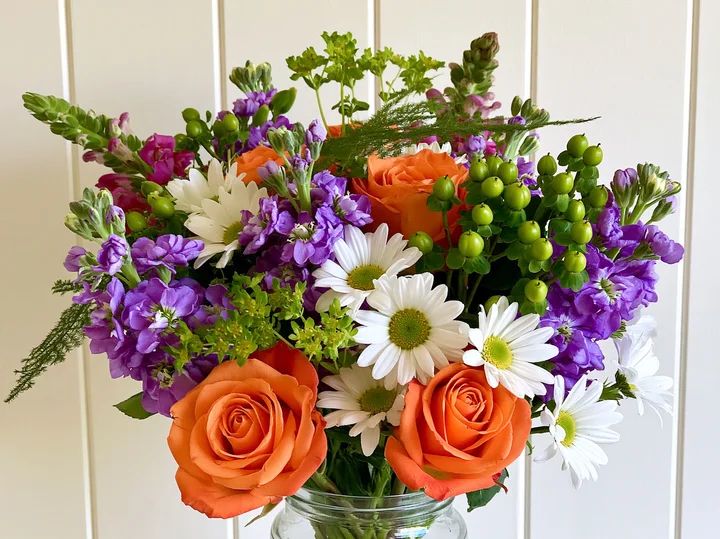 Phone photo
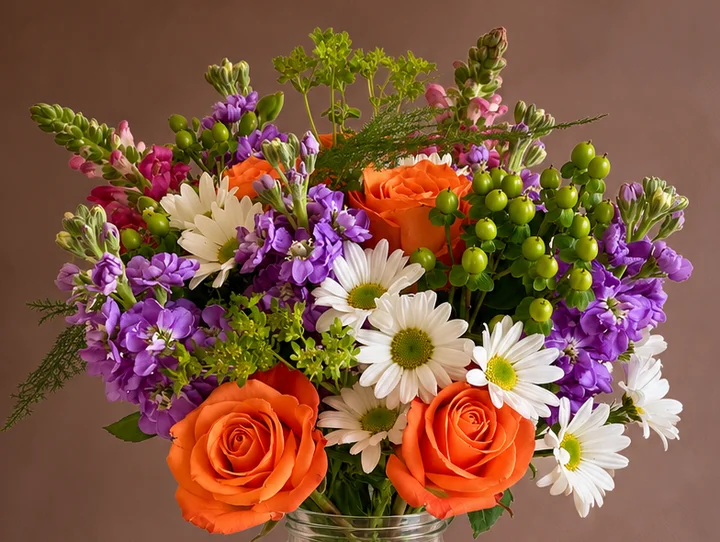 Studio photo
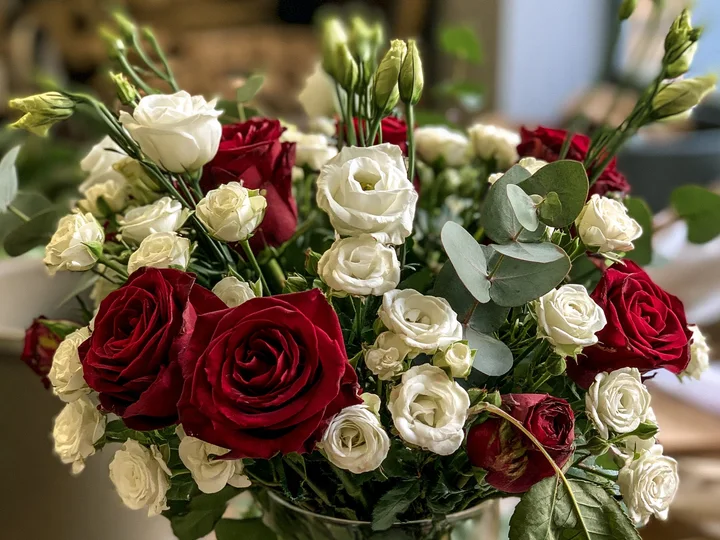 Phone photo
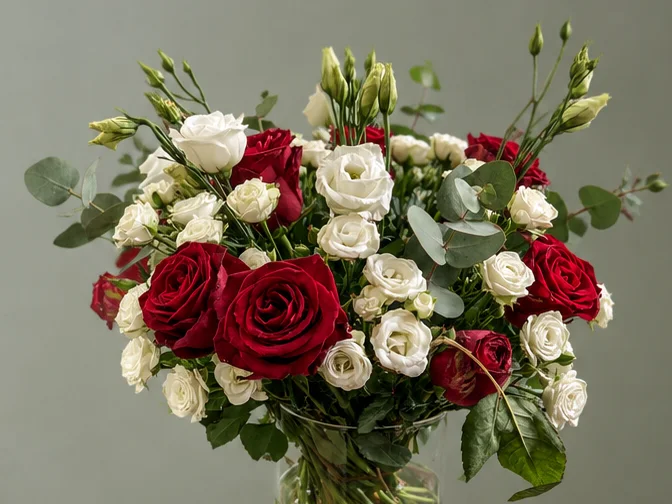 Studio photo
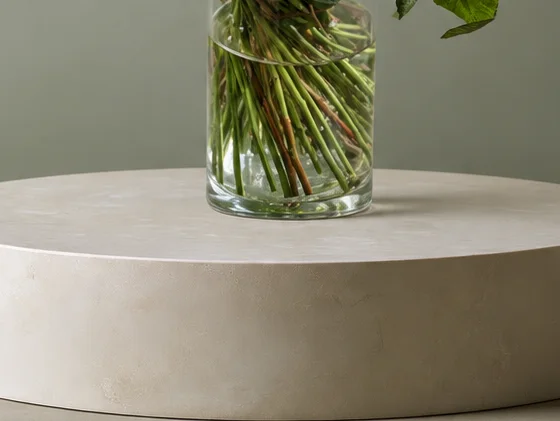 Studio photo
Why it looks natural
ShotSetter doesn’t cut your arrangement out and paste it on a backdrop. It makes a new photograph of your piece in the room you choose, so light, shadow and size belong together and your flowers look beautiful there.
Before each photo, ShotSetter notes your flowers by variety and colour, and the shape of your vase or wrap, so the studio photo has them to keep.
Every room has a set spot on a real surface, in a hand or on a stand, sized for flowers. Your piece stands there at a natural size, on the surface rather than floating or perched on an edge.
The room’s own light falls on your petals and glass, with a soft contact shadow and reflections where the surface would give them.
Each result is compared with your phone photo before you see it. If something slipped, one tap asks for a free fix (one with every 10 credits).
Kept as you made itMost rooms keep your arrangement or wrapped bouquet as it is: same flowers, same vase or paper.
Styled on purposeA few rooms restyle on purpose, like a gift box, a bridal grip or a corsage made from your flowers. They always say so before you choose.
New
Not sure which room? ShotSetter studies your flowers, then picks the setting that suits them best. Your arrangement and packaging stay the focus.
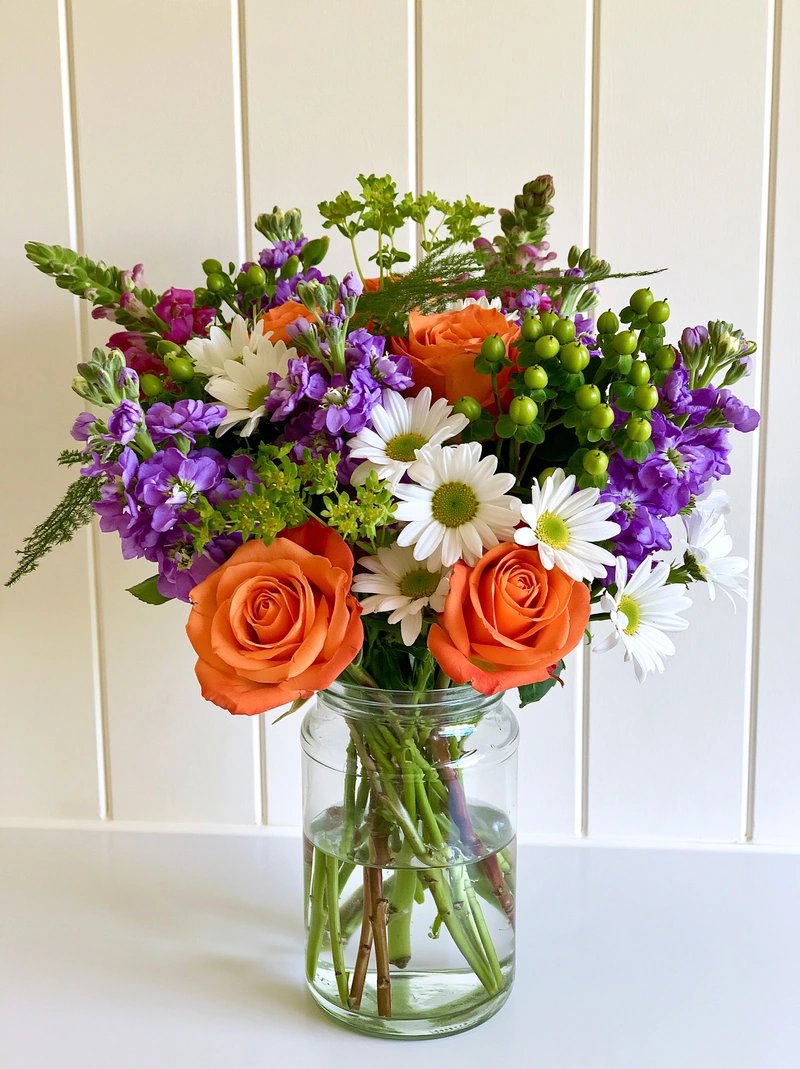 Phone photo
 ShotSetter chose this
Built for florists who sell
Whether you work from the kitchen table or run three shops, ShotSetter turns the arrangement on your bench into photos that sell it.
Kitchen-table studios and market stalls.
Daily arrangements, a menu that changes every week.
Bouquets, buttonholes, corsages and centrepieces.
Gift boxes, hatboxes and holiday menus.
A complete studio
Pick a room made for flowers and see exactly where yours will stand.


 192 rooms
Clean studios and pedestals, stone and marble, warm interiors, weddings, sympathy, wreath doors and seasonal tables. All original, all designed for florists.
 Your flowers go here
A pin shows exactly where your flowers will stand, before you spend a credit.
Held for realBridal and bridesmaid rooms close real fingers around the stems, at a natural size.
Before each photo, ShotSetter reads your arrangement: blooms by variety, colour and opening stage, and the shape of your vase. The studio photo is made to keep them.
How it works
One phone photo. Messy bench, kitchen table or cooler: that’s fine. Get the whole vase in.
Pick any room and see where your flowers will stand before you create.
Your finished photo arrives checked against your original. Add your logo and download every size you need.
192 original rooms
Every room is designed for flowers, with a set place for your piece. Pick a clean studio for your shop, a wedding scene for a bridal portfolio, or a seasonal table for the holidays.

 New
New New
New New
New New
New New
New New
New New
New New
NewSunlit sills, firelit mantels, wedding tables, baskets and hatboxes. Ready for your photos now.
Dreaming of a room we don't have yet? Request a scene, with a reference photo if you like. We'll do our best to add it for you, free.
Studios
Potted plants, custom cakes and desserts, and candles and soaps are next. Want one sooner? Ask for early access and we’ll tell you the day it opens.
The ShotSetter phone app is coming soon. Until then, open shotsetter.com on your phone and choose “Add to Home Screen”: it opens like an app.
Tell me when it’s outPeace of mind
Your arrangements are your livelihood. ShotSetter keeps them yours, keeps them private, and never lets an unchecked photo out.
Every photo is compared with your flowers and vase before it reaches you. Something not quite right? Tell us exactly what, and we remake it free: one free fix for every 10 credits.
Only you see your uploads and results. Your photos are never used for training, and we use no ad or tracking cookies.
Post them on Instagram and Facebook, use them on your website, shop listings and delivery apps, or print them on cards. Wherever you sell your work.
If a photo can't be created, its credit comes back automatically. Completely unused packs can be refunded within 14 days; used credits can't be refunded.
Cancel a plan any time. Unused plan credits roll over a month, and one-time packs never expire.
Payments run through Stripe. We never see or store your card.
Simple pricing
Buy credits when you need photos and top up any time. A Classic photo uses 1 credit, which costs less than $1 on every pack and plan. A Signature photo uses 2 and renders finer petal detail for banners, print and close-ups. Every 10 credits also come with a free fix, in case a photo isn’t right. New accounts get 3 free credits (3 Classic photos), no card needed. Free photos download with a small ShotSetter badge until your first pack or plan.
$12 once
15 credits
+ 1 free fix if a photo isn’t right
$0.80 per Classic photo · never expire
Try a small collection of product photos.
$29 once
50 credits
+ 5 free fixes if a photo isn’t right
$0.58 per Classic photo · never expire
Refresh listings and plan your next campaign.
$59 once
120 credits
+ 12 free fixes if a photo isn’t right
$0.49 per Classic photo · never expire
More room for busy shops and seasonal launches.
$99 once
240 credits
+ 24 free fixes if a photo isn’t right
$0.41 per Classic photo · never expire
Best value for busy shops, wedding season and holiday menus.
Same rooms and quality, more credits for the price. One extra order can pay for the month. Cancel any time.
$29 / month
60 credits a month
+ 6 free fixes if a photo isn’t right
$0.48 per Classic photo
For home florists posting a few times a week.
$59 / month
140 credits a month
+ 14 free fixes if a photo isn’t right
$0.42 per Classic photo
For shops refreshing listings and seasonal menus.
$129 / month
350 credits a month
+ 35 free fixes if a photo isn’t right
$0.37 per Classic photo
For busy shops, weddings and several sales channels.
Need 500+ credits for several shops or wedding season? Email us for a custom pack.
Questions
ShotSetter is an online product photo studio made only for florists. Upload one phone photo of an arrangement, bouquet, wreath or other floral piece, choose one of 192 original rooms, and get a studio product photo in about a minute. Your flowers and vase stay recognisably yours; the room’s light, shadow and scale are fitted around them, so the photo looks naturally shot in that room.
Take one phone photo of the finished piece and use a tool made for flowers, such as ShotSetter. General photo apps cut the flowers out and paste them on a backdrop, which often leaves floating stems, squashed vases and light that doesn’t match. ShotSetter places your piece in a room built for flowers, keeps your arrangement and adds the room’s own light and shadow. You can try 3 photos free, with no card.
No. A background remover cuts your flowers out and pastes them onto a backdrop. ShotSetter creates a new photograph of your piece in the room you choose, so the light, shadow, reflections and size belong together, while your flowers and vase are kept.
The room makes space for your flowers. Each room has a set spot on a real surface, in a hand or on a stand. Your piece is placed there at a natural size, lit by the room’s own light, with a soft contact shadow and reflections where the surface would give them. Then the result is compared with your phone photo before you see it.
Yes. Choose “Let ShotSetter choose” in the studio. ShotSetter studies your flowers, then picks a setting that suits them, such as a refined tabletop, a plinth, a boutique display or a calm daylight interior, and keeps your flowers, vase or box and wrapping as they are. It works for arrangements, bouquets, wreaths, sympathy sprays, corsages, buttonholes, crowns and leis. You can still pick any room yourself.
Vase arrangements, Wrapped & hand-tied bouquets, Wrist corsages, Buttonholes, Wreaths, Flower crowns, Leis, Sympathy sprays, Flowers in a display vase, Loose stems (we add a vase). Choose the type when you upload, and ShotSetter shows the rooms made for it.
192 original rooms: held & worn (32), lifestyle (31), studio (30), wedding (21), pedestals (18), surfaces (16), vase styling (16), seasonal (15), sympathy (9), wreaths (4). All are designed for flowers, and you can request a new one free.
Most rooms keep the piece you made: the same flowers, colours, shape and vase or wrap, with a new room, light and shadow around them. Results are made to match your photo closely, not pixel for pixel, so a small detail can differ; if one matters to you, use a free fix (one comes with every 10 credits). A few rooms change things on purpose, such as a gift box, a bridal grip or a corsage made from your flowers, and they say so before you choose them.
Less than $1 a photo, with no photographer fee. New accounts get 3 free credits (3 Classic photos), and no card is needed. After that, one-time packs start at $12 for 15 credits and never expire, and plans start at $29 a month for 60 credits, from about $0.37 a photo. A Classic photo uses 1 credit and a Signature photo 2.
It is made only for florists. Every room has a set place for flowers, so vases stand on the surface and bouquets sit in the hand at a natural size, lit by that room. You see where your piece will go before you spend a credit, every result is compared with your original before you see it, and every 10 credits include a free fix if anything is off.
No. A phone photo is enough, even on a messy workbench. There's nothing to edit: pick a room and download your photo.
Yes. Most of our rooms were made with kitchen-table and market-stall florists in mind: you get shop-quality photos without a shop, a studio or a photographer.
Yes. New accounts get 3 free credits, enough for 3 Classic photos, and no card is needed. You see every free photo in full, and free downloads carry a small “Made with ShotSetter” badge; any plan or pack removes it from every photo you've made.
Anything that sells your own work: your website and shop listings, Instagram and Facebook, delivery-app menus, proposals, flyers and printed cards.
Any phone photo works. Get the whole arrangement in the frame, including the tallest stems and the base of the vase, in reasonable light. A messy workbench behind it is fine.
Yes. Add your logo in My brand (a logo on white is fine; we make the white transparent), plus your phone and website. Then put your logo on any photo, post, Story or flyer.
Every photo is 2K, about 3.6 megapixels: sharp for your website, Instagram and shop listings.
Both start from your own photo of your flowers, placed in the room you pick. Classic is studio quality for listings and social posts, ready in about a minute, for 1 credit at 2K. Signature takes about 2 minutes because it renders every petal, leaf and the glass in finer detail, so your photo stays crisp on website banners, in print and in close crops, for 2 credits at 2K. Not sure? Start with Classic: every 10 credits include a free fix.
Your uploads stay yours, and the photos you create are yours to use wherever you sell: social media, your website, listings and print. Our rooms stay ours: use them inside your photos, but not on their own.
No. We never use your photos for training. Our image service is a paid one that doesn't train on them either, and we use no advertising or tracking cookies.
Only you. Your uploads and results are stored privately in your own studio, never shown publicly, and you can remove them all at any time from Storage & privacy.
If a photo can't be created, the credit goes back to you automatically. If a result isn't quite right, tap “Something not right?” on the photo, describe exactly what's wrong, and we remake it free. You get one free fix for every 10 credits: 6 a month on Starter, 14 a month on Growth, 35 a month on Studio.
Yes, tell us. Tap “Request a scene” in the studio or email us, with a reference photo if you have one. We'll do our best to add it for you, free.
Please do. Email us anything you'd add, change or remove, or a design idea. We read every message and use them to decide what we build next.
No. Buy a one-time pack when you need photos and top up whenever you like: pack credits never expire. If you post every week, a monthly plan gives you about 20% more photos for the same price, and you can cancel any time. New accounts start with 3 free credits, and no card is needed to try.
No. Continue with Google, or sign in with any email address, including your shop, Outlook or Yahoo email: we email you a 6-digit code, with no password to remember.
A phone app is coming soon. ShotSetter already works in your phone’s browser, including taking the photo with your camera: open shotsetter.com and choose “Add to Home Screen”, and it opens like an app.
For now, yes: Flower Studio is open. Plant, Cake, and Candle & soap studios are coming next. Email us for early access and we’ll tell you the day yours opens.
Yes. Share your invite link from Plans & credits. Friends who sign up with it get 5 free credits instead of 3, and when a friend buys a plan or pack you get 20 credits (10 for the smallest pack). Posting your photos is never tied to it: only your invite link counts.
On a plan, unused credits roll over one month, up to one month's credits. Top-ups and one-time packs never expire. If you cancel, your plan runs to the end of the period you paid for.
Phone photo in. Studio shot out. Start with 3 free credits.
Upload your photo