Delivery apps & Etsy
Flower photos for DoorDash, Uber Eats and Etsy
On delivery apps and marketplaces your photo is a small tile among dozens of others, and it has a moment to look fresh, generous and worth the price. Each platform has its own photo rules, and they are not the same. Here is what each one asks for, checked in October 2026, and where a ShotSetter studio photo fits.
DoorDash: real, unedited photos
DoorDash’s merchant help asks for clean, unedited photos that look exactly as photographed. It rejects photos with a background added afterwards, people, added text, logos, watermarks or borders. Menu photos must be landscape (16:9), at least 1400 × 800 pixels and under 2 MB, and show exactly what the customer receives.
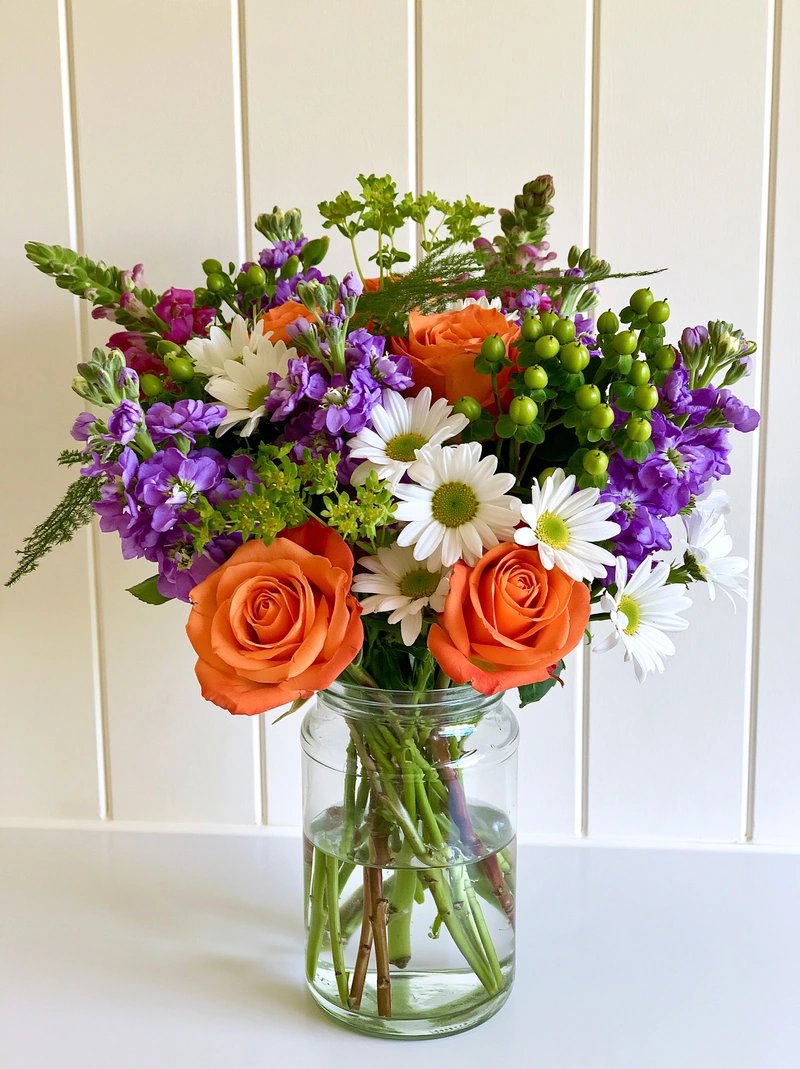
So for DoorDash, use a real phone photo, not a studio photo. Turn the phone sideways, set the piece on a plain, tidy surface by a window, and follow the tips in our phone photo guide. Keep your ShotSetter photos for your website, Etsy and social pages.
Uber Eats: a true picture of the item
Uber Eats’ merchant guidance asks for photos that truly represent what you sell, in soft natural light, and reviews each photo before it appears. Its public pages don’t set a rule about backgrounds, so read the photo terms in Uber Eats Manager before you upload a studio photo. If you’re unsure, use a real, unedited photo, as for DoorDash.
Etsy: show the real piece, beautifully
Etsy asks that a listing shows what the buyer will receive. Its help pages recommend large photos (at least 2,000 pixels wide and tall) that still look good cropped to a square, because shop pages show square crops. You can add several photos to each listing, so tell the whole story:
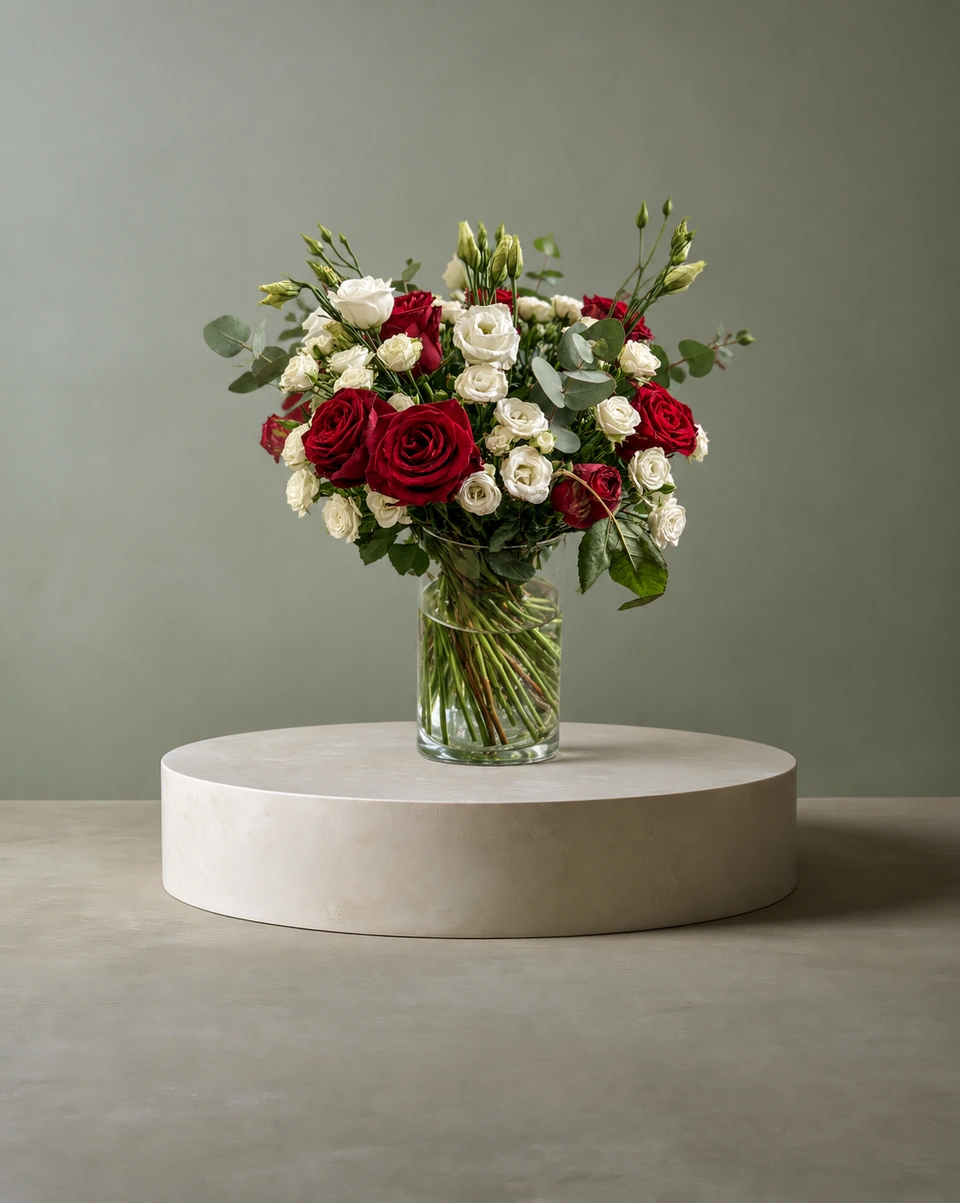
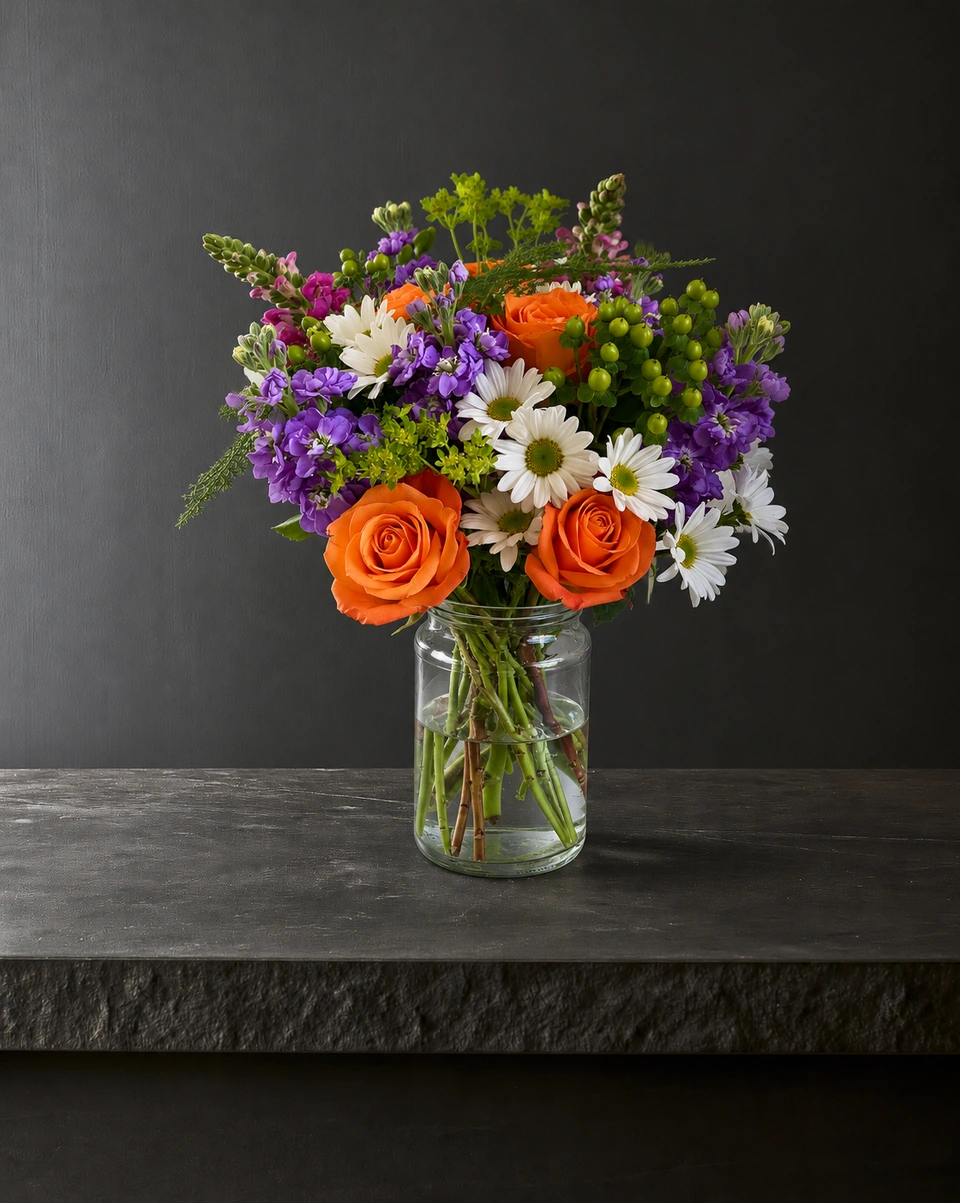
First photo: a clean studio shot
The flowers centred with space all round, so the square crop keeps every stem. Download the full-size photo from ShotSetter.
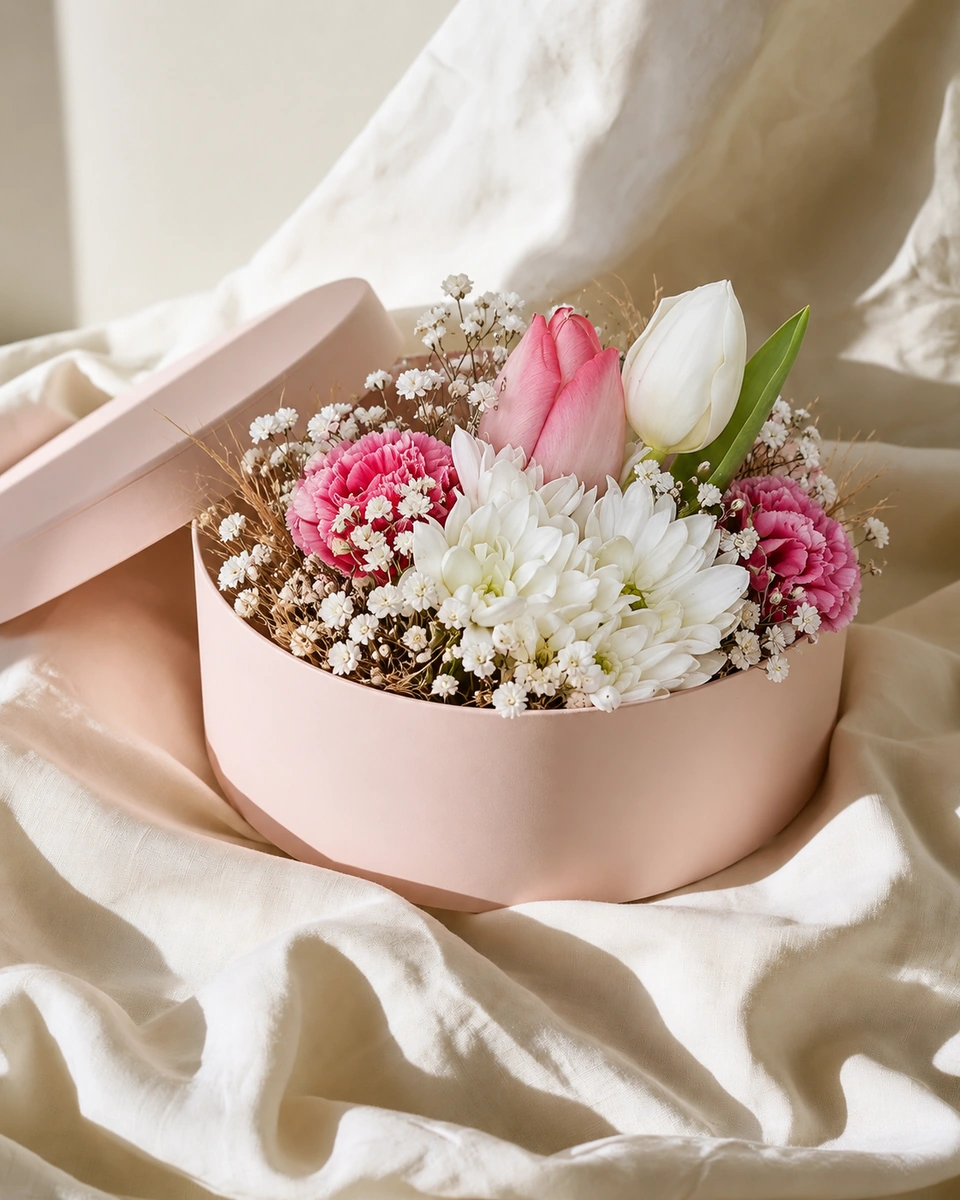
Second: a room that feels like home
A kitchen table or a window sill helps buyers picture it in their space.
Third: the real piece
Add your original phone photo or a close-up, so buyers see exactly what you made.
In the description: what’s included
The flowers, the vase or wrap, and the size, in words.
 Phone photo
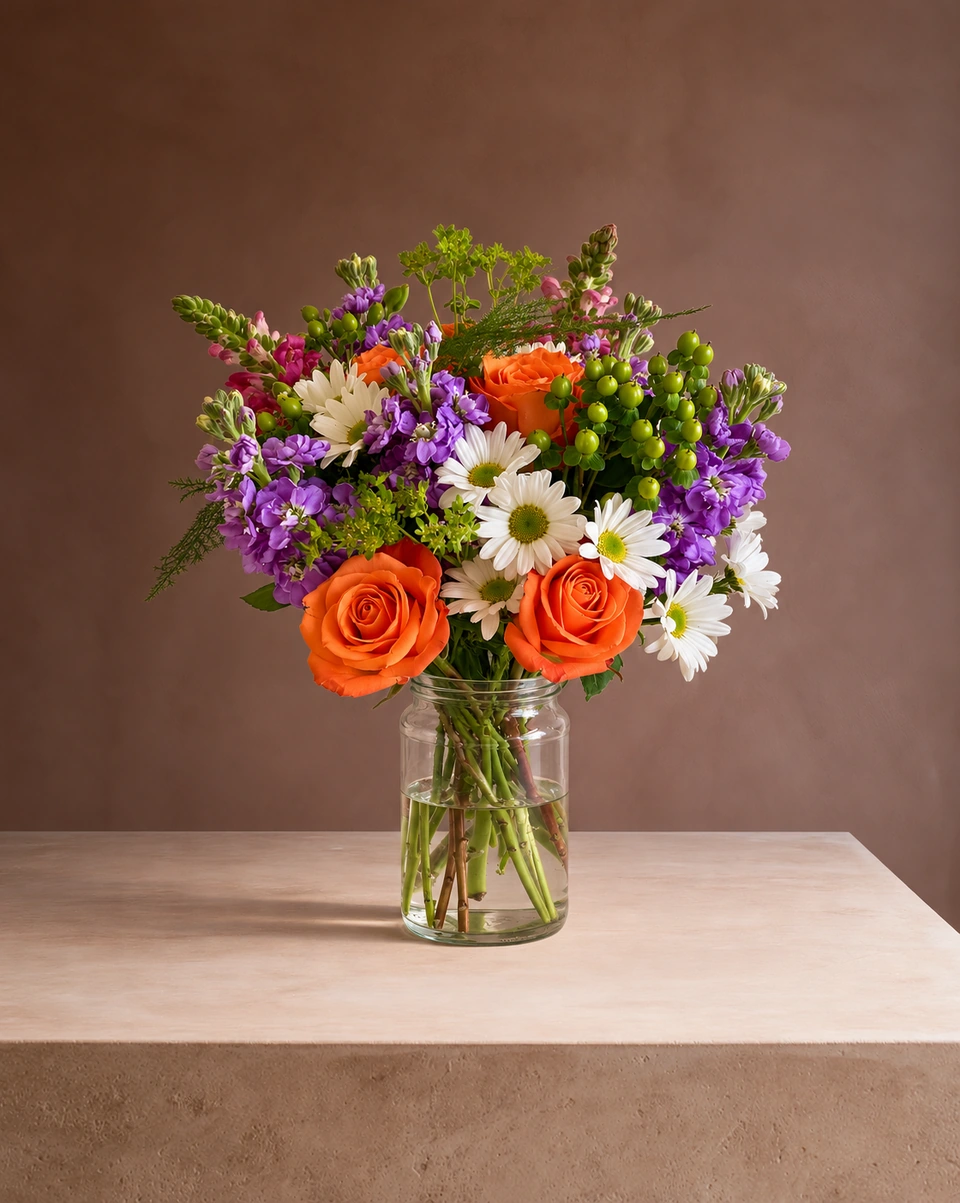 Studio photo
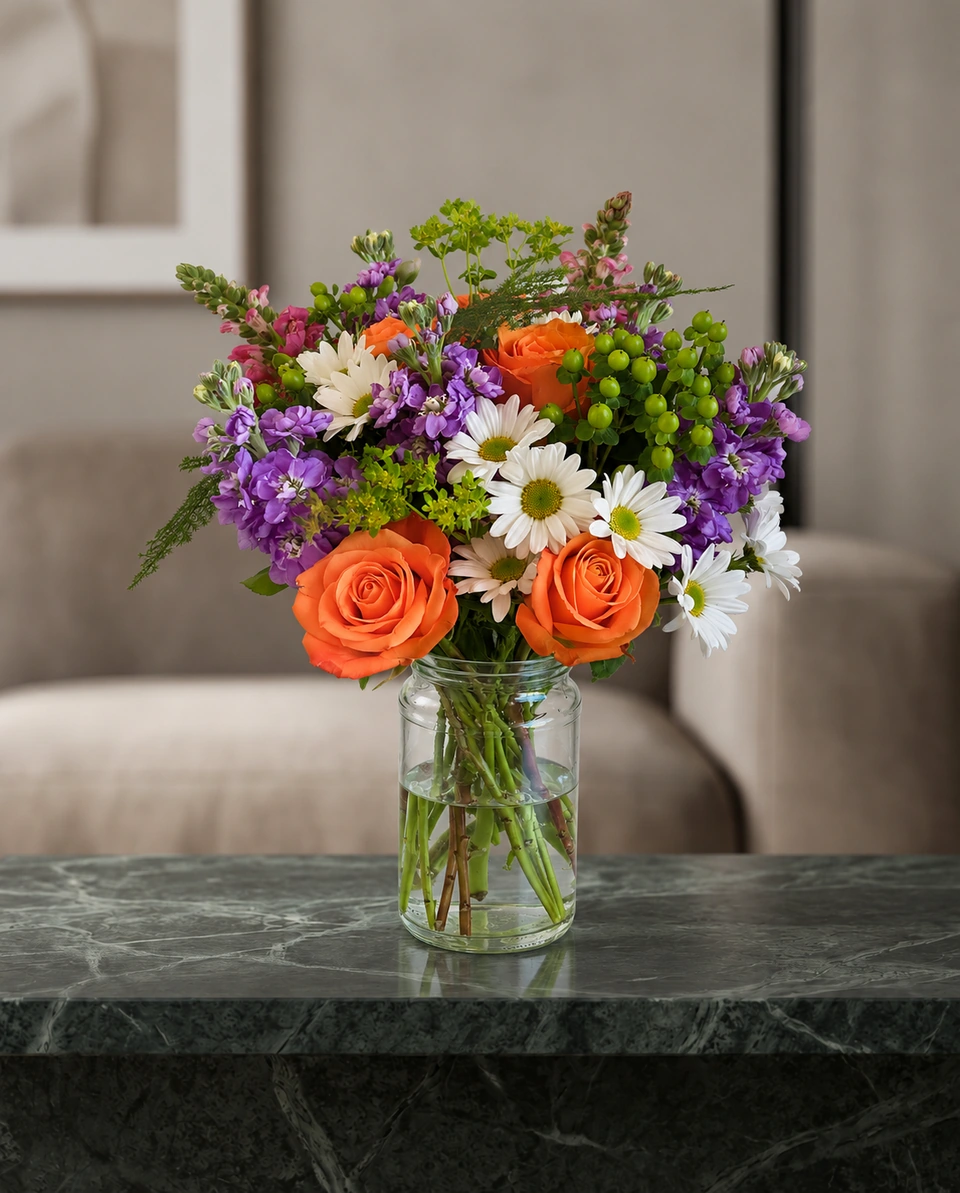 Studio photo
Rules that apply everywhere
- Show exactly what the customer gets: the same flowers, size and vase. One photo per item; never reuse a photo for a different size.
- Keep prices, text and logos off listing photos. Put them in the listing text instead.
- Use badge-free photos for listings. Free ShotSetter downloads carry a small “Made with ShotSetter” badge; any pack or plan removes it.
- Check the platform’s current rules before you upload. They change, and they have the final word.
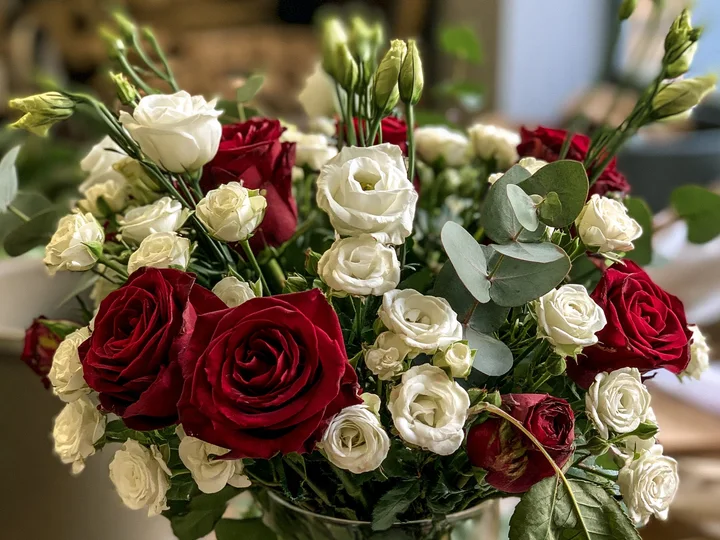 Phone photo
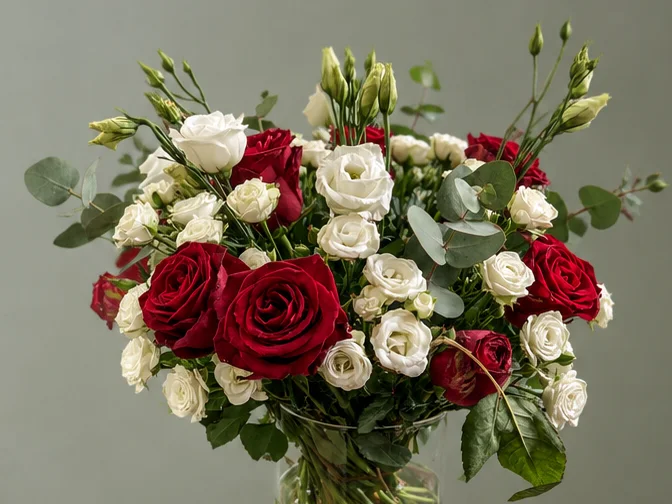 Studio photo
Made only for florists
The photo tool every florist should have
Your flowers are the product. ShotSetter makes the photo as lovely as the arrangement, wherever you share it: one phone photo in, a studio photo out.
For social media
Fresh posts and Stories every week, without a photo shoot or moving a single bucket. Download post and Story sizes with your logo and a caption, and let your flowers shine in a calm, professional feed.
For selling on your website
A studio product photo for every design, all in one house style, so your shop looks like a boutique. Customers see your real work instead of stock photos, and get what they saw.
- Skip the photographer. A studio photo from one phone photo, in about a minute.
- From 23¢ a photo. A Classic photo uses 1 credit. Packs start at $9 for 15 credits and never expire.
- No subscription needed. Pack credits never expire. Try 3 photos free, no card.
- Your real flowers. Your flowers and vase kept natural, so customers see your own work.
- 192 rooms made for flowers. Studios, pedestals, homes, weddings and every season.
- A free fix with every 10 credits, if something isn’t quite right.
Quick answers
Can I use edited or studio-style photos on DoorDash?
DoorDash’s merchant help says no: menu photos must be real and unedited, with no background added afterwards, no people and no added text. Use a real landscape phone photo there, and keep studio photos for your website, Etsy and social pages.
What size should DoorDash menu photos be?
Landscape 16:9, at least 1400 × 800 pixels and under 2 MB, according to DoorDash’s merchant help pages (checked October 2026).
What makes a good Etsy flower listing photo?
A first photo with the flowers centred and space around them, so it still works as a square crop, then a room photo and a close-up of the real piece. Etsy recommends photos at least 2,000 pixels wide and tall.
Sources
- DoorDash merchant help: common reasons for rejected menu photos
- Uber Eats merchants: menu photos
- Etsy help: requirements and best practices for images
Platform rules change. Check each one’s current help pages before you upload.