Honest comparison
ShotSetter vs PetalPro: which flower photo app suits your shop?
ShotSetter and PetalPro both turn a phone photo of your flowers into a styled product photo, with no photographer. They work differently, and the difference shows on your website. Here is an honest comparison, checked on 19 October 2026, so you can choose the right one for your shop.
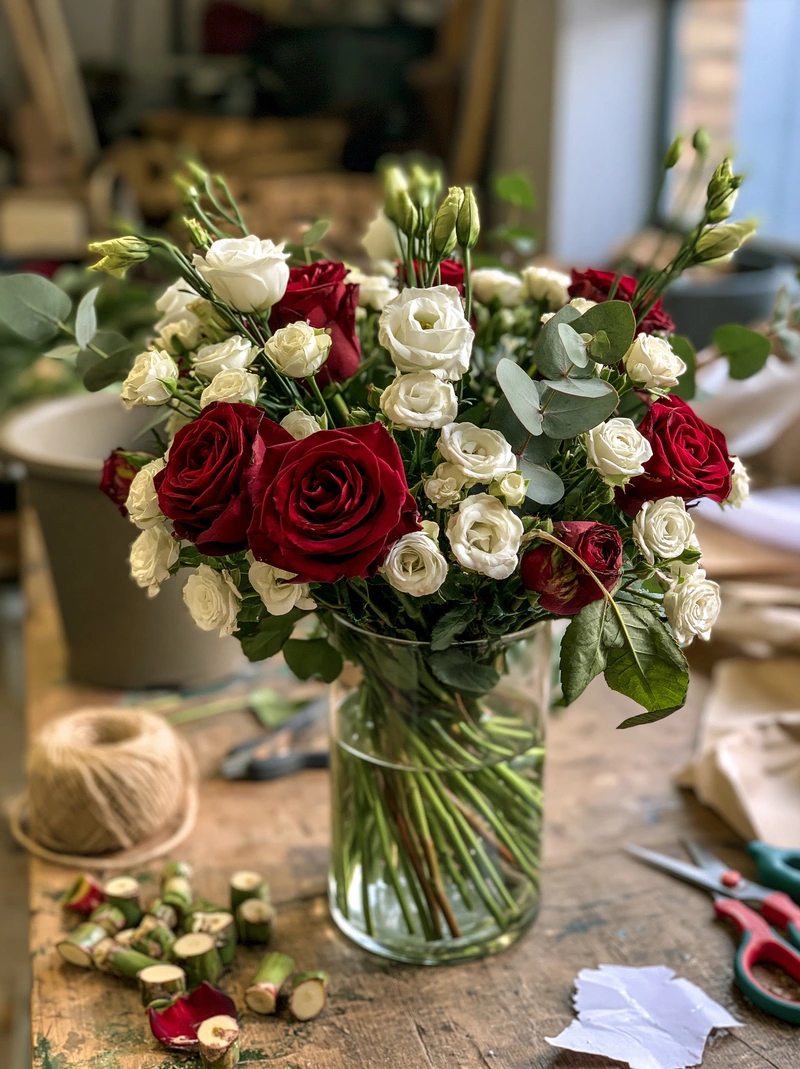 Phone photo
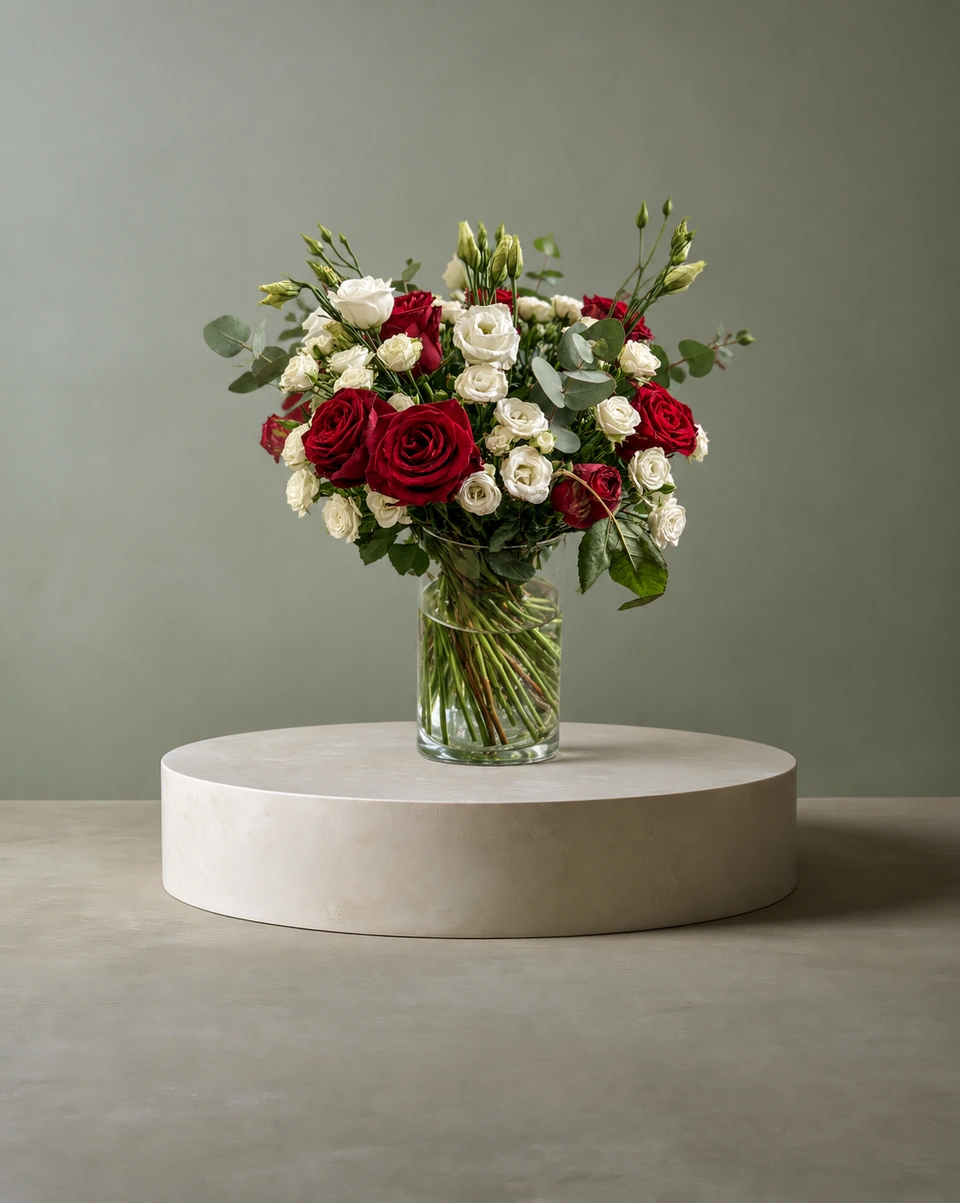 Studio photo
The short answer
- Choose ShotSetter if you want every product in the room you choose, in that room’s own light, with Signature detail for banners and print, and no subscription.
- Choose PetalPro if the lowest price per photo matters most, you like a new scene every time, and a monthly membership suits you.
At a glance
| ShotSetter | PetalPro | |
|---|---|---|
| Price | Packs from $9 for 15 credits, plans from $19 a month. From 23¢ a photo | $6.99 a month for 50 edits, about 14¢ each |
| Subscription needed? | No. Pack credits never expire | Yes, a monthly membership |
| Your backdrop | Keeps the room you pick: its surface, backdrop and light | Paints a new scene around your flowers each time |
| Choice of settings | 192 rooms made for flowers: studios, homes, weddings, sympathy and every season | 70+ backdrops: studio colours, homes, weddings, sympathy and seasonal |
| Time per photo | About a minute (Classic), about 2 minutes (Signature) | About 20–25 seconds in our test |
The real difference: does your room stay put?
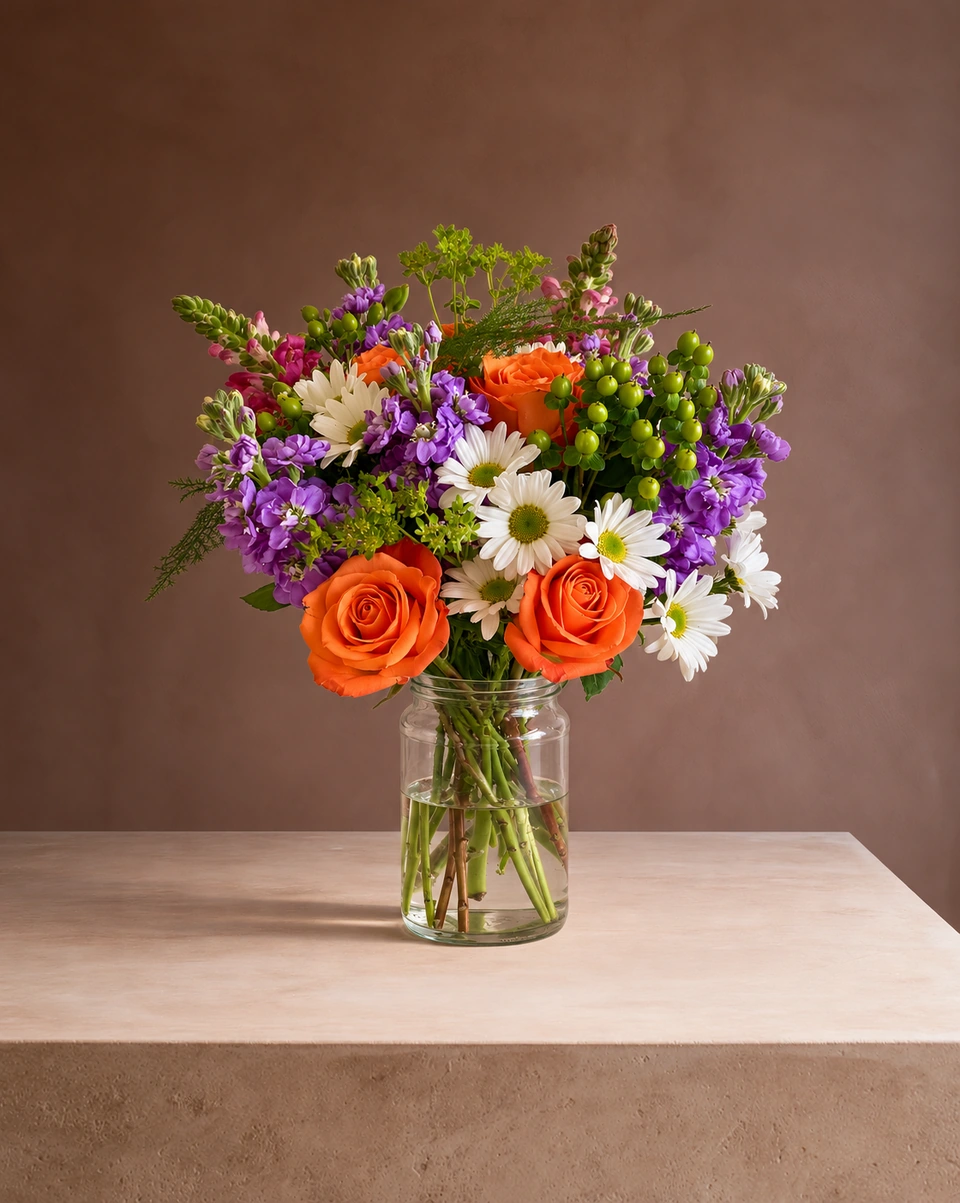
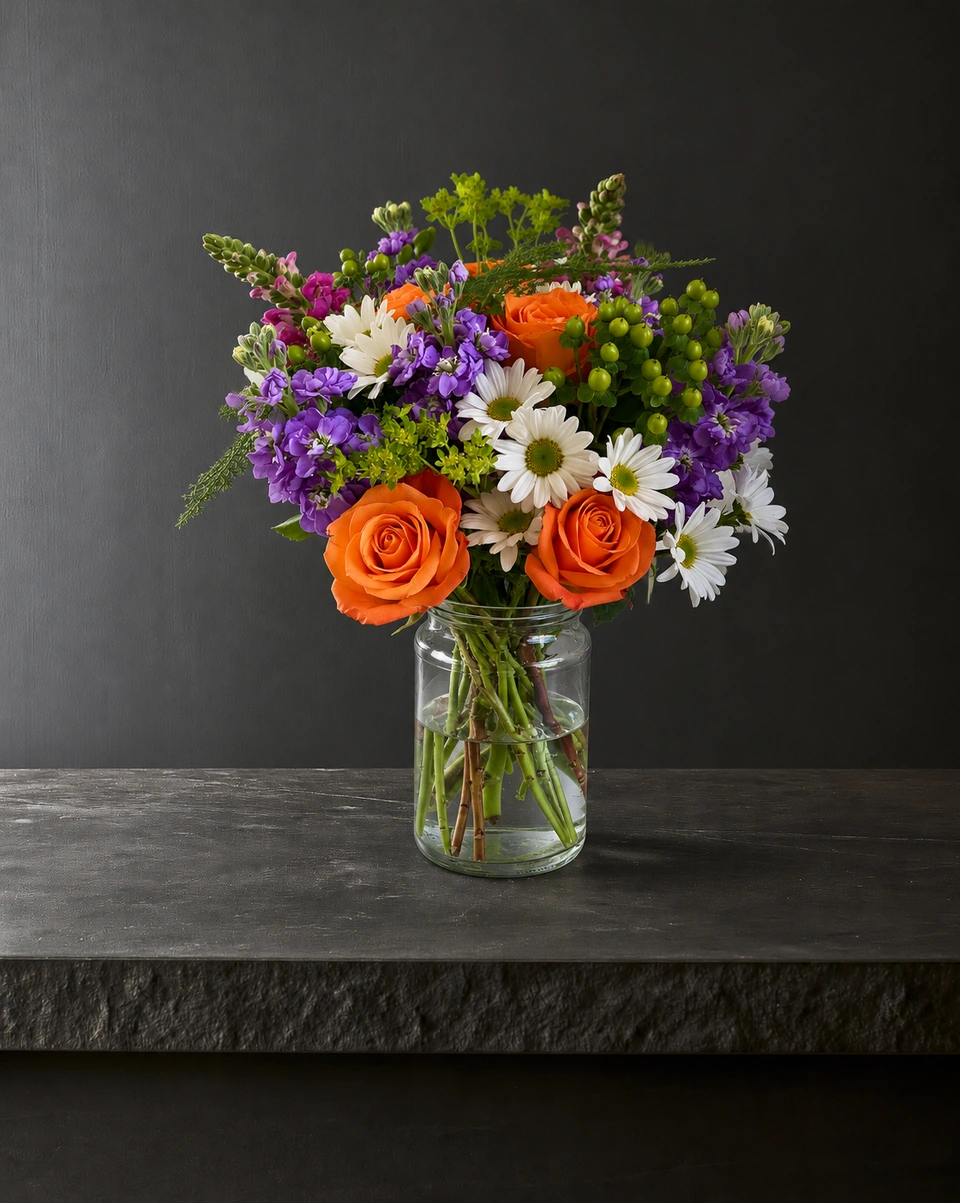
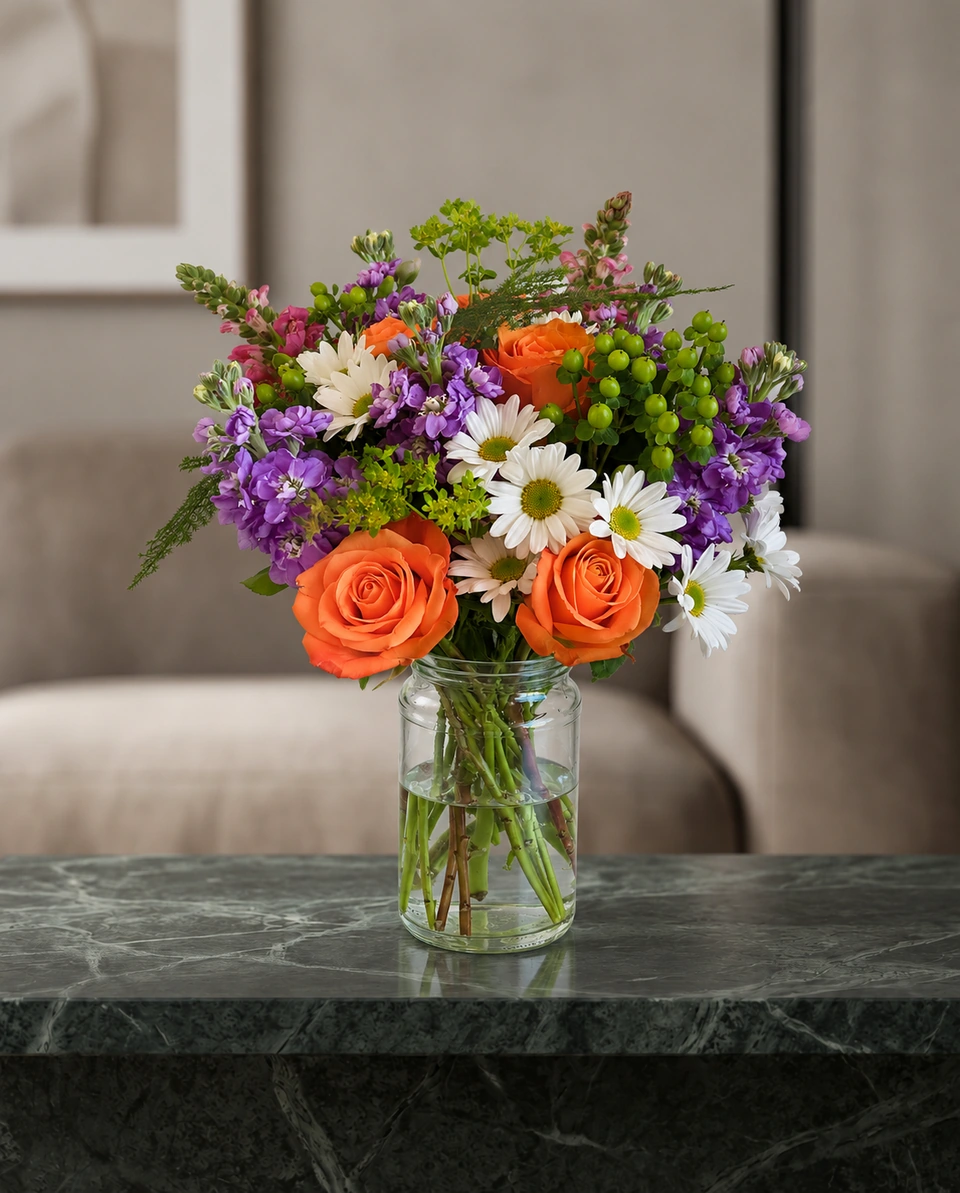
PetalPro builds a new setting around your flowers every time. In our test on 19 October 2026, the same arrangement on the same Kitchen backdrop came back in two different kitchens, with new cabinets, a different window and a different hood. That can be fun for variety on social posts.
ShotSetter keeps the room you pick. Your arrangement stands on that room’s surface, in its own light and shadow, and the room stays the same from one product to the next. That is what makes a website menu, an Etsy shop or a seasonal collection look as if it was shot in one studio on one day.
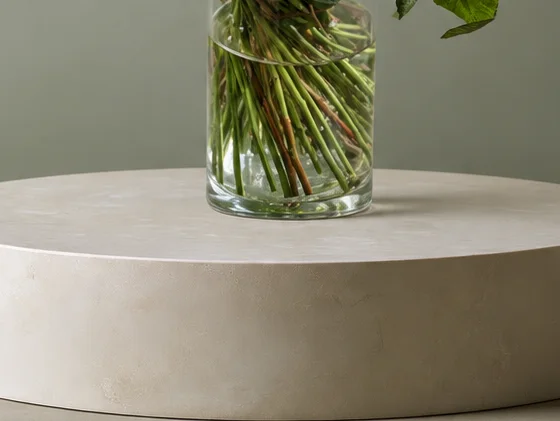 Studio photo
What ShotSetter adds
- Signature detail. For website banners, print and close crops, Signature renders petals, leaves and glass in finer detail. It takes about 2 minutes and uses 2 credits; Classic is ready in about a minute for listings and posts.
- The room’s own light. Your flowers take the light and shadow of the room you pick and stand on its surface, so the photo reads as one natural shot.
- Rooms made for each piece. Choose vase arrangement, wrapped bouquet, wreath, sympathy spray and more, and ShotSetter shows the rooms made for it.
- A free fix with every 10 credits, if something isn’t quite right. If a photo can’t be made, the credit goes back to you.
- No subscription needed. Buy a pack when your Valentine’s or Mother’s Day menu changes. Pack credits never expire, and a plan is there if you photograph every week.
Price, honestly
PetalPro is cheaper per photo: about 14¢ on its $6.99 monthly membership. ShotSetter starts at 23¢ a photo, and packs start at $9 for 15 credits. The difference is how you pay: PetalPro is a monthly membership, while ShotSetter lets you buy photos when you need them, with credits that never expire.
Which should you try?
Try them with your own flowers: that tells you more than any comparison. ShotSetter gives new accounts 3 free photos with no card needed. Pick a room, upload one phone photo and see your arrangement in it. For more on taking that photo, read how to photograph a flower arrangement with your phone.
Made only for florists
The photo tool every florist should have
Your flowers are the product. ShotSetter makes the photo as lovely as the arrangement, wherever you share it: one phone photo in, a studio photo out.
For social media
Fresh posts and Stories every week, without a photo shoot or moving a single bucket. Download post and Story sizes with your logo and a caption, and let your flowers shine in a calm, professional feed.
For selling on your website
A studio product photo for every design, all in one house style, so your shop looks like a boutique. Customers see your real work instead of stock photos, and get what they saw.
- Skip the photographer. A studio photo from one phone photo, in about a minute.
- From 23¢ a photo. A Classic photo uses 1 credit. Packs start at $9 for 15 credits and never expire.
- No subscription needed. Pack credits never expire. Try 3 photos free, no card.
- Your real flowers. Your flowers and vase kept natural, so customers see your own work.
- 192 rooms made for flowers. Studios, pedestals, homes, weddings and every season.
- A free fix with every 10 credits, if something isn’t quite right.
Quick answers
Is ShotSetter or PetalPro cheaper?
PetalPro, per photo: $6.99 a month for 50 edits (checked 19 October 2026). ShotSetter starts at 23¢ a photo with no subscription needed, and pack credits never expire.
Does PetalPro keep my backdrop the same?
In our test, no: on the same Kitchen backdrop it painted a different kitchen each time. ShotSetter keeps the room you pick, with its surface, backdrop and light.
Which is better for a florist’s website?
If you want every product in one matching room, in that room’s own light, with Signature detail for banners and print, ShotSetter. For varied scenes on social posts, either works.
Is ShotSetter a PetalPro alternative?
Yes. Both make styled product photos from one phone photo of your flowers. ShotSetter suits florists who want a consistent room, finer Signature detail and no subscription. New accounts get 3 free photos, with no card needed.