Your website
Product photos for your flower shop website
Plenty of florist websites still show the same catalogue photos as many other shops. Customers can’t see your style, and the arrangement at the door may not match the picture. Your own work, photographed well, is the best advert your shop has.
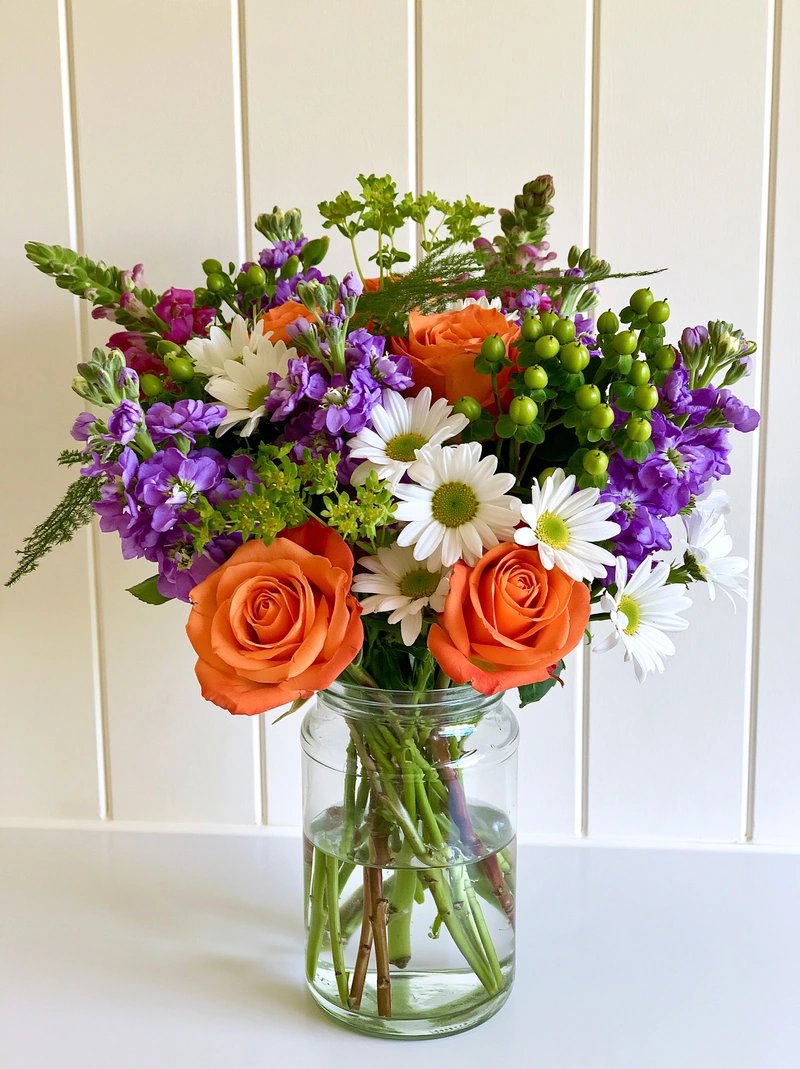 Phone photo
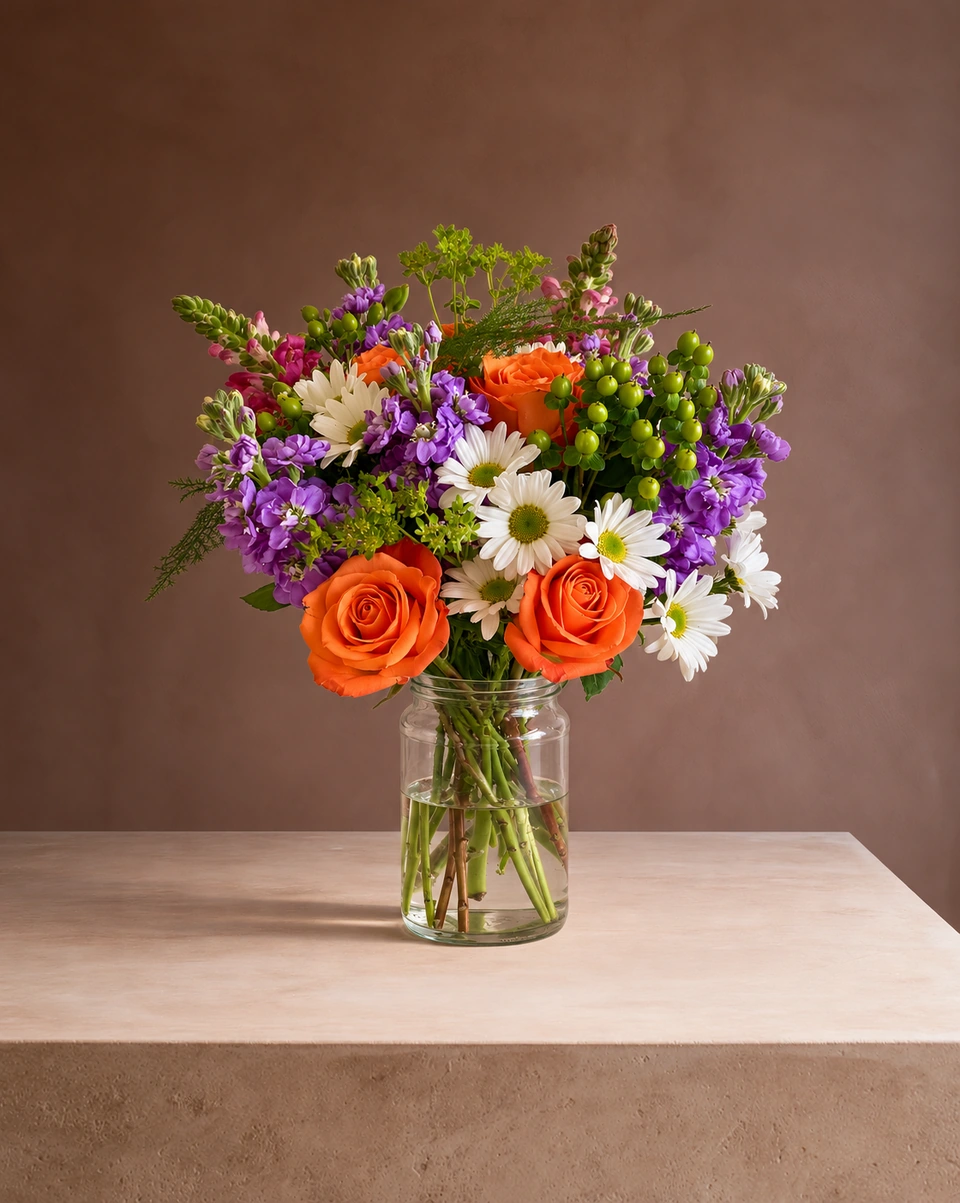 Studio photo
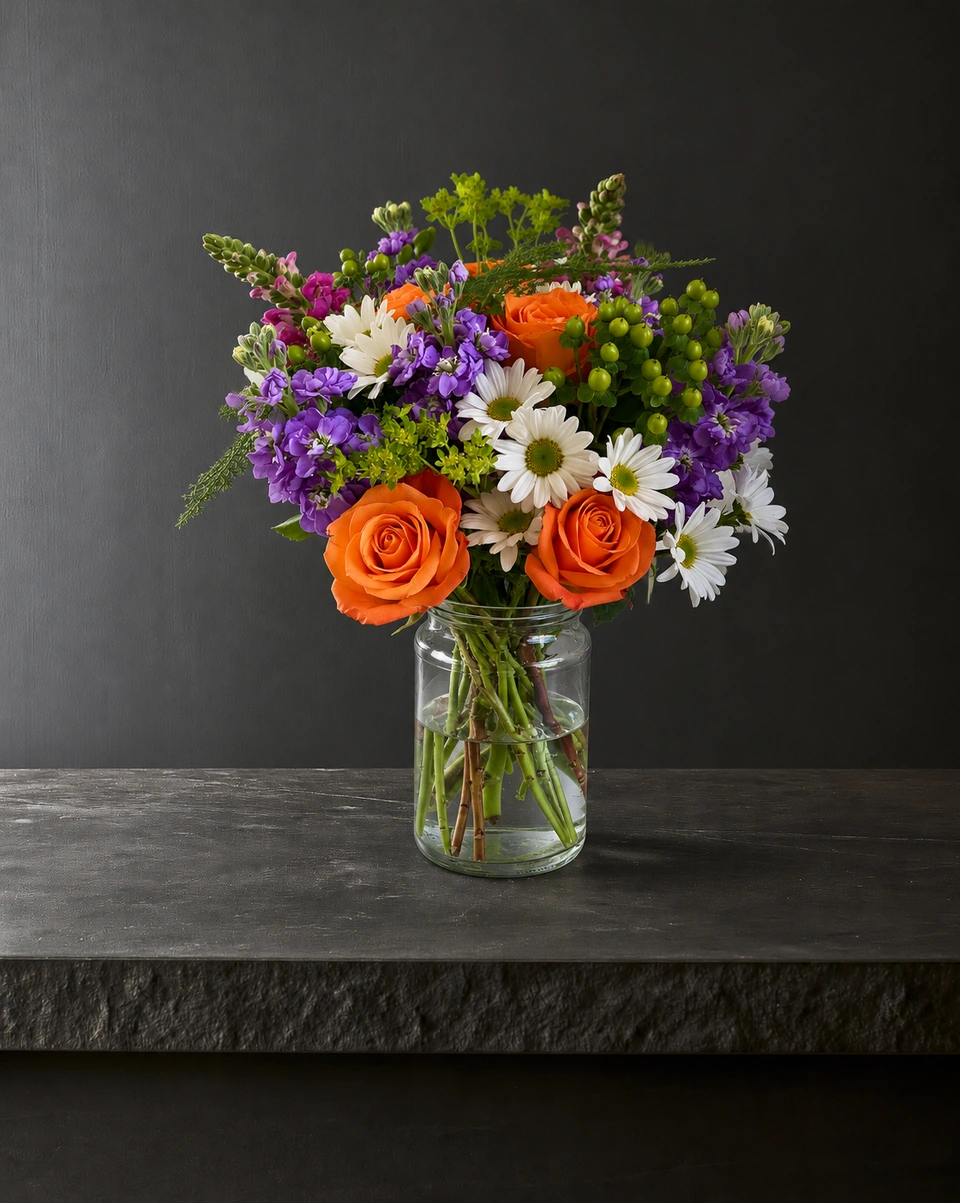 Studio photo
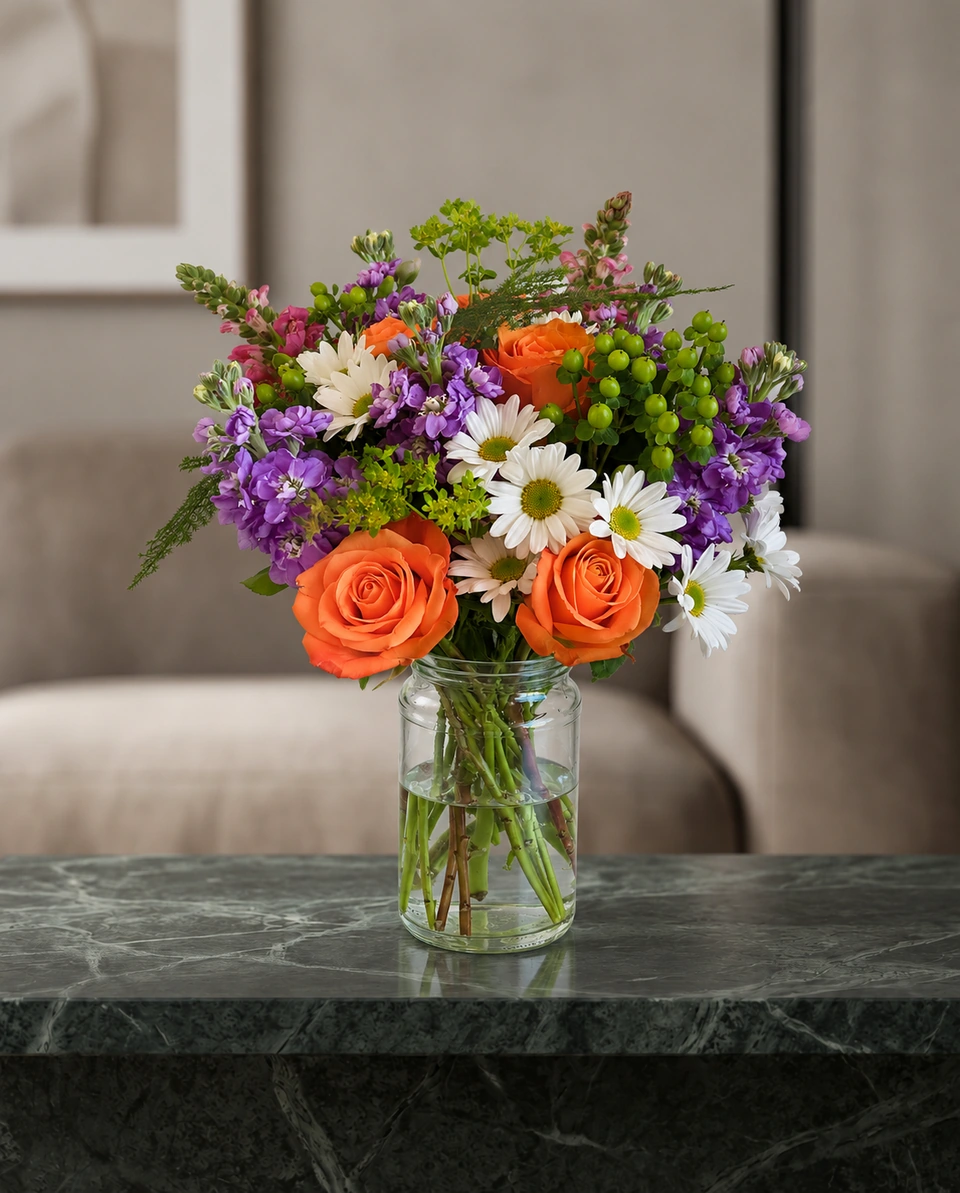 Studio photo
Why your own photos beat stock photos
- Customers get what they saw, so there are fewer surprises at the door.
- Your style shows: your colours, your wrap, your way of building a design.
- Your pages become your own. A photo that also appears on many other florists’ sites doesn’t help anyone tell your shop apart.
- Fresh is honest. Photograph what’s in your cooler this season, not a design you may not be able to match.
Build a catalogue that looks like a collection
Choose one house look
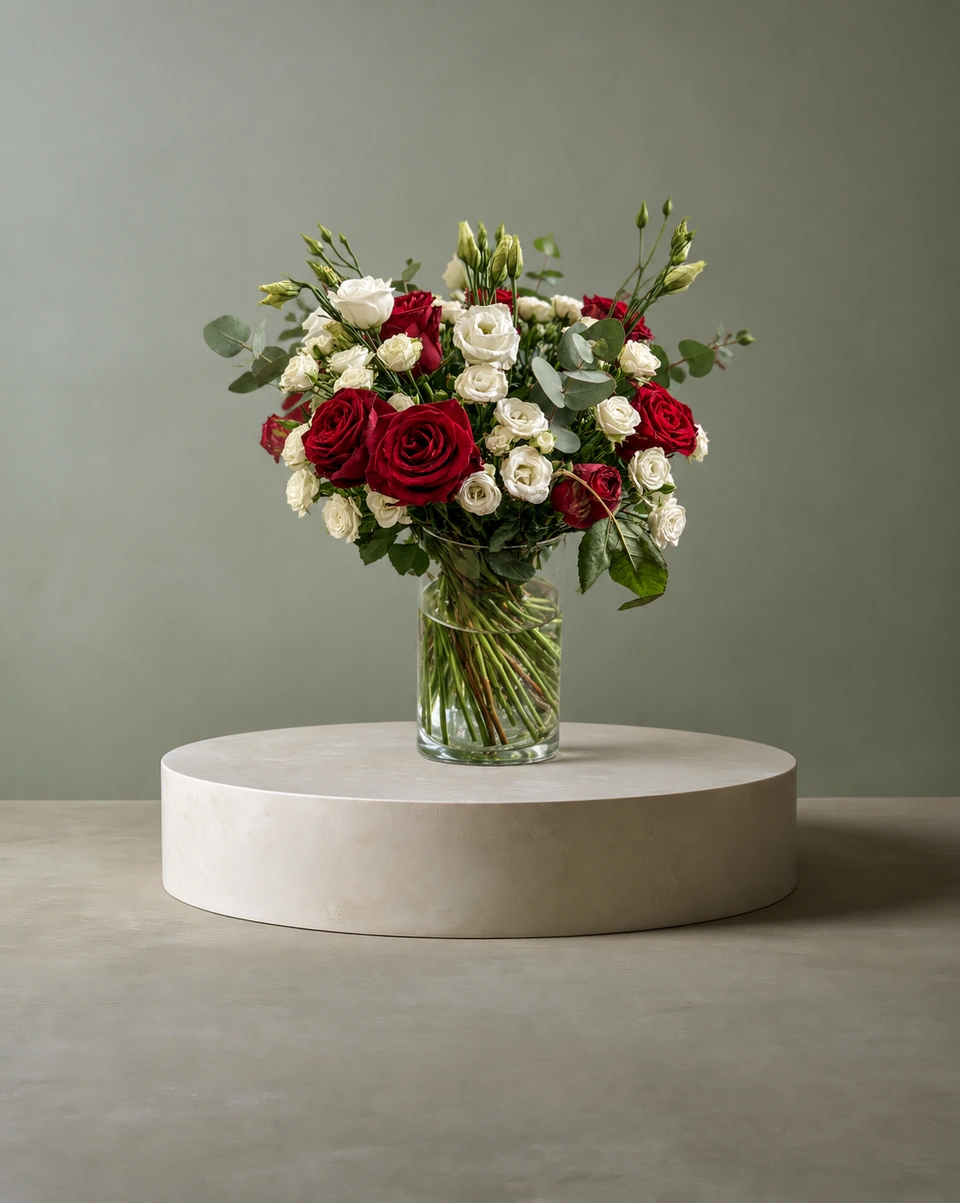
Pick one or two rooms for the whole site, such as a clean white studio for the shop and a pedestal colour that suits your brand. Every product then sits together like a boutique window.
Start with your best sellers
Make one of each of your ten best-selling designs, take a phone photo, and replace the stock photo on that product page.
Use the same shape everywhere
Download the same size for every product page so your grid lines up neatly.
Name files and write alt text
Search engines read words, not petals. Name the file what it is (pink-peony-garden-vase.jpg, not IMG_4021.jpg), and describe it in the image’s alt text: “Garden-style arrangement of pink peonies and white roses in a clear glass vase.”
Refresh with the seasons
Add a seasonal collection a few times a year. New photos take minutes, so your shop never looks stale.
Rooms that make a tidy house look:Catalogue · clean whiteStudio sweep · whiteWhite podium · sageBlack limestone
Show the real piece
Most ShotSetter rooms keep your piece as you made it: the same flowers, colours, shape and vase or wrap, with a new room, light and shadow around them. A small detail can differ, so check each photo before it goes live; if something matters to you, a free fix comes with every 10 credits.
Phone photoStudio photoMade only for florists
The photo tool every florist should have
Your flowers are the product. ShotSetter makes the photo as lovely as the arrangement, wherever you share it: one phone photo in, a studio photo out.
For social media
Fresh posts and Stories every week, without a photo shoot or moving a single bucket. Download post and Story sizes with your logo and a caption, and let your flowers shine in a calm, professional feed.
For selling on your website
A studio product photo for every design, all in one house style, so your shop looks like a boutique. Customers see your real work instead of stock photos, and get what they saw.
- Skip the photographer. A studio photo from one phone photo, in about a minute.
- From 23¢ a photo. A Classic photo uses 1 credit. Packs start at $9 for 15 credits and never expire.
- No subscription needed. Pack credits never expire. Try 3 photos free, no card.
- Your real flowers. Your flowers and vase kept natural, so customers see your own work.
- 192 rooms made for flowers. Studios, pedestals, homes, weddings and every season.
- A free fix with every 10 credits, if something isn’t quite right.
Quick answers
Should my flower shop website use stock photos?
Use photos of your own arrangements wherever you can. Customers trust what they can see you make, and they get what they saw. ShotSetter turns one phone photo of each design into a studio product photo in about a minute.
What background is best for florist product photos?
A clean, calm background that lets the flowers lead, such as a white or soft-coloured studio or a stone pedestal. Use the same one or two looks across your site so it reads like a collection.
How do I write alt text for flower photos?
Describe what a customer would see: the style, the main flowers and colours, and the vase or wrap. For example: “Garden-style arrangement of pink peonies and white roses in a clear glass vase.”