Alternatives
PetalPro alternatives for florists: five options compared
PetalPro is a well-liked flower photo app, but it isn’t the only way to turn a phone photo into a product photo. Here are the alternatives florists ask about most, checked on each tool’s own pages on 23 October 2026, with what each one is best for.
 Phone photo
 Studio photo
At a glance
| Made for | Price | Best for | |
|---|---|---|---|
| ShotSetter | Florists only | 3 free photos; trial pack $9 for 10 credits; plans from $25 a month | Matching 4K menus in rooms made for flowers, plus social posts |
| PetalPro | Florists | 3 free edits; $6.99 a month for 50 edits | Clean white or neutral backgrounds at a low monthly price |
| Photoroom | Any product | Free plan for personal use only; Pro $12.99 a month or $89.99 a year | Background removal and batch editing for any product |
| Pebblely | Any product | No free trial; from $9 a month for 30 images | Generated product scenes in social sizes |
| Canva | Design for everyone | Free plan; background tools on Pro, $18 a month or $144 a year | Flyers, menus and social designs from photos you already have |
ShotSetter
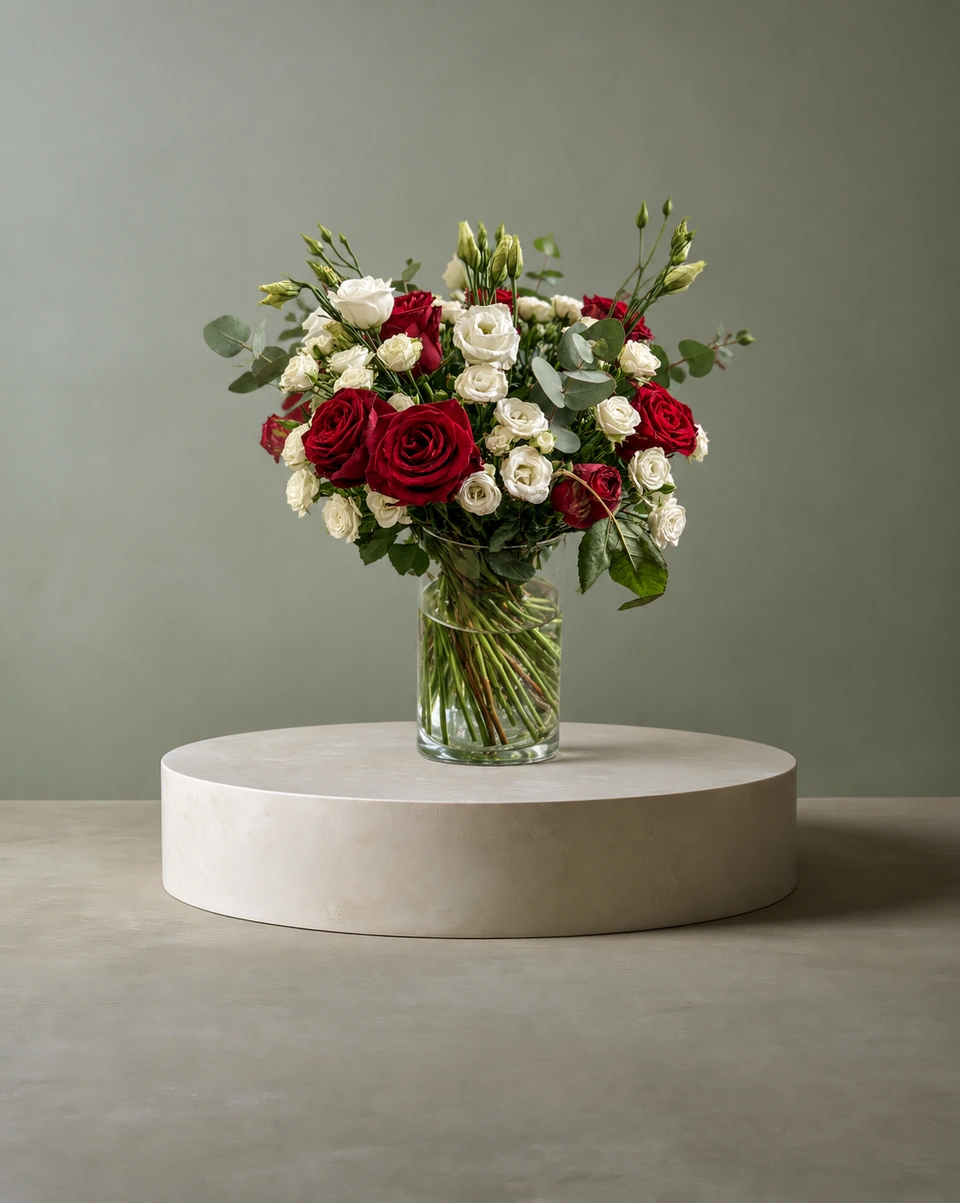
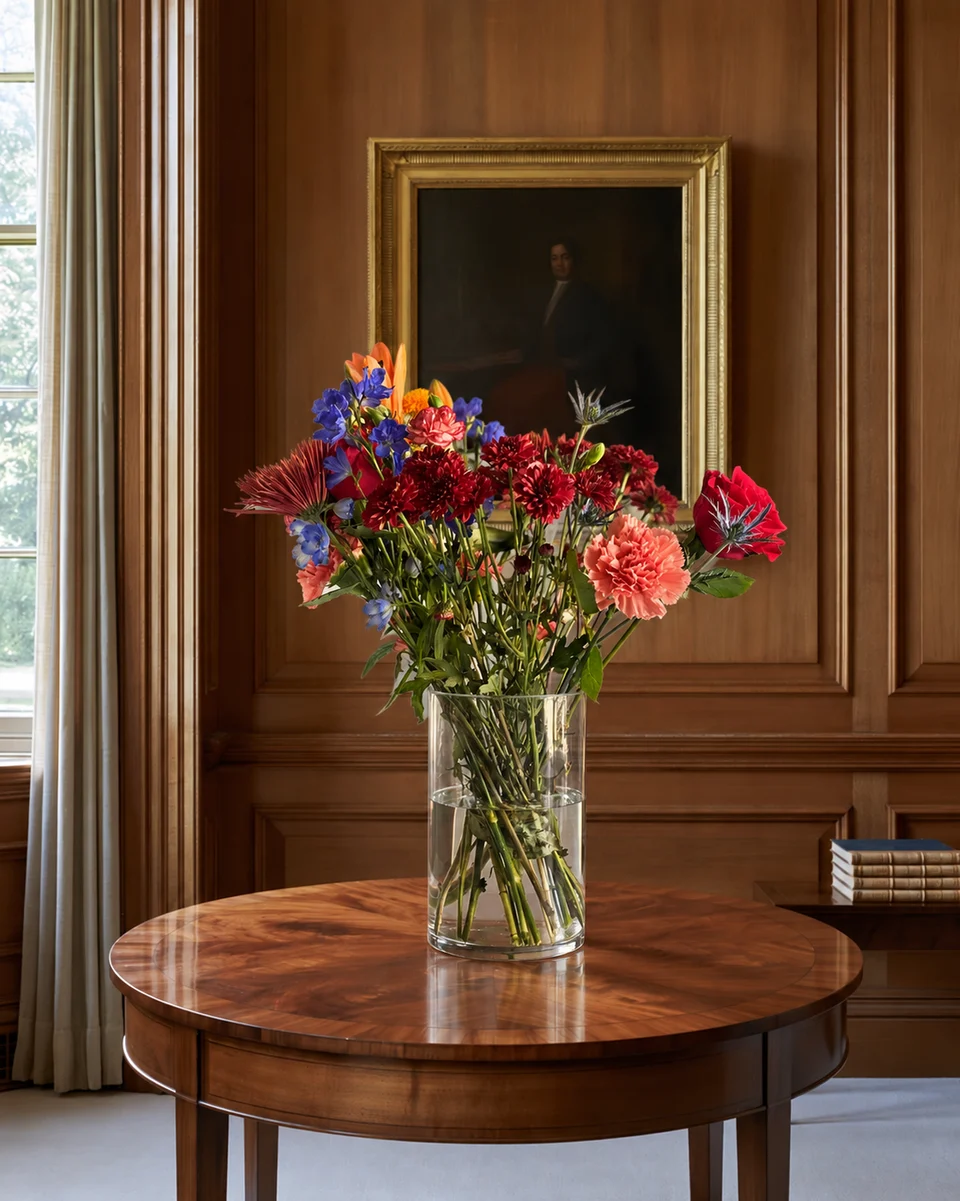
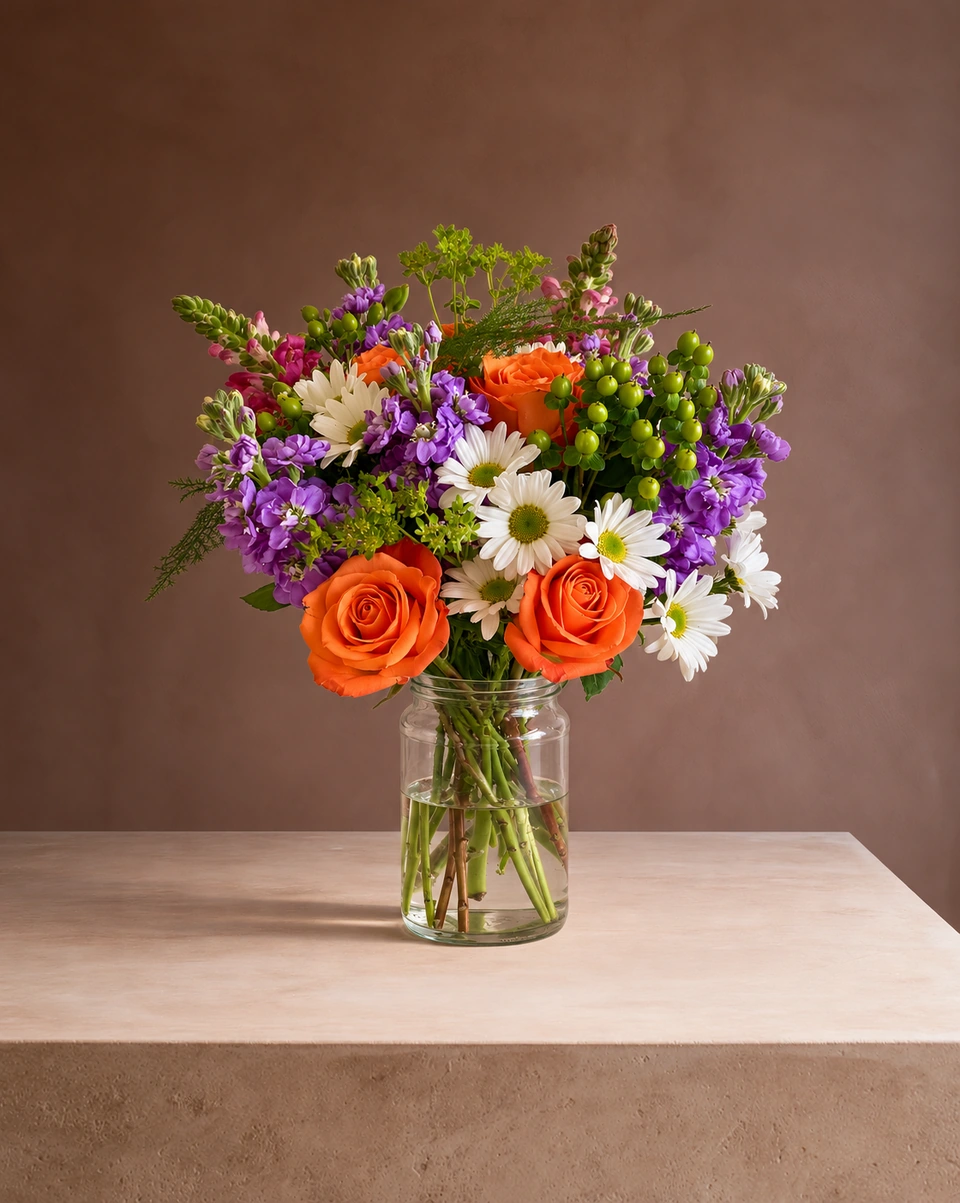
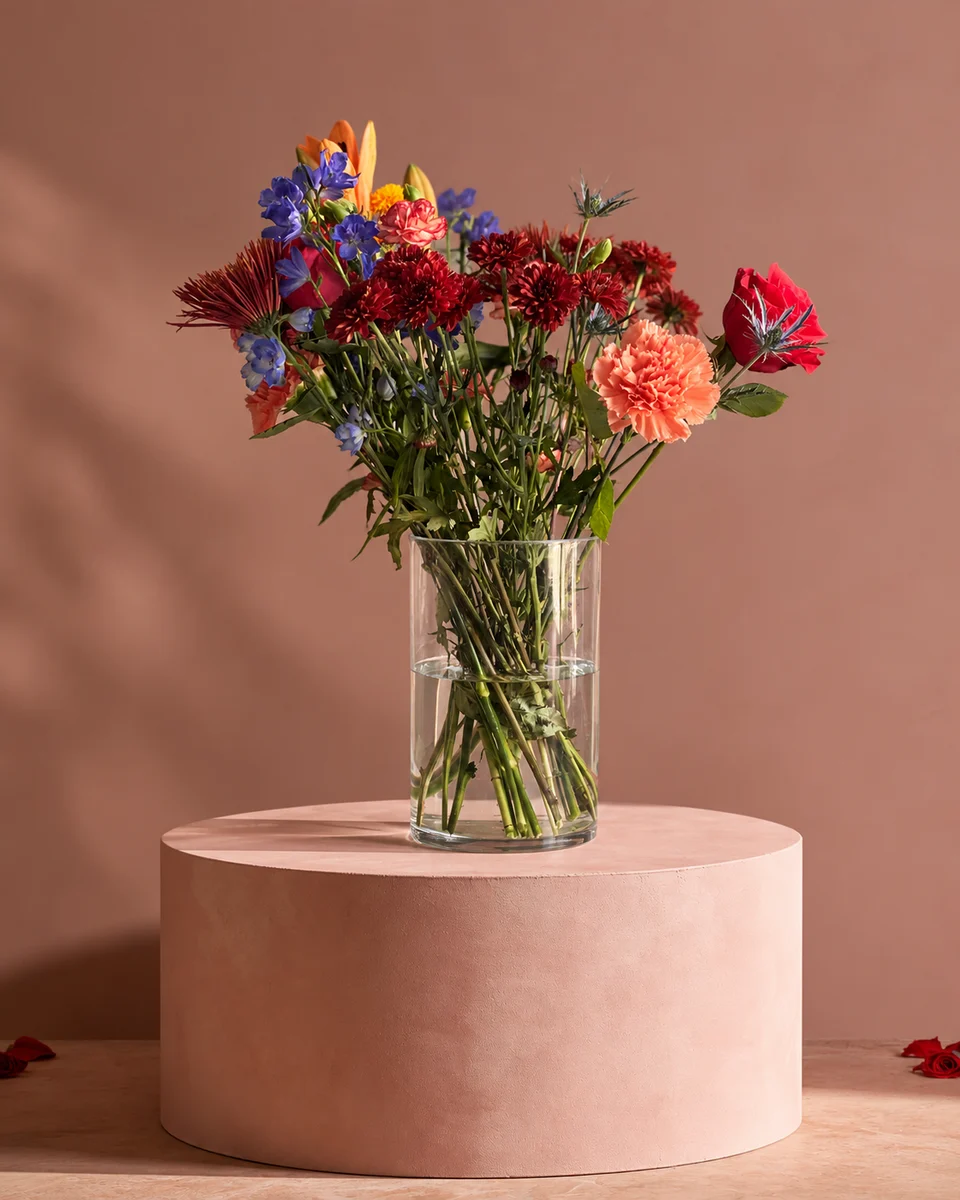
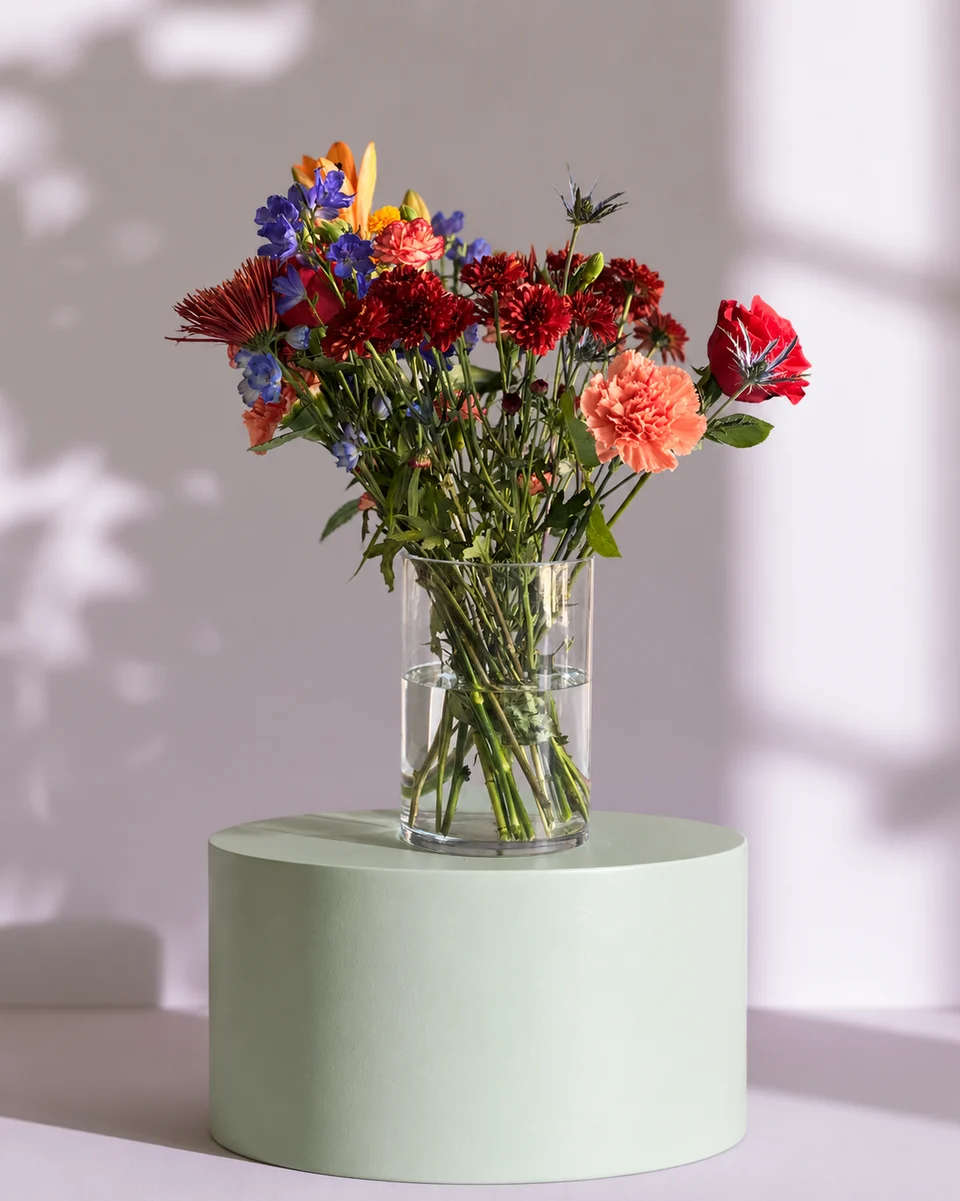
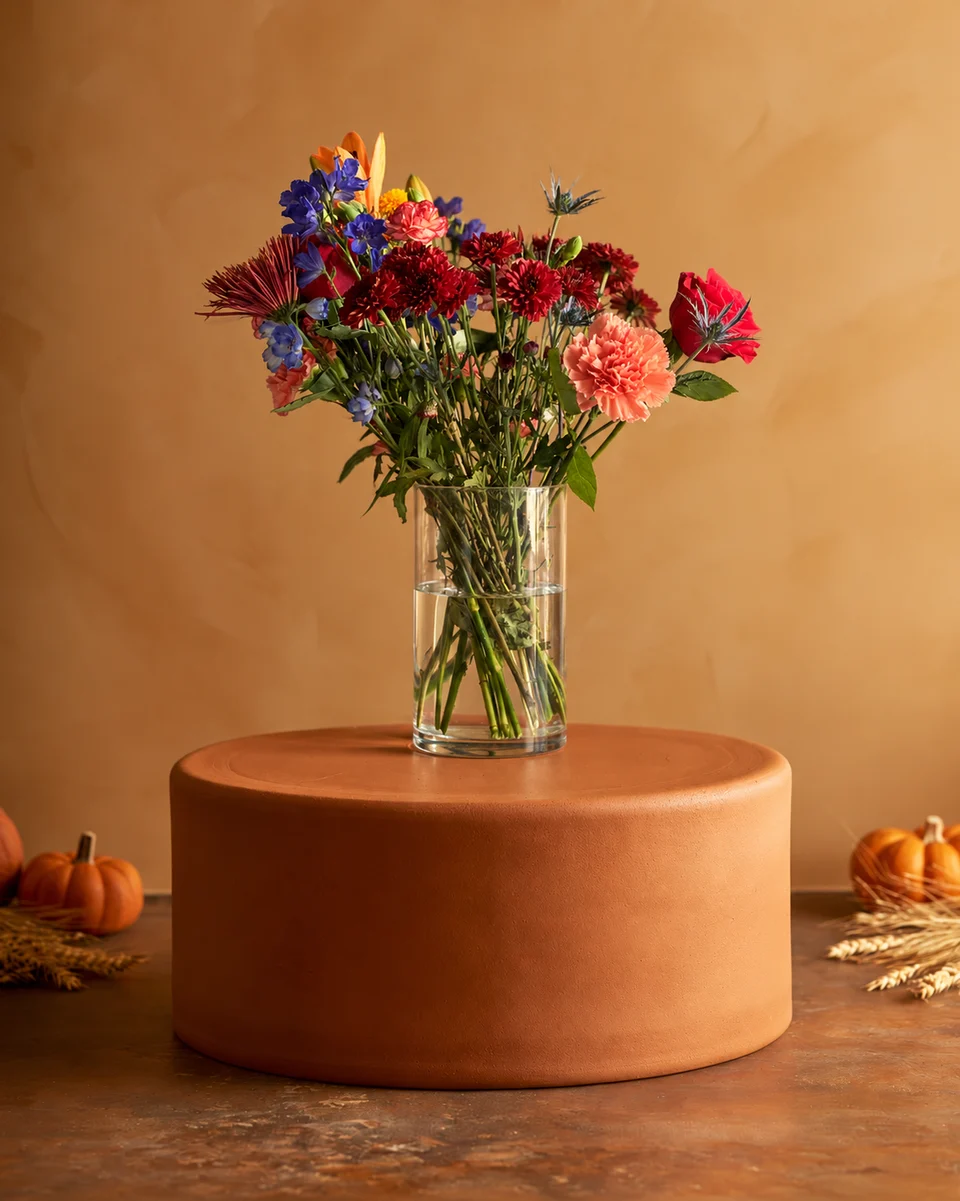
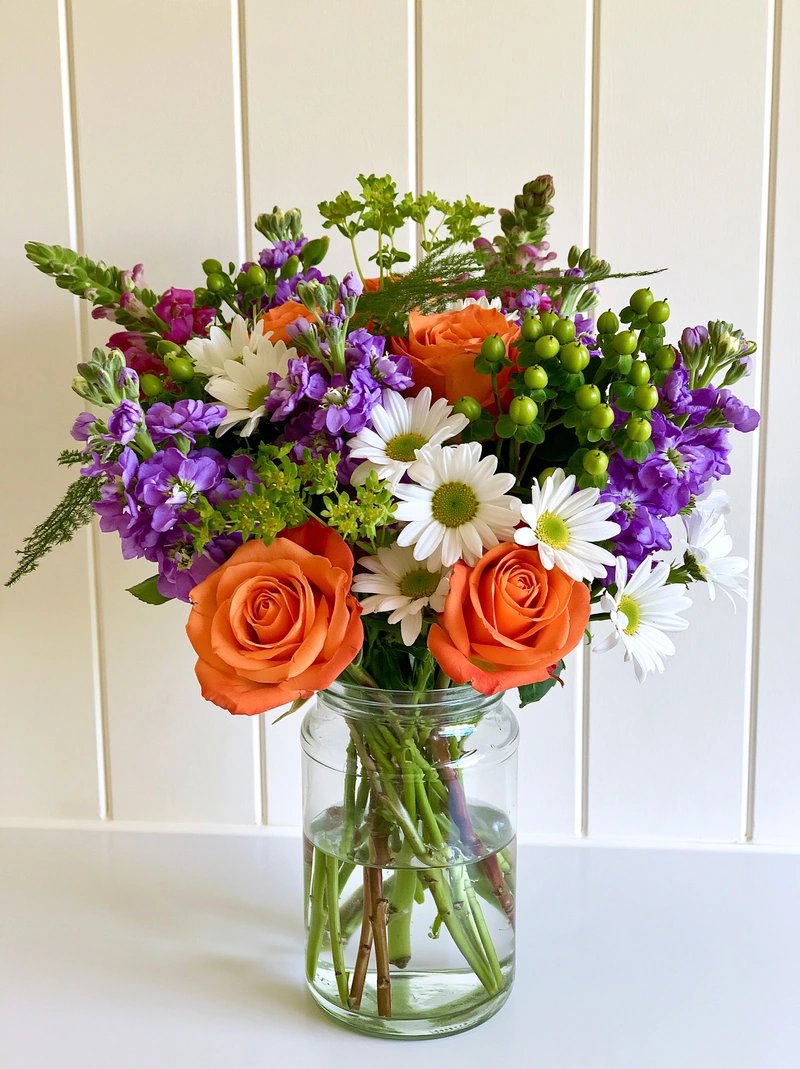
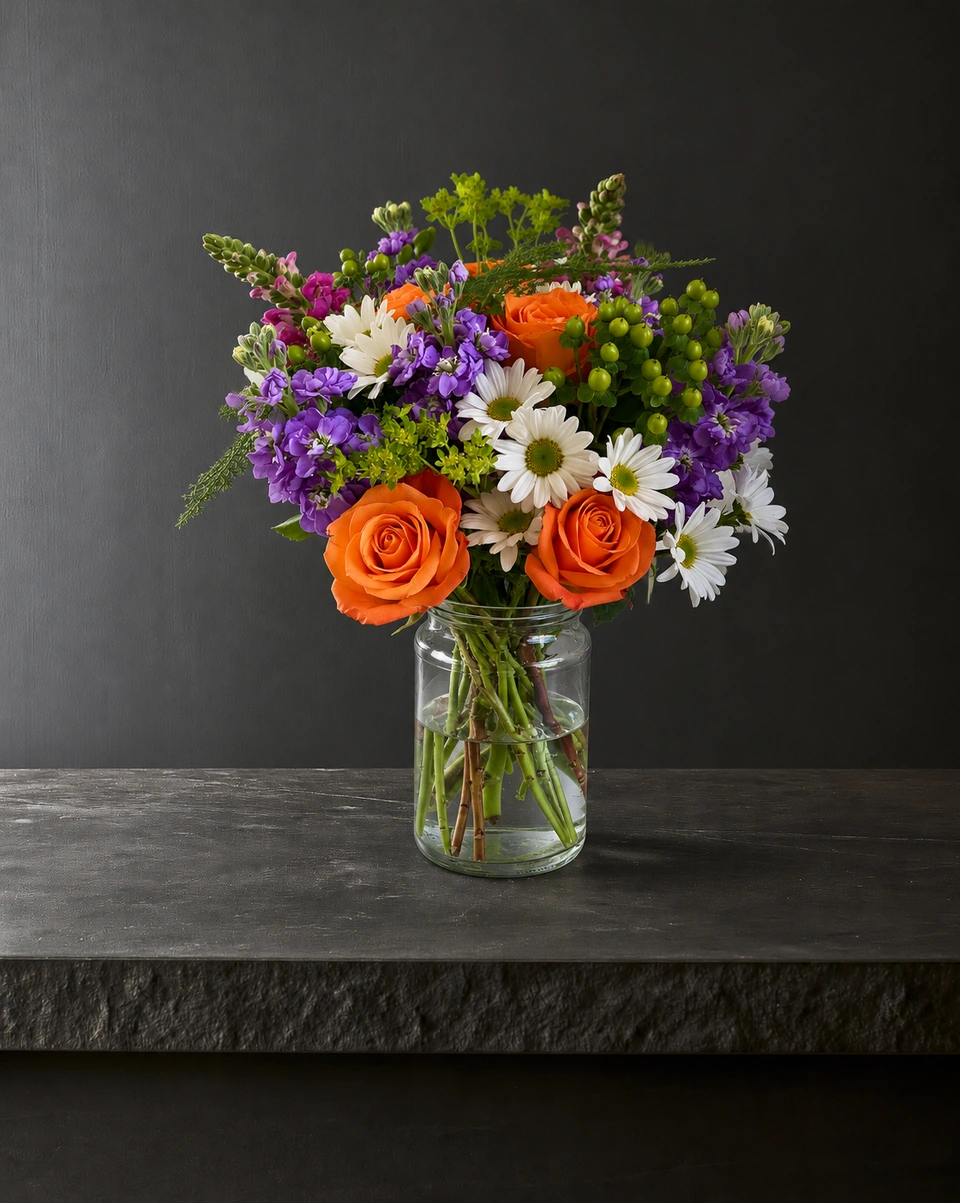
Made only for florists. Upload one phone photo of an arrangement, bouquet or wreath, choose one of 200+ rooms made for flowers, and get a 4K studio photo in about a minute. Most rooms keep your piece as made, and the room stays the same from one product to the next, so a whole menu matches. The Campaign kit then makes the Instagram post, Stories, pin and captions. No subscription needed.
PetalPro
Made for florists, event designers and wholesalers. It replaces the background of your phone photo, with a focus on clean white and neutral tones, and says it uses your real arrangement. New users get 3 free edits with no card; after that, a $6.99 monthly membership includes 50 edits. It runs on iPhone, Android and the web, and added 4K upscaling in October 2026. Read the full ShotSetter vs PetalPro comparison.
Photoroom
A capable all-round photo editor for every kind of product: background removal, retouching and generated backgrounds, on phone and web. Its free plan is for personal, non-commercial use only, so a shop needs a paid plan: Pro is $12.99 a month or $89.99 a year. Its presets are general product scenes rather than rooms made for flowers. Read Photoroom alternative for florists.
Pebblely
A simple web app that generates scenes around a product photo, with 40+ background themes and sizes for each social format. There is no free trial: Lite is $9 a month for 30 images and Basic $19 a month for 200. Its themes are made for any product, not for flowers. Read Pebblely alternative for florists.
Canva
The design tool many florists already use for flyers, menus and posts. Its background remover and background generator are on Pro ($18 a month or $144 a year), not the free plan, and Canva notes that a generated background may look more pixelated than your photo and its light may not match. It is a design tool rather than a photo studio, so many florists use both. Read Canva and ShotSetter for florists.
A photographer
Still the right choice for weddings, brand shoots and photos of you and your team. For a menu that changes weekly, the cost adds up: read ShotSetter or a product photographer.
Made only for florists
The photo tool every florist should have
Your flowers are the product. ShotSetter makes the photo as lovely as the arrangement, wherever you share it: one phone photo in, a studio photo out.
For social media
Fresh posts and Stories every week, without a photo shoot or moving a single bucket. Download post and Story sizes with your logo and a caption, and let your flowers shine in a calm, professional feed.
For selling on your website
A studio product photo for every design, all in one house style, so your shop looks like a boutique. Customers see your real work instead of stock photos, and get what they saw.
- Skip the photographer. A studio photo from one phone photo, in about a minute.
- From 33¢ a photo. Every photo is 4K and uses 1 credit. A trial pack is $9 for 10 credits, good for 30 days.
- No subscription needed. Start with a one-time trial pack. Try 3 photos free, no card.
- Your real flowers. Your flowers and vase kept natural, so customers see your own work.
- 200+ rooms made for flowers. Studios, pedestals, homes, weddings and every season.
- A free fix with every 10 credits, if something isn’t quite right.
Quick answers
What is the best PetalPro alternative for florists?
If you want a whole menu in one matching room, every photo made in 4K and no subscription, ShotSetter is made for that. For general product backgrounds, Photoroom; for flyers and social designs, Canva.
Is there a free PetalPro alternative?
ShotSetter gives new accounts 3 free photos with no card needed. Canva has a free plan for designs, but its background tools are on Pro; Photoroom’s free plan is for personal, non-commercial use only; Pebblely has no free trial (checked 23 October 2026).
Do PetalPro alternatives keep my real flowers?
It depends on the tool. Most ShotSetter rooms keep your piece as made and say so on the room card; check any tool’s results beside your original before you post.
Sources
- Photoroom pricing
- Photoroom: free accounts and commercial use
- Pebblely pricing
- Canva pricing
- Canva: BG Generator
Platform rules change. Check each one’s current help pages before you upload.