Alternatives
A Flair AI alternative made for florists
Flair AI is a design canvas for brand photos and ads, used by fashion, beauty and packaged-goods brands. A florist’s products are different: almost every arrangement is one of a kind. Here is how ShotSetter compares, checked on Flair’s own pages on 23 October 2026.
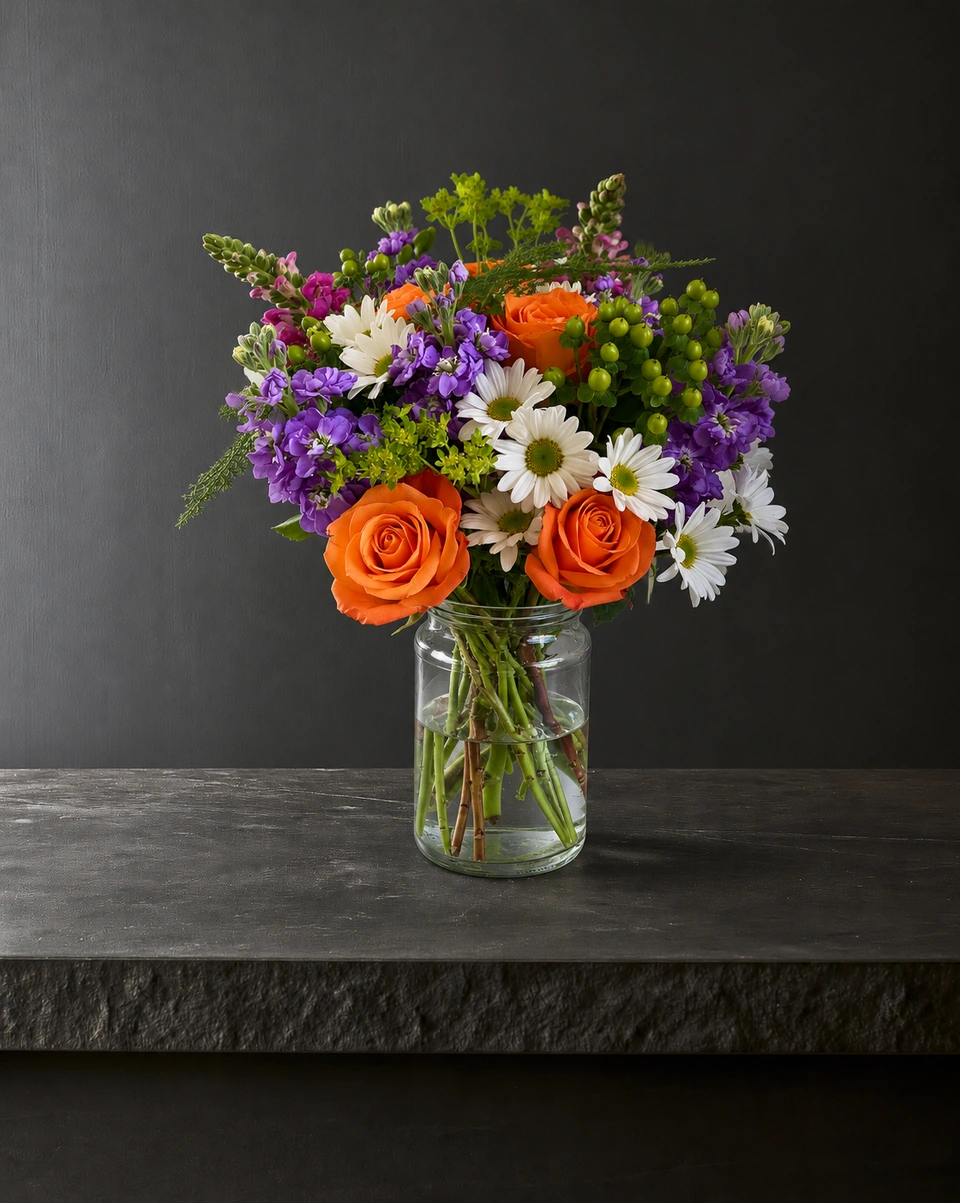
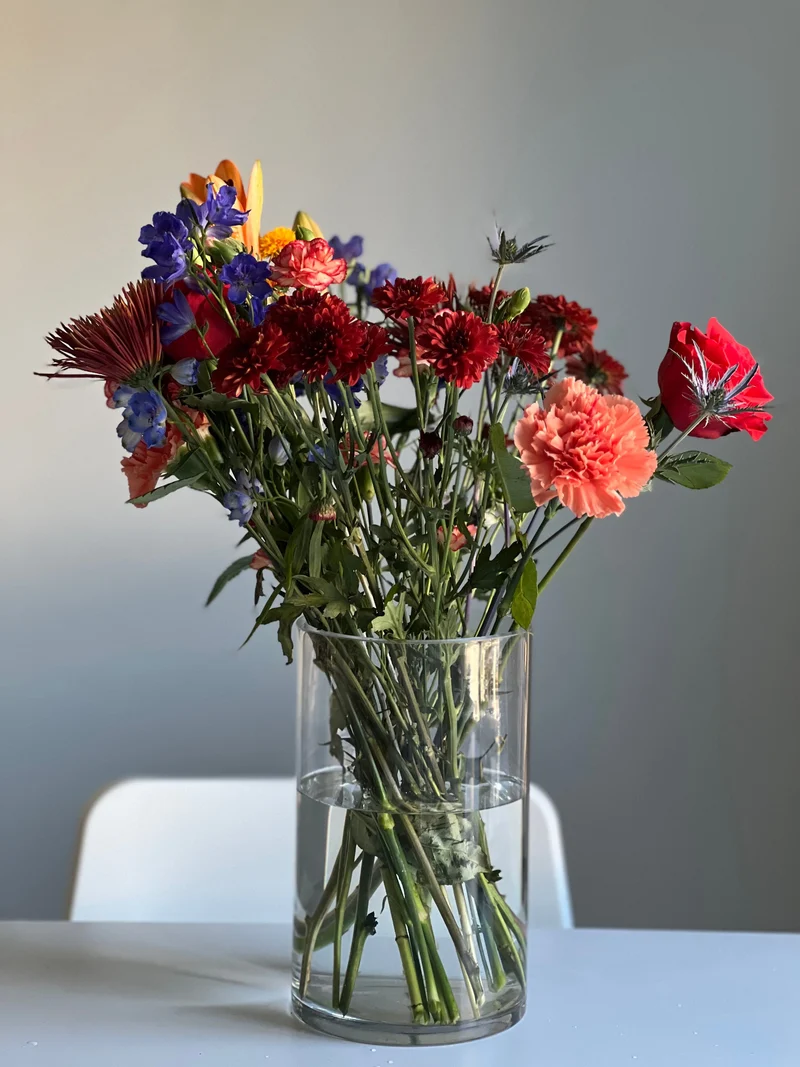 Phone photo
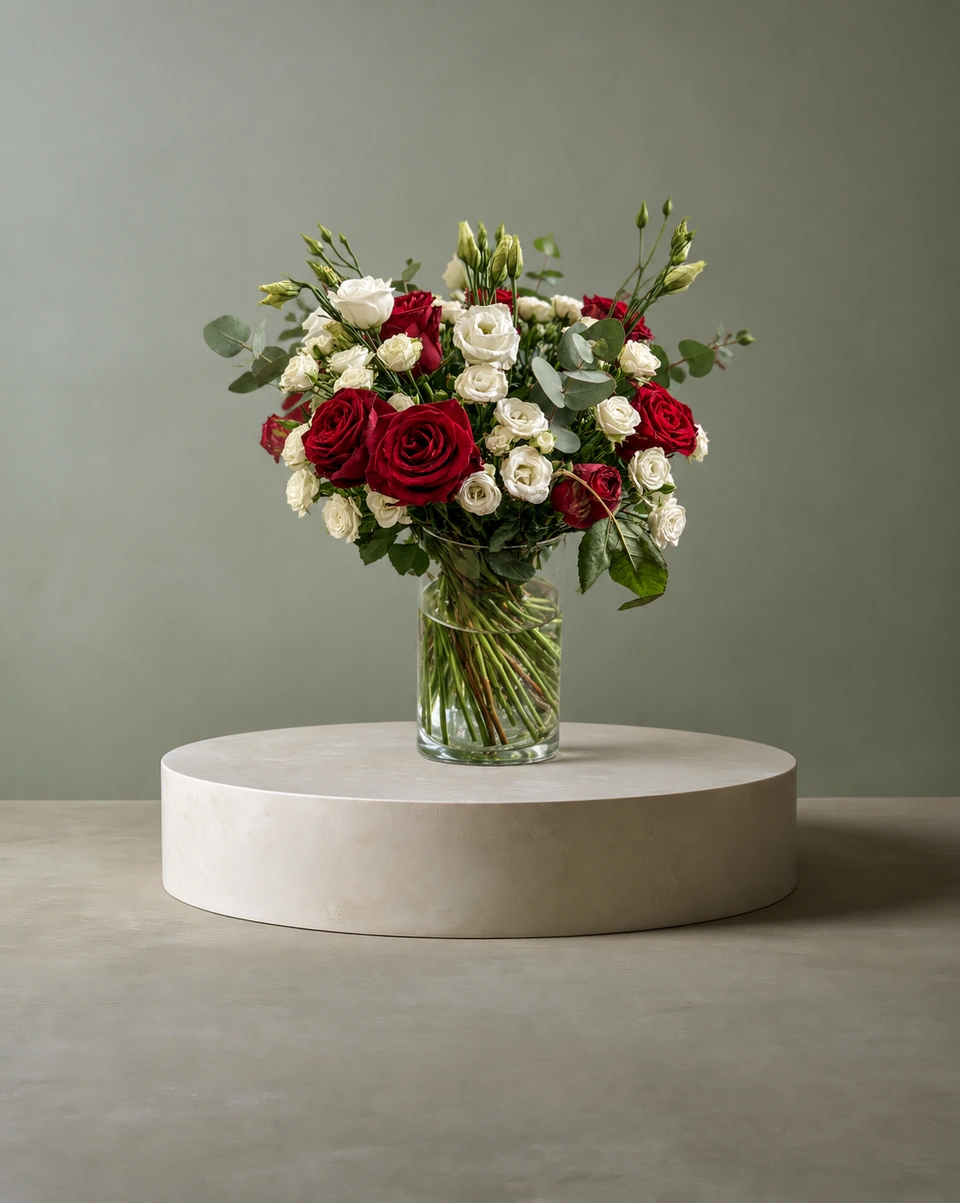
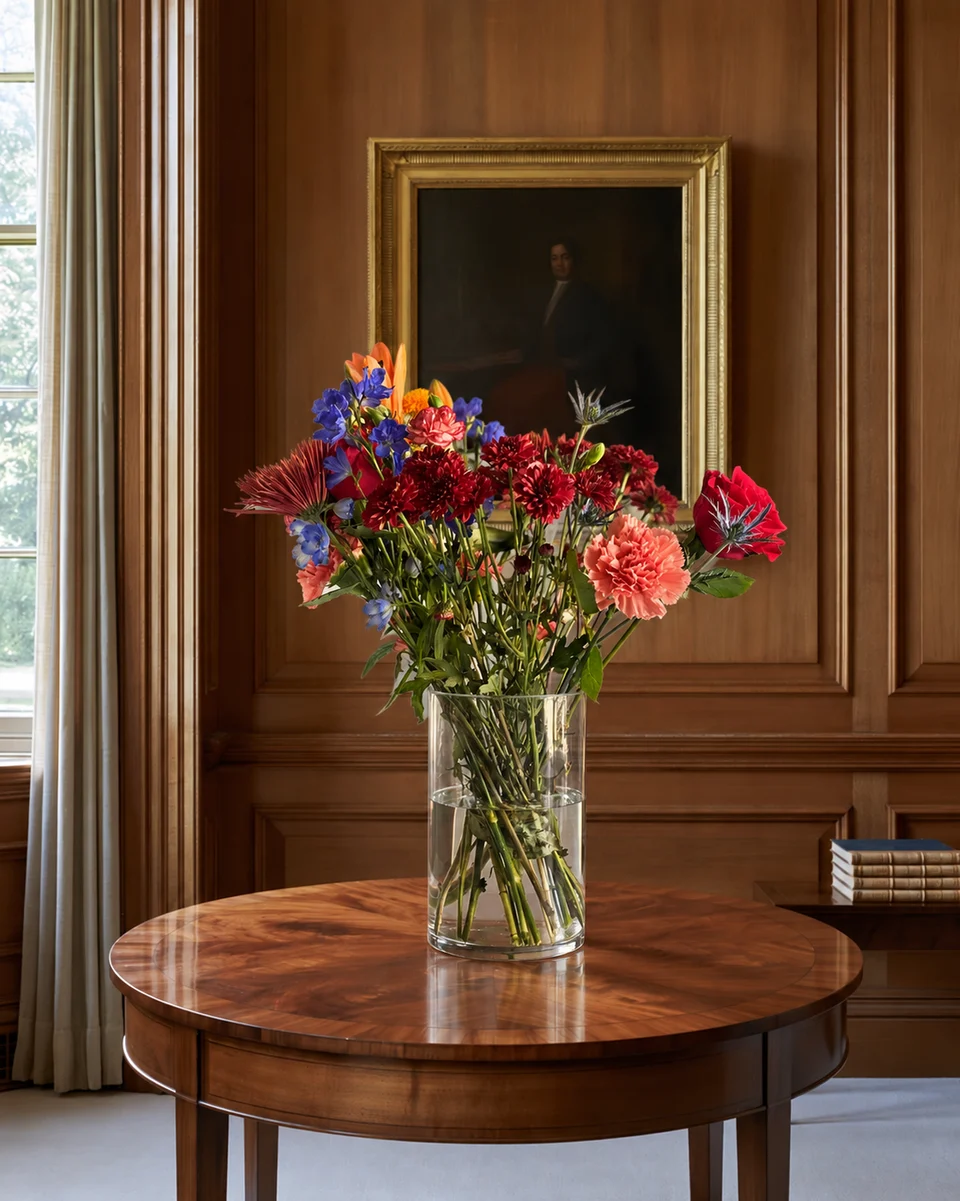
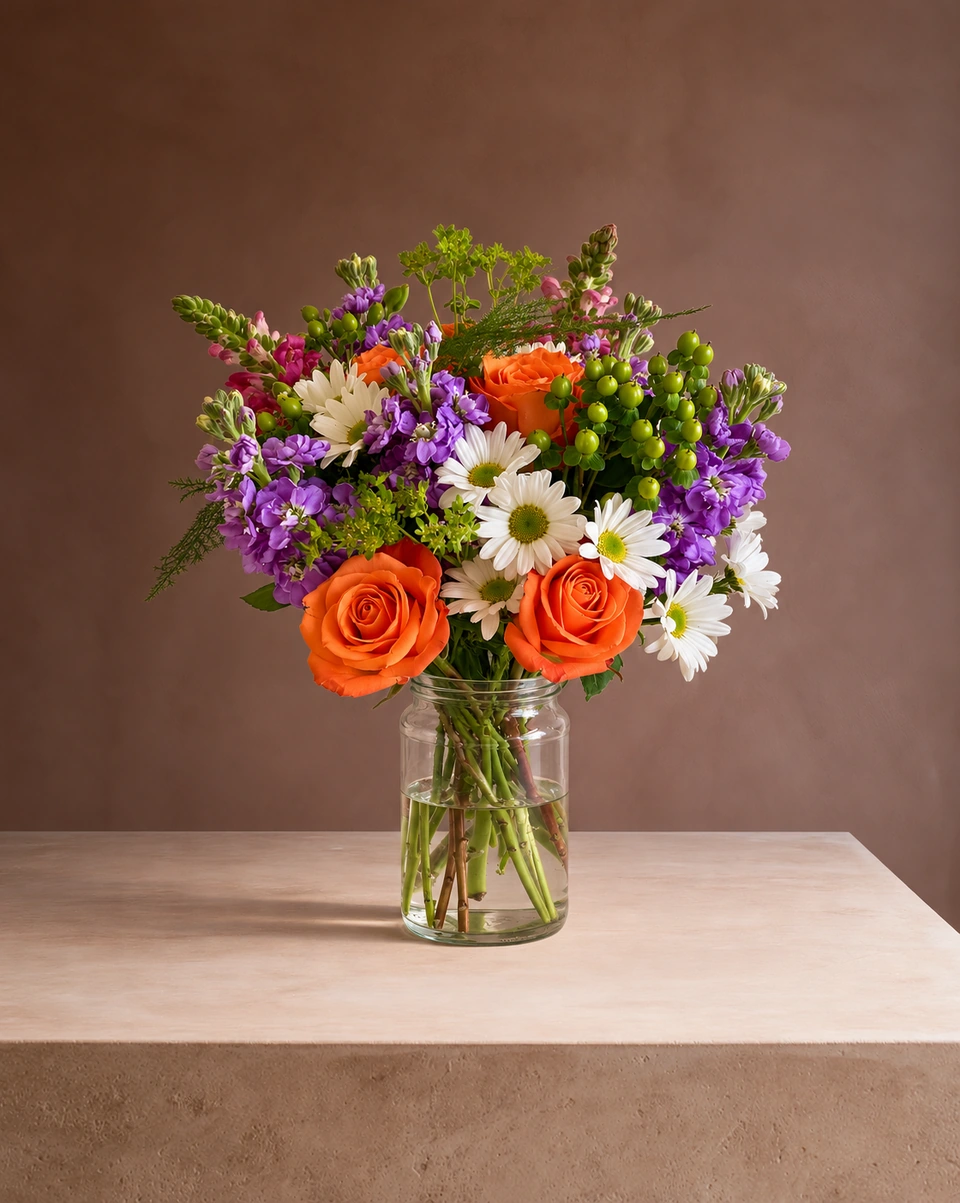
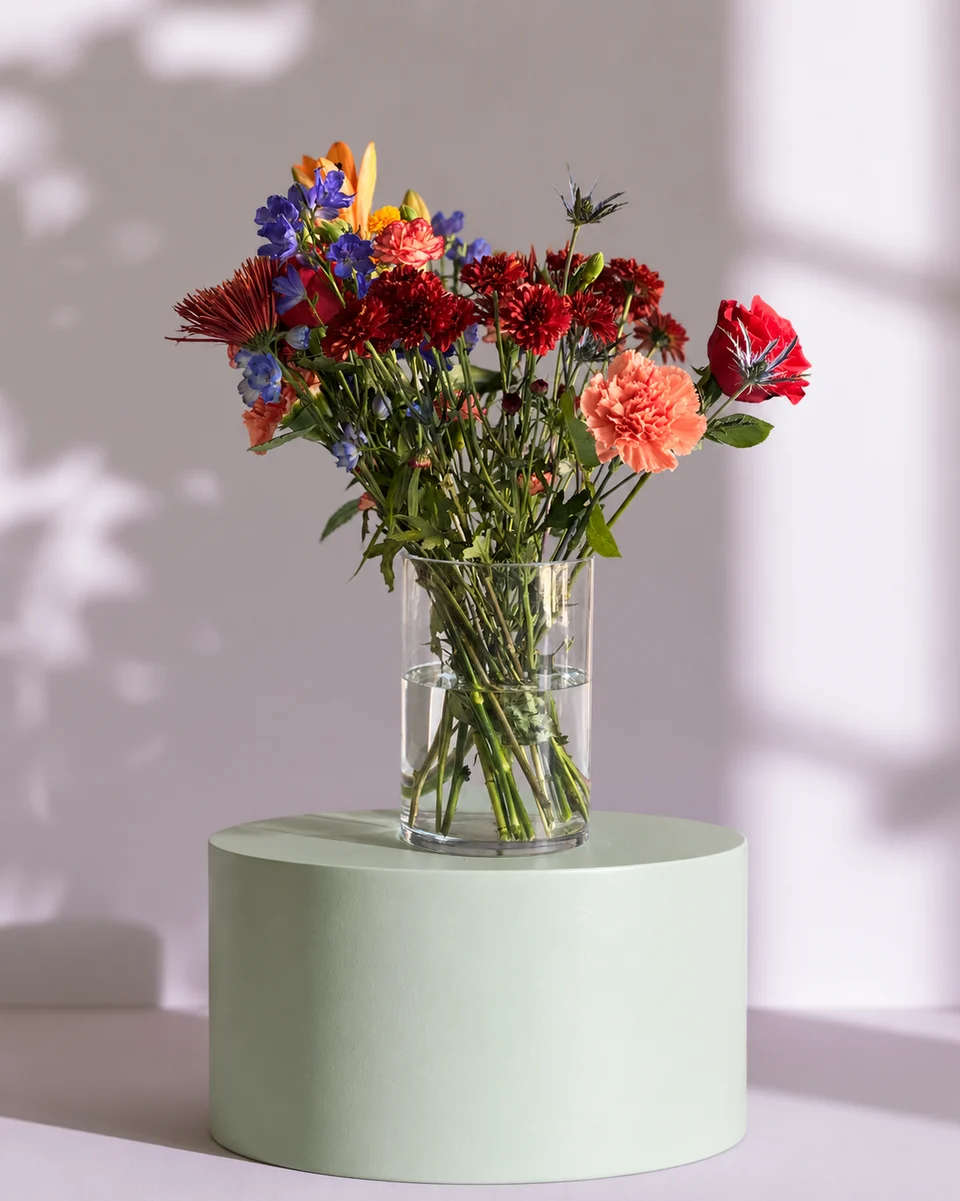 Studio photo
The short answer
- Choose ShotSetter if you photograph new arrangements most days, want to work from your phone, and want rooms made for flowers.
- Choose Flair if you sell the same products again and again and want a drag-and-drop canvas, ad videos or models.
At a glance
| ShotSetter | Flair | |
|---|---|---|
| Made for | Florists | Brands in fashion, beauty, packaged goods, jewellery, furniture and food |
| How you start | One phone photo of the finished piece | A design canvas; custom models learn one product from 6 to 10 photos |
| Settings | 200+ rooms made for flowers | Templates and a drag-and-drop staging canvas |
| Free to try | 3 free photos, no card | Free plan: 5 images and 1 video |
| Price | Trial pack $9 for 10 credits, no subscription; plans from $25 a month | Pro $10 a month; Pro+ $35 a month ($26 billed yearly) with 80 images and a company commercial licence |
| Works on | Any phone or computer, in the browser | Desktop Chrome or Safari; mobile support is limited, it says |
Made for one-of-a-kind pieces
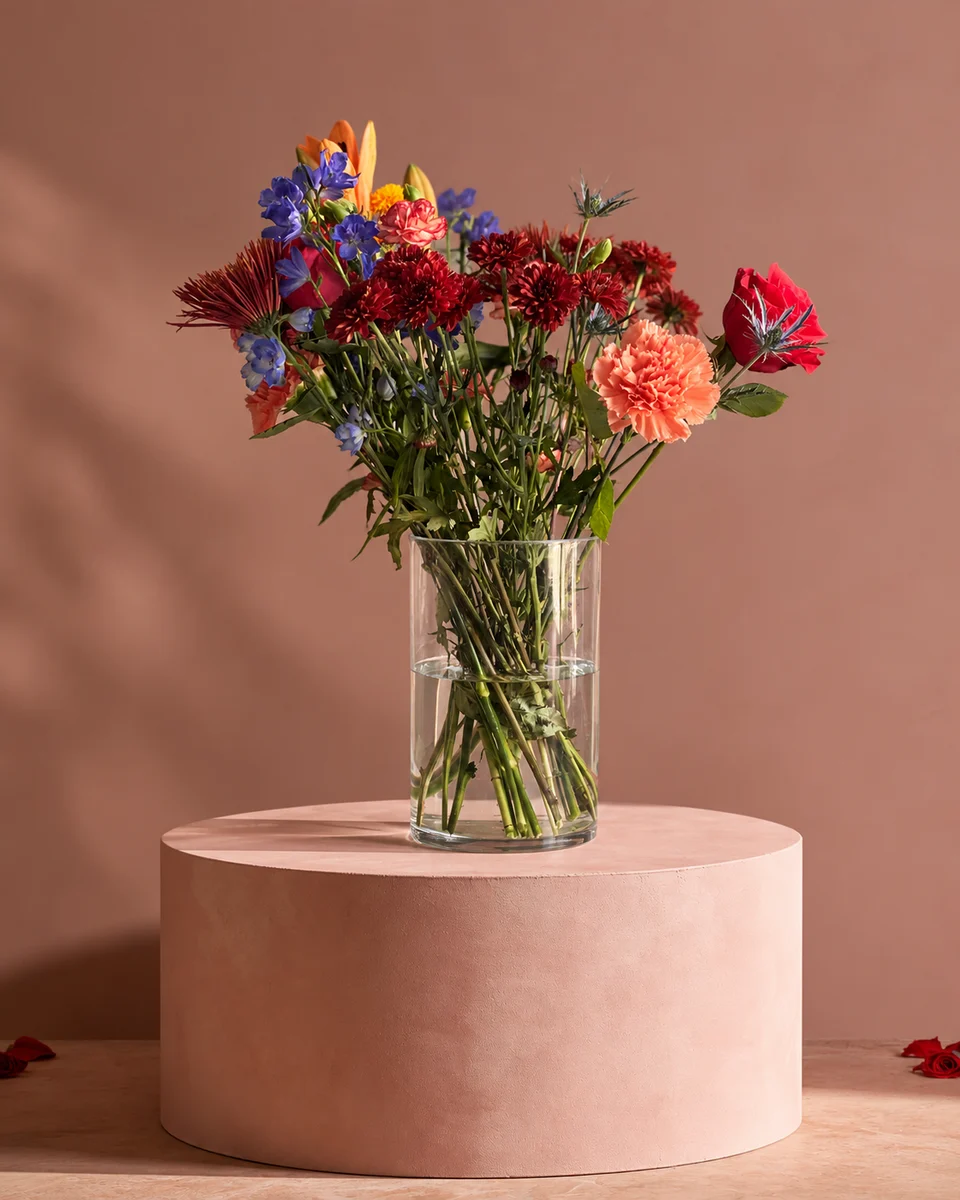
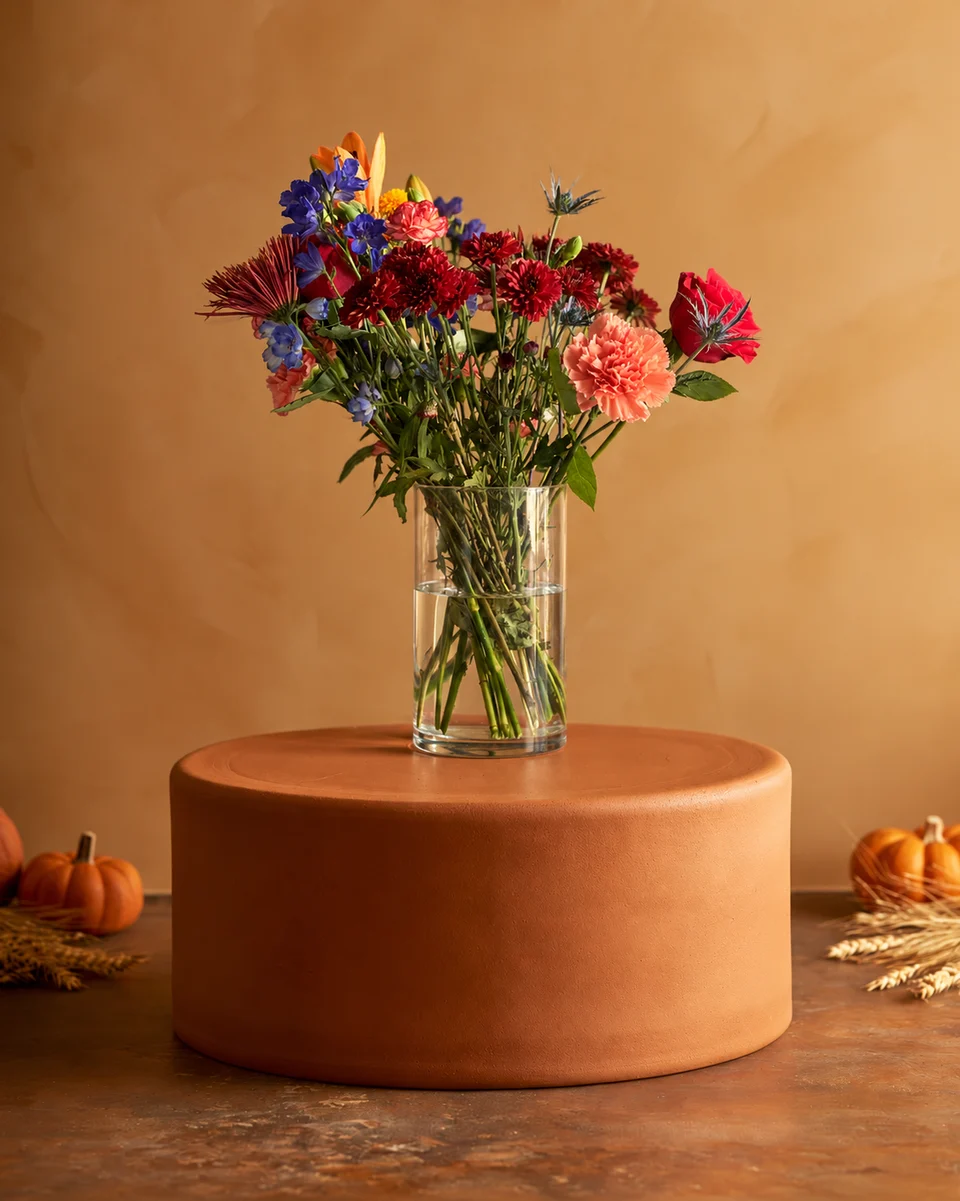
Flair’s custom models learn one product from 6 to 10 photos, which suits a brand that sells the same bottle every day. A florist makes something new most days, and the piece may be gone by tomorrow. ShotSetter works from one phone photo of the finished arrangement, taken at the bench, with nothing to train and no canvas to arrange.
From the shop floor, on your phone
Flair says it works best on desktop Chrome or Safari and that mobile support is limited. ShotSetter works in the browser on any phone, so you can photograph a piece and have a 4K studio photo in about a minute without going to a desk. Read how to photograph a flower arrangement with your phone.
Made only for florists
The photo tool every florist should have
Your flowers are the product. ShotSetter makes the photo as lovely as the arrangement, wherever you share it: one phone photo in, a studio photo out.
For social media
Fresh posts and Stories every week, without a photo shoot or moving a single bucket. Download post and Story sizes with your logo and a caption, and let your flowers shine in a calm, professional feed.
For selling on your website
A studio product photo for every design, all in one house style, so your shop looks like a boutique. Customers see your real work instead of stock photos, and get what they saw.
- Skip the photographer. A studio photo from one phone photo, in about a minute.
- From 33¢ a photo. Every photo is 4K and uses 1 credit. A trial pack is $9 for 10 credits, good for 30 days.
- No subscription needed. Start with a one-time trial pack. Try 3 photos free, no card.
- Your real flowers. Your flowers and vase kept natural, so customers see your own work.
- 200+ rooms made for flowers. Studios, pedestals, homes, weddings and every season.
- A free fix with every 10 credits, if something isn’t quite right.
Quick answers
What is a good Flair AI alternative for florists?
ShotSetter is made only for florists: one phone photo of an arrangement, bouquet or wreath becomes a 4K studio photo in a room made for flowers in about a minute, with no model to train.
Does Flair AI work on a phone?
Flair’s FAQ says it works best on desktop Chrome or Safari and that mobile support is currently limited (checked 23 October 2026). ShotSetter works in the browser on any phone or computer.
Do I need to train anything to use ShotSetter?
No. Upload one phone photo of the finished piece and choose a room. New accounts get 3 free photos with no card needed.
Sources
Platform rules change. Check each one’s current help pages before you upload.