Local search guide
Google Business Profile for florists: photos and posts that bring orders
For a local florist, the first thing many customers see isn’t your website: it’s your Google Business Profile in Maps and search. A profile with fresh, clear photos of your work gives people a reason to call or order. Here is what to add and how to keep it fresh without a photographer.
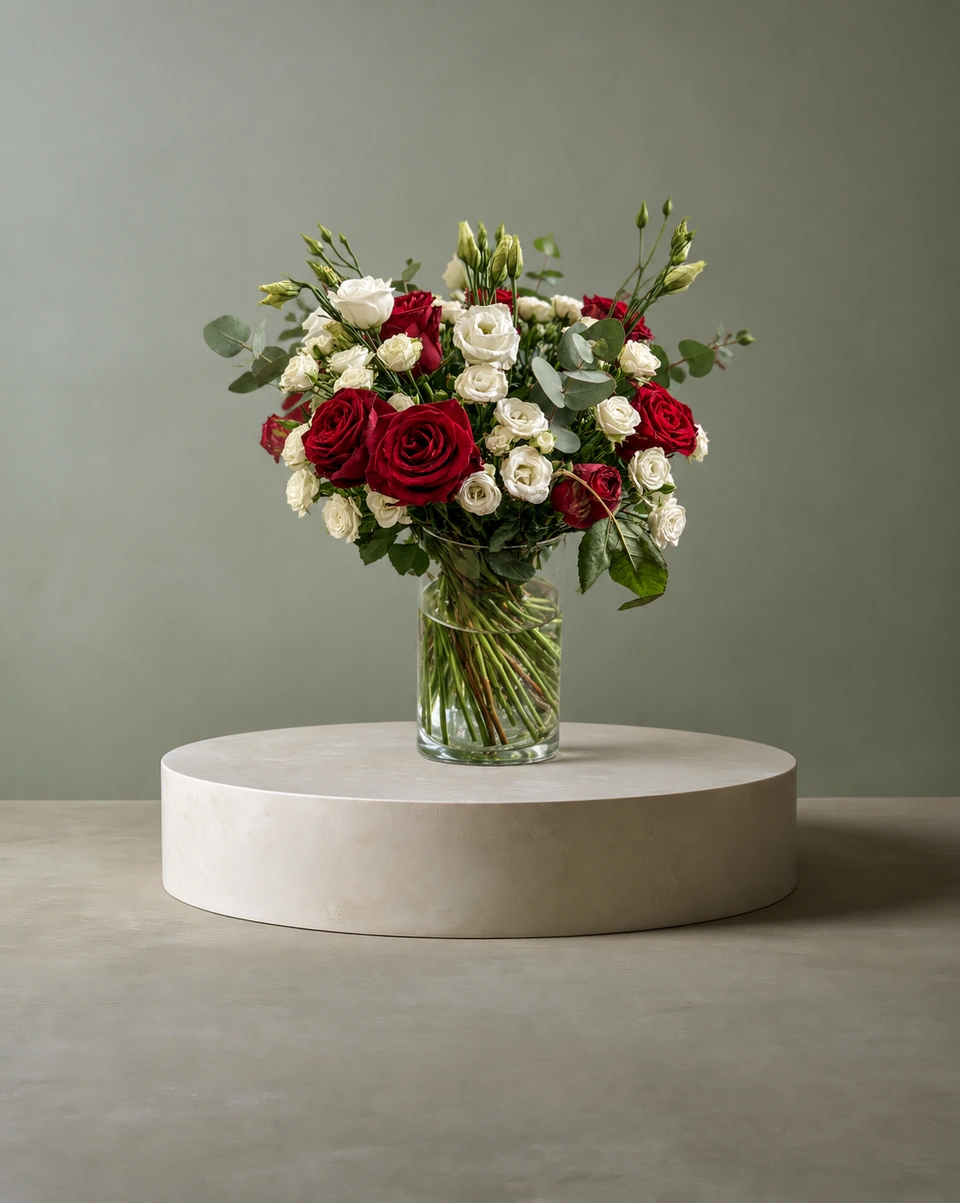
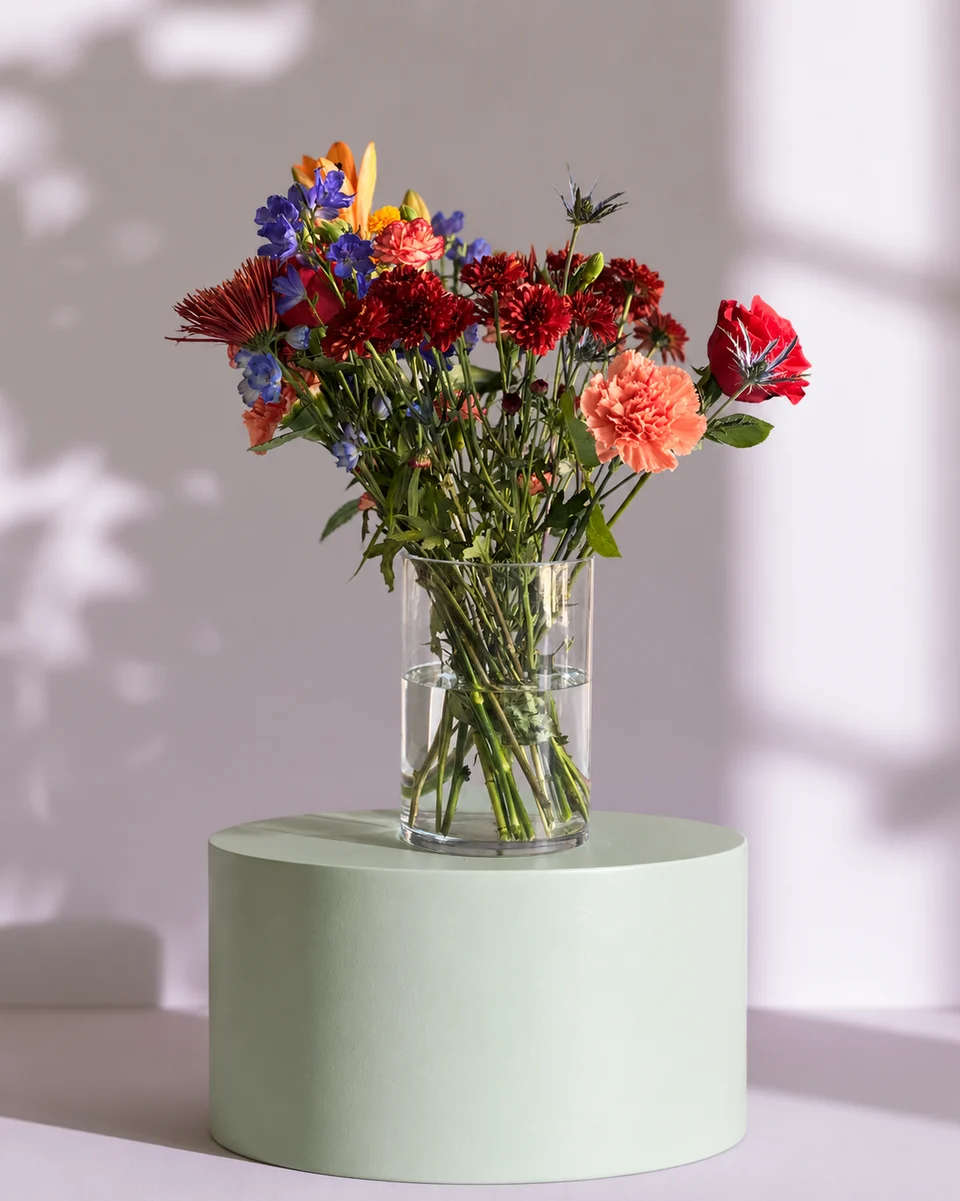
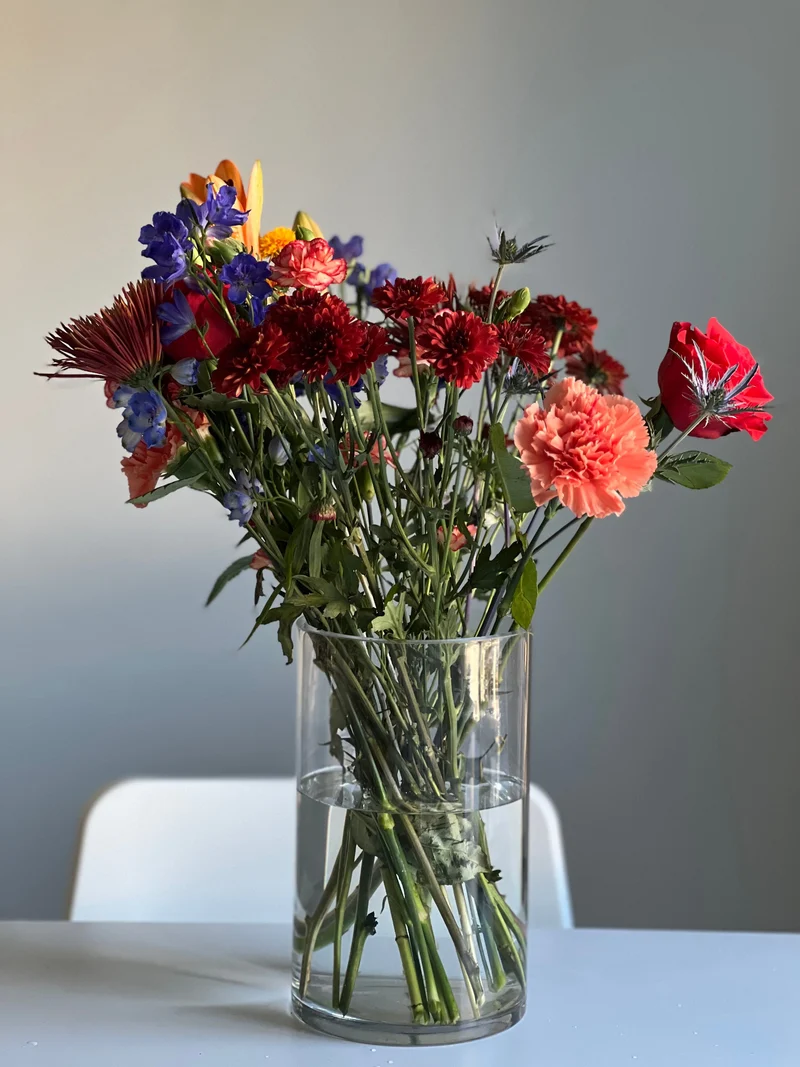 Phone photo
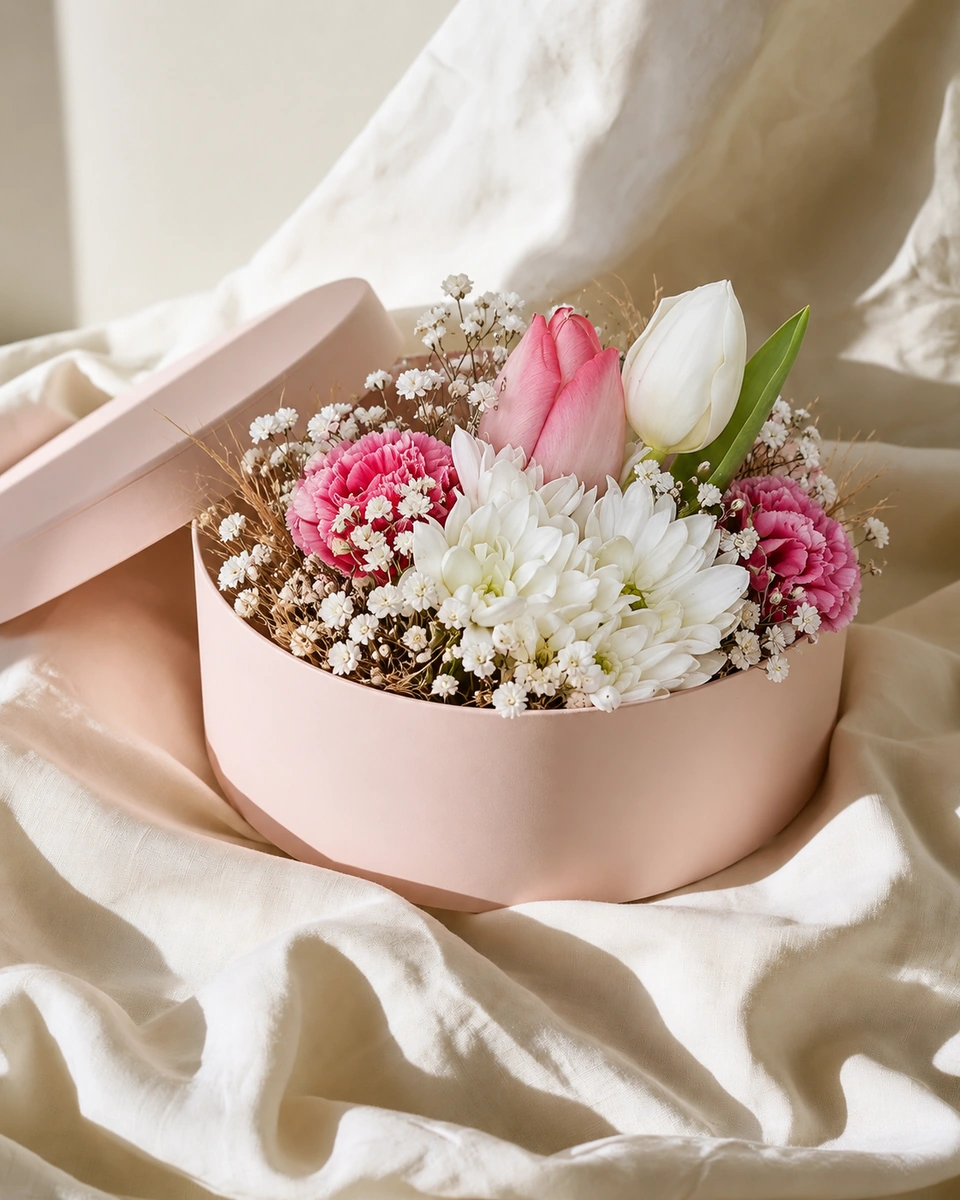
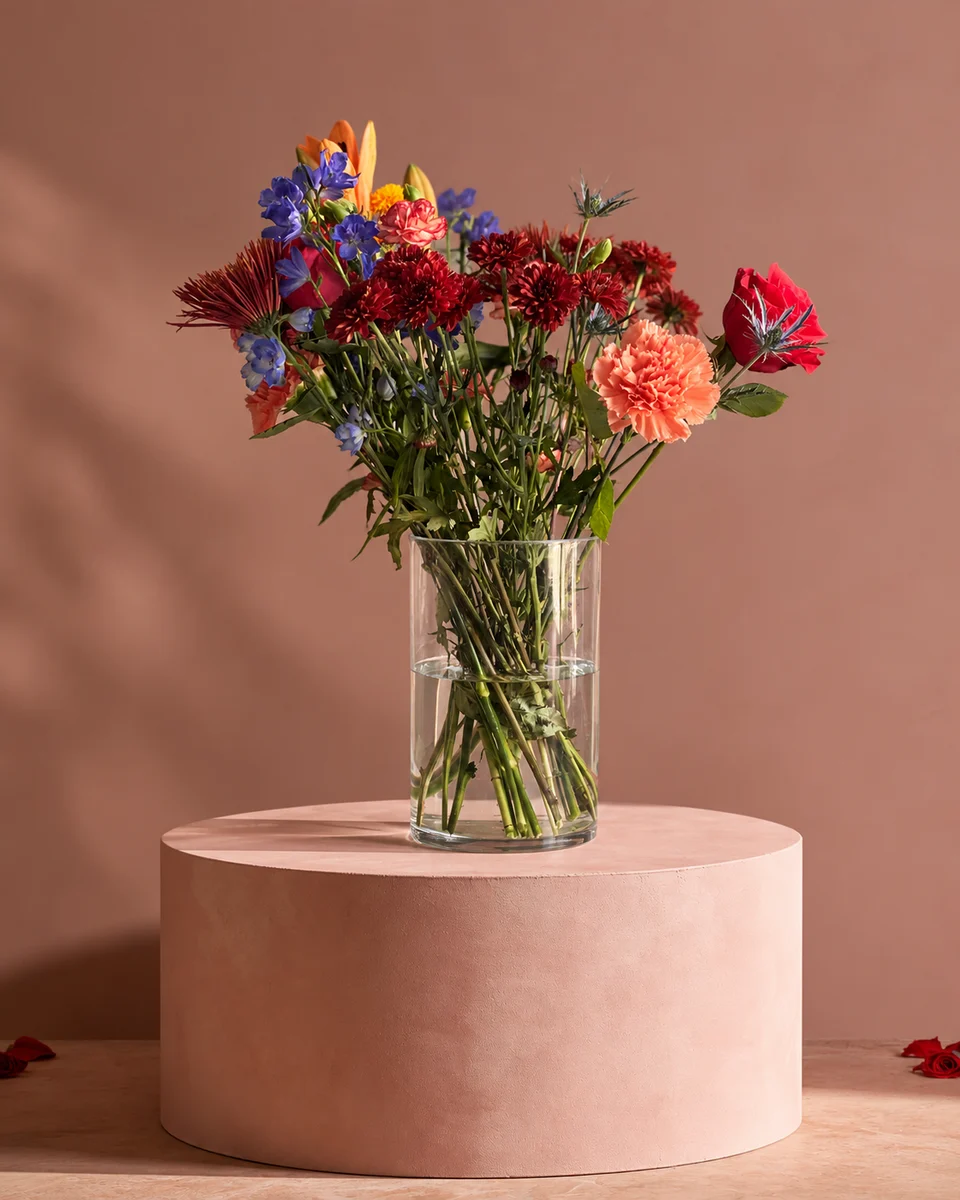
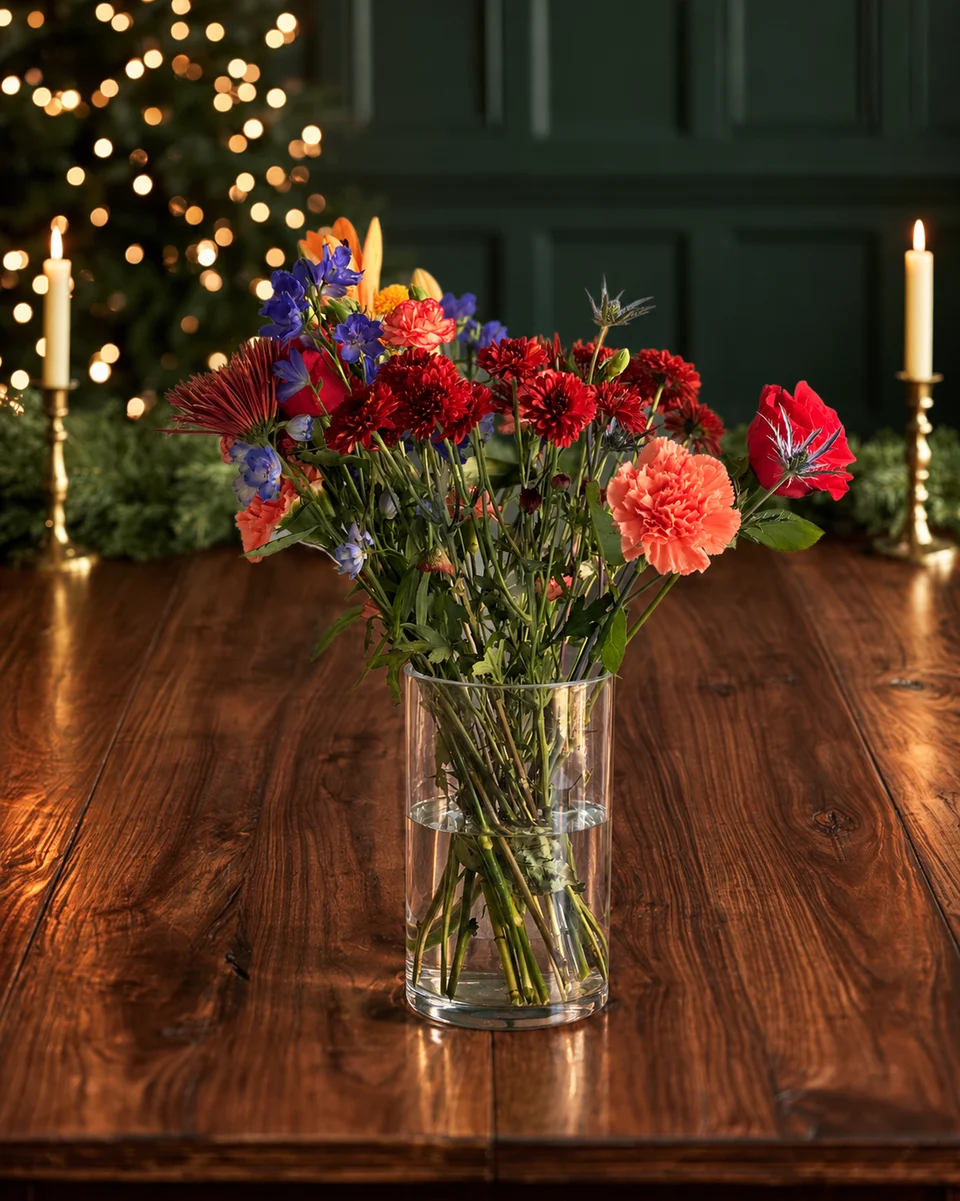 Studio photo
Photos to add
- Your best sellers, each one whole and in true colour.
- Seasonal pieces as each holiday approaches.
- Your shop front and inside, so people recognise it when they arrive.
- Your logo and a cover photo that shows your style at a glance.
Use Products and Updates
Products
Add your best sellers with a photo, a short description and a price or “from” price, and link each to its page on your website.
Updates
Post a photo with a short message: this week’s special, a holiday menu, your order-by date.
Offers and events
Use them for a seasonal offer or a workshop.
Keep it fresh
A profile that hasn’t changed in a year looks like a shop that hasn’t either. Add new photos when your menu changes and before every big flower day. With ShotSetter, one phone photo per design becomes a 4K studio photo in about a minute, so refreshing your profile takes minutes, not a photo shoot.
Made only for florists
The photo tool every florist should have
Your flowers are the product. ShotSetter makes the photo as lovely as the arrangement, wherever you share it: one phone photo in, a studio photo out.
For social media
Fresh posts and Stories every week, without a photo shoot or moving a single bucket. Download post and Story sizes with your logo and a caption, and let your flowers shine in a calm, professional feed.
For selling on your website
A studio product photo for every design, all in one house style, so your shop looks like a boutique. Customers see your real work instead of stock photos, and get what they saw.
- Skip the photographer. A studio photo from one phone photo, in about a minute.
- From 33¢ a photo. Every photo is 4K and uses 1 credit. A trial pack is $9 for 10 credits, good for 30 days.
- No subscription needed. Start with a one-time trial pack. Try 3 photos free, no card.
- Your real flowers. Your flowers and vase kept natural, so customers see your own work.
- 200+ rooms made for flowers. Studios, pedestals, homes, weddings and every season.
- A free fix with every 10 credits, if something isn’t quite right.
Quick answers
What photos should a florist add to Google Business Profile?
Your best sellers and seasonal pieces, each whole and in true colour, plus your shop front, inside, logo and a cover photo that shows your style.
How often should a florist update Google Business Profile?
Whenever your menu changes and before every big flower day, such as Valentine’s Day, Mother’s Day and Christmas.
Can I add products to Google Business Profile?
Yes. Add your best sellers with a photo, description and price, and link each one to your website.
Sources
Platform rules change. Check each one’s current help pages before you upload.