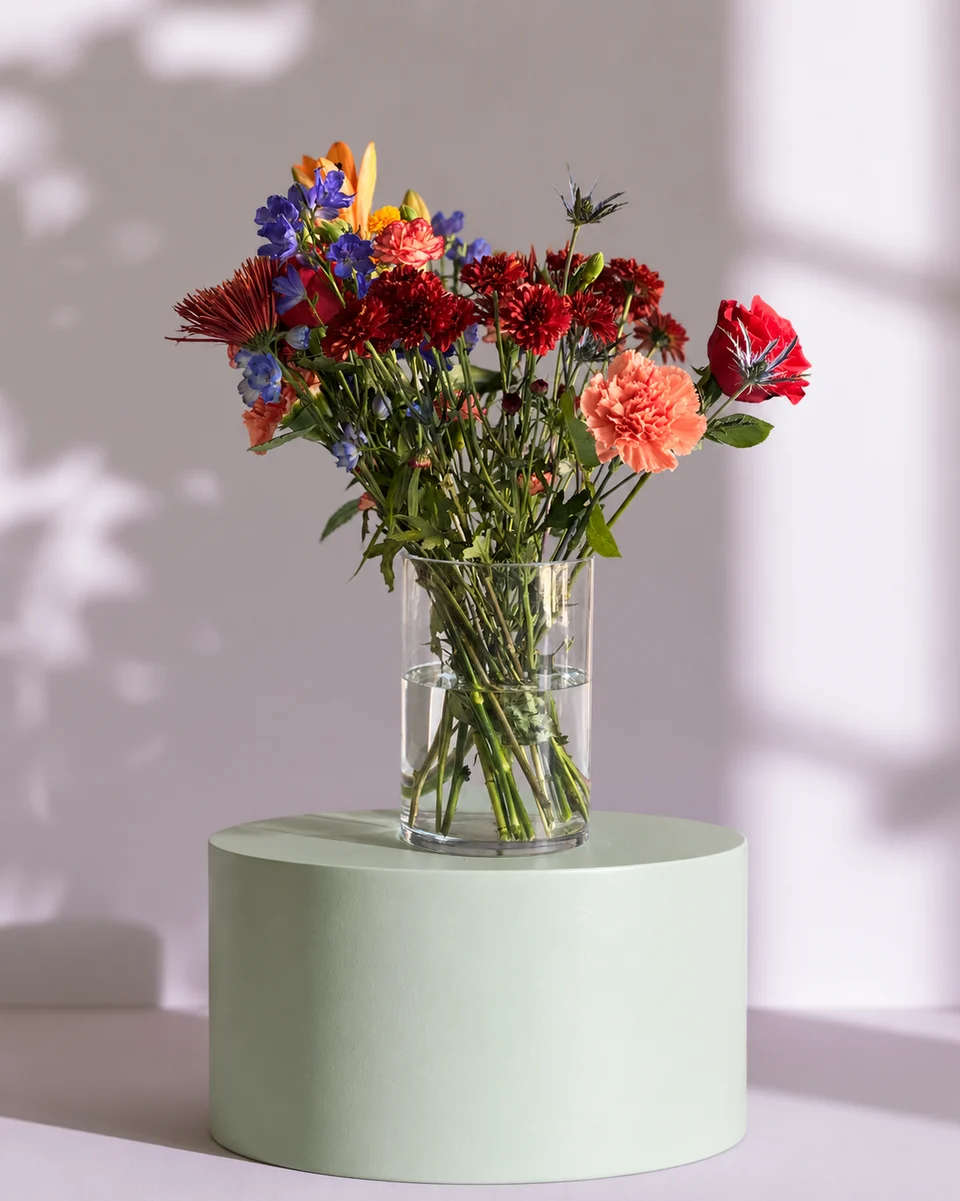
Post examples
Flower shop social media post examples, by occasion
Sometimes the quickest way to a good post is to see one. Here are example posts for the occasions florists post about most, with what to put on them and the size each one needs.
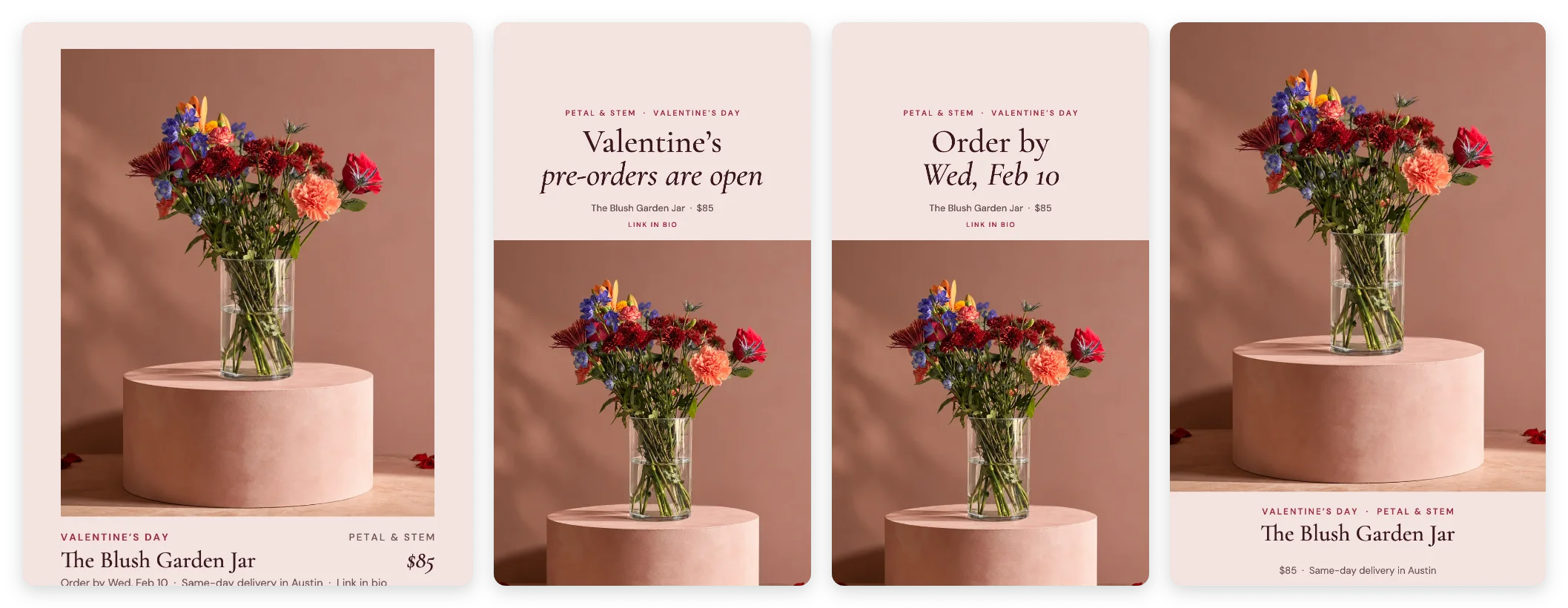 Campaign kit
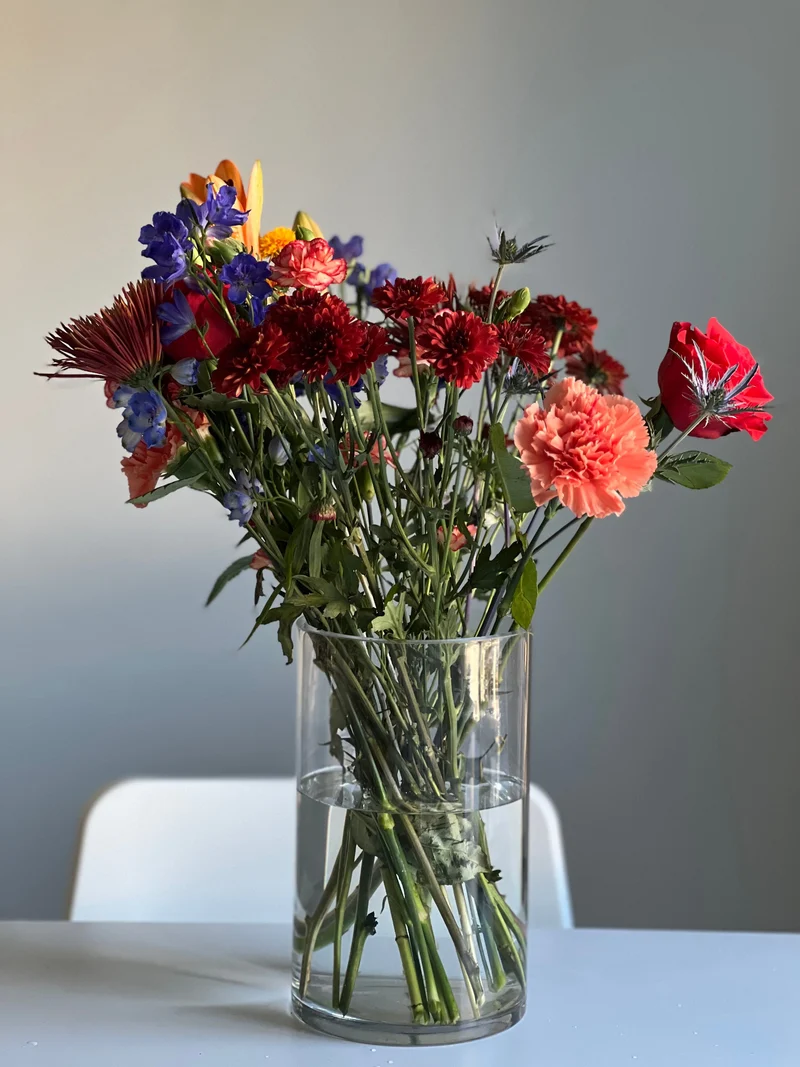 Phone photo
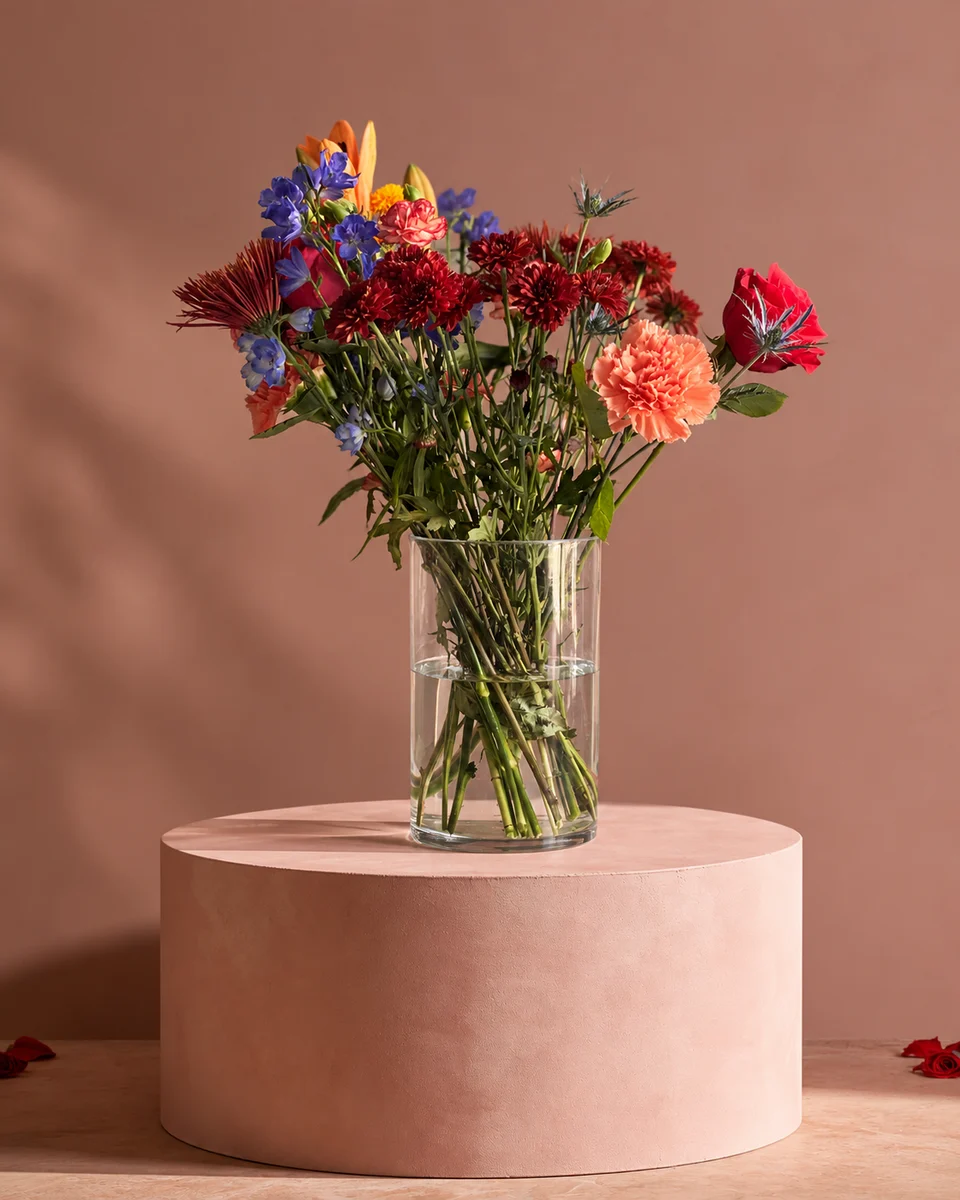 Studio photo
Valentine’s Day
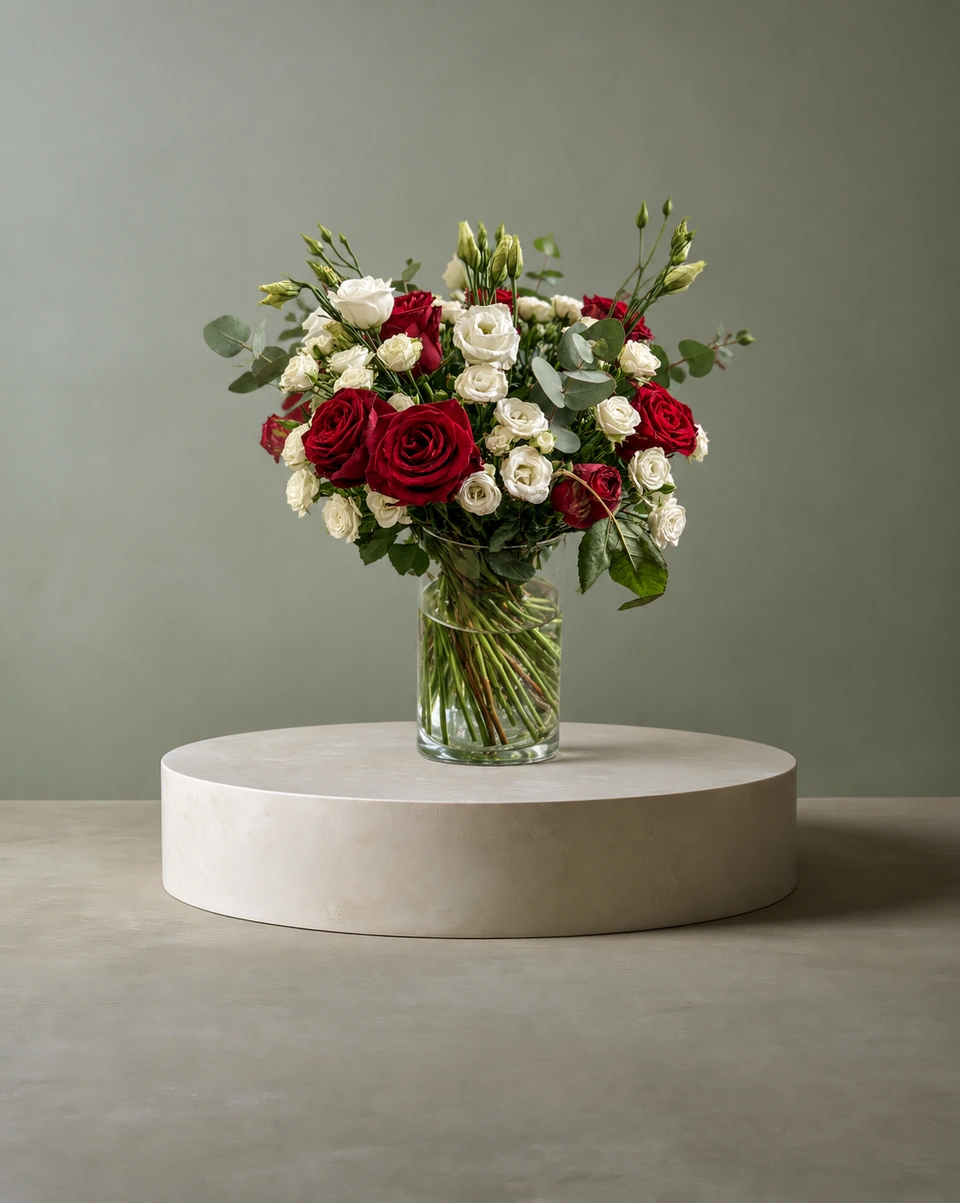
- Feed post (4:5): your signature red design, name and price: “The Blush Garden Jar · $85”.
- Story (9:16): “Valentine’s pre-orders are open”, then “Order by Wed, Feb 10”.
- Pin (2:3): the arrangement with a short title and a link to order.
Mother’s Day
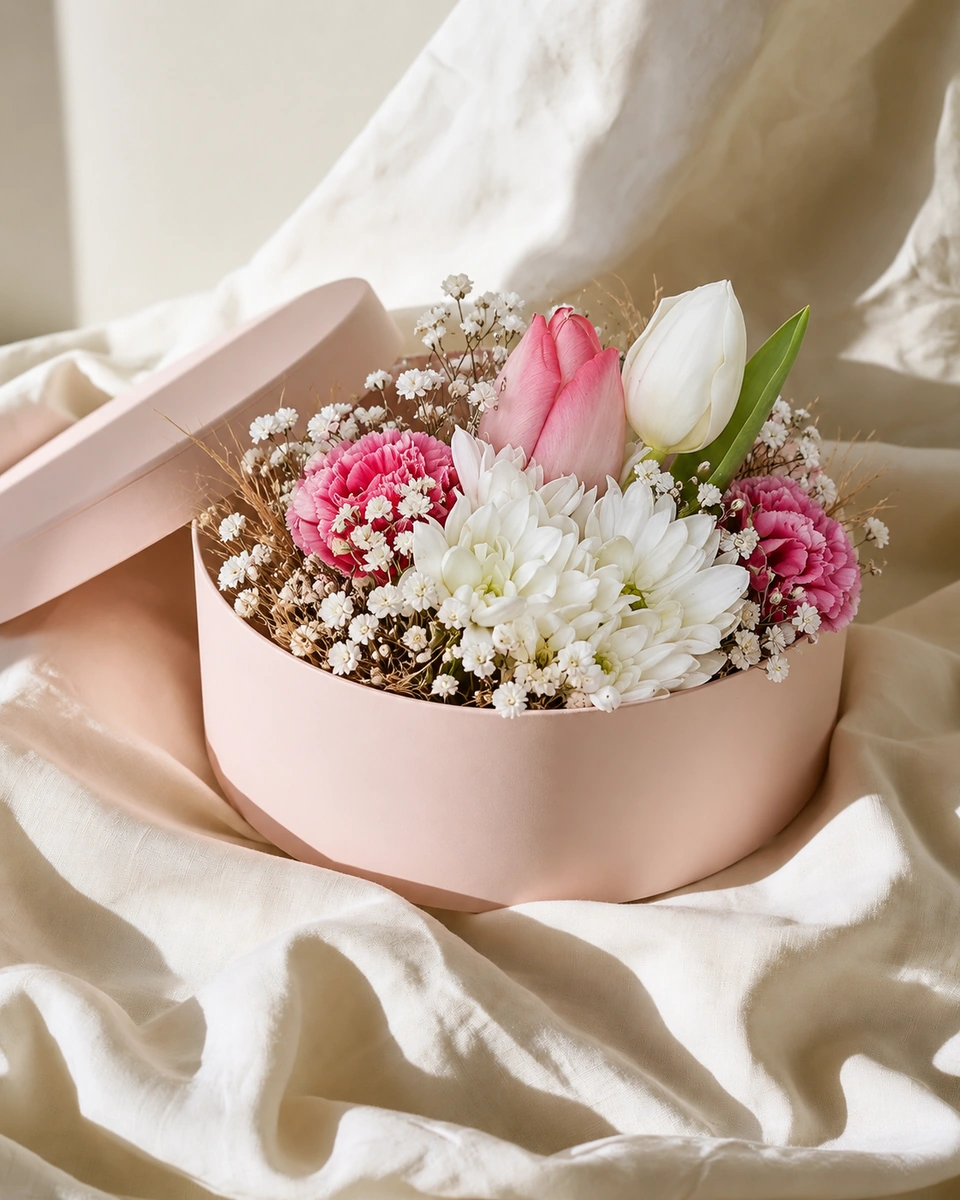
- Feed post: a soft pastel design with “Made for Mum”.
- Story: a choice of three, with the order-by date for delivery.
- Facebook post: your delivery area and the last day to order.
Christmas
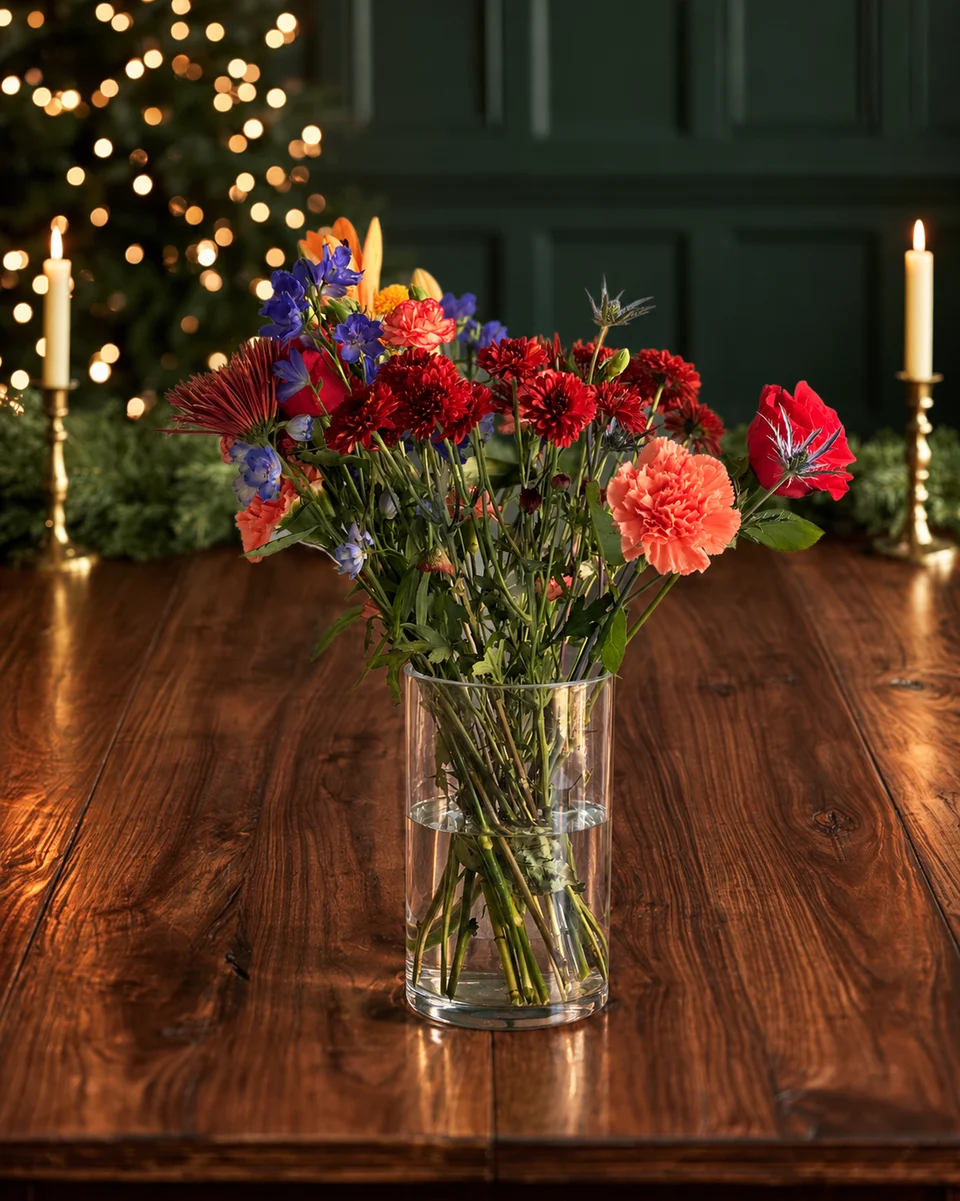
- Feed post: a wreath on a door, with sizes and prices.
- Story: a countdown to your Christmas order-by date.
- Banner: your Christmas menu across the top of your website.
Sympathy
Keep it quiet and kind: a simple photo of a sympathy piece in a calm setting, the words “Here to help when words are hard”, and how to reach you by phone. No countdowns or sales language.
Everyday best sellers
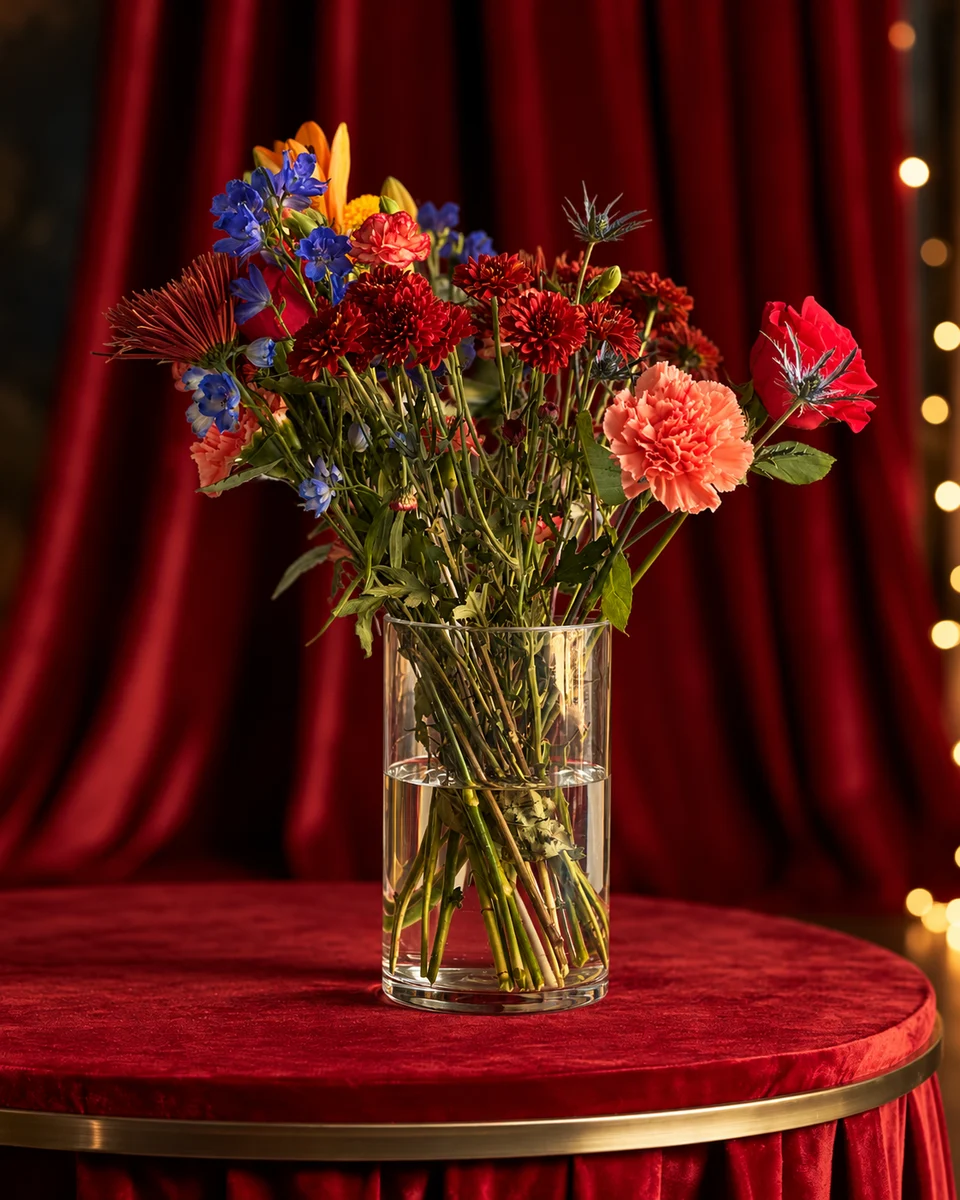
A clean studio photo with the name and price, posted on a steady rhythm, does most of the work. For more ideas, read 30 days of florist social media ideas.
Made only for florists
The photo tool every florist should have
Your flowers are the product. ShotSetter makes the photo as lovely as the arrangement, wherever you share it: one phone photo in, a studio photo out.
For social media
Fresh posts and Stories every week, without a photo shoot or moving a single bucket. Download post and Story sizes with your logo and a caption, and let your flowers shine in a calm, professional feed.
For selling on your website
A studio product photo for every design, all in one house style, so your shop looks like a boutique. Customers see your real work instead of stock photos, and get what they saw.
- Skip the photographer. A studio photo from one phone photo, in about a minute.
- From 33¢ a photo. Every photo is 4K and uses 1 credit. A trial pack is $9 for 10 credits, good for 30 days.
- No subscription needed. Start with a one-time trial pack. Try 3 photos free, no card.
- Your real flowers. Your flowers and vase kept natural, so customers see your own work.
- 200+ rooms made for flowers. Studios, pedestals, homes, weddings and every season.
- A free fix with every 10 credits, if something isn’t quite right.
Quick answers
What size should flower shop posts be?
4:5 portrait (1080 × 1350 px) for Instagram feed posts, 9:16 (1080 × 1920 px) for Stories and 2:3 for Pinterest pins.
What should a Valentine’s Day flower post say?
The design’s name and price, that pre-orders are open, and your order-by date for delivery, with a link to order.
How do I make a flower post quickly?
Take one phone photo, make it a studio photo in ShotSetter, then use the Campaign kit: it makes the post, three Stories, a pin and a banner in your shop’s name.