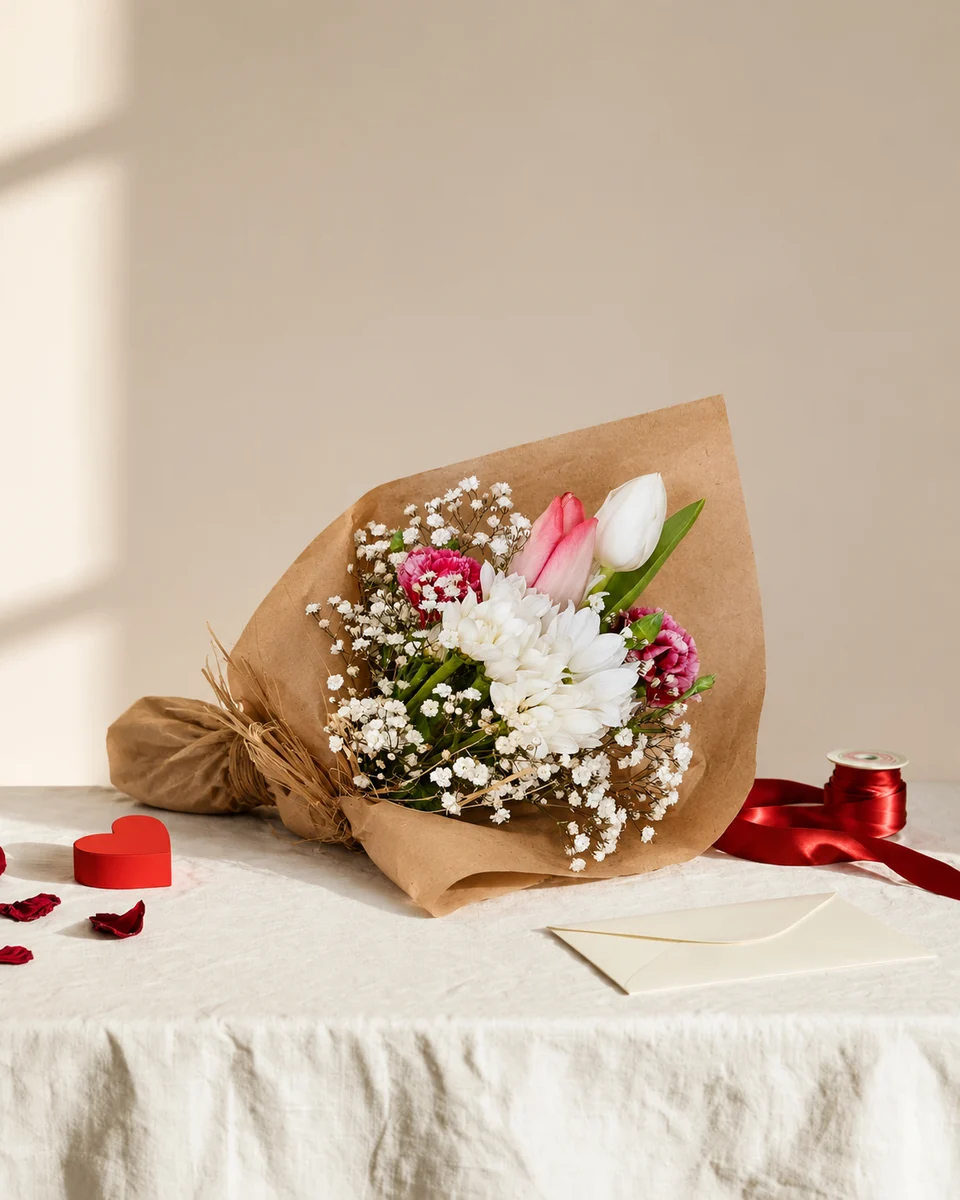
Product photo guide
Floral product photography: the complete guide for florists
A florist’s product photos have a hard job. Designs change every week, flowers don’t wait for a photographer, and the same piece has to look right on your website, Etsy, Instagram and a delivery-app menu. This guide covers what to shoot, the sizes each channel wants, how to make a whole menu look like one shoot, and what each way of getting photos really costs.
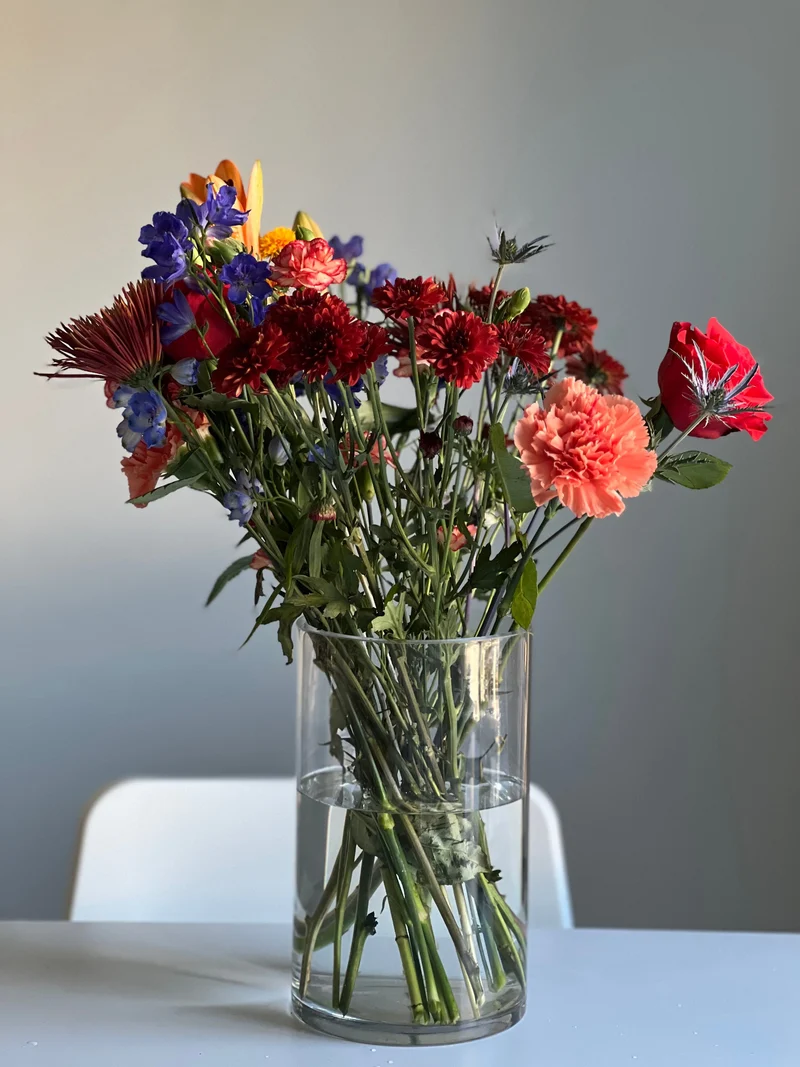 Phone photo
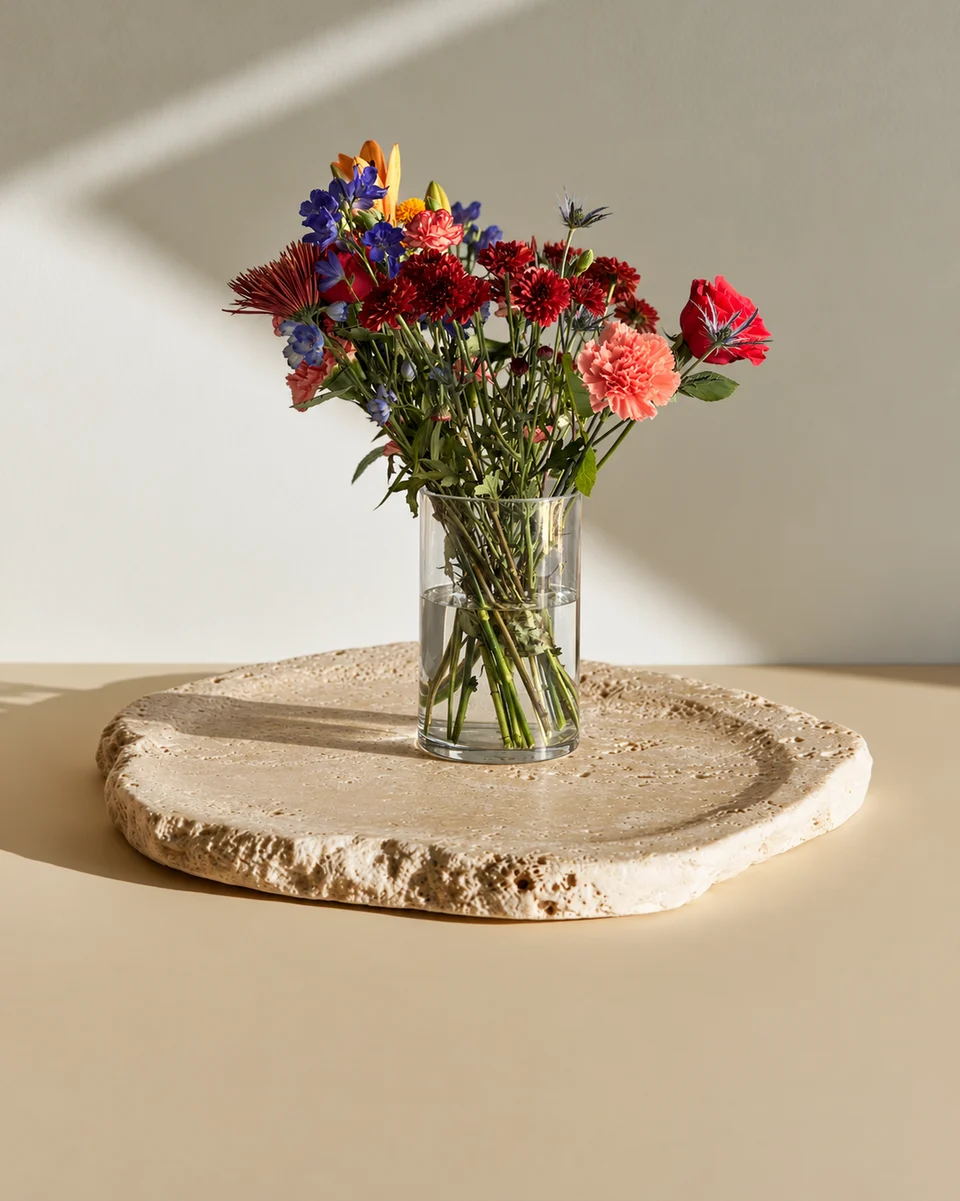 Studio photo
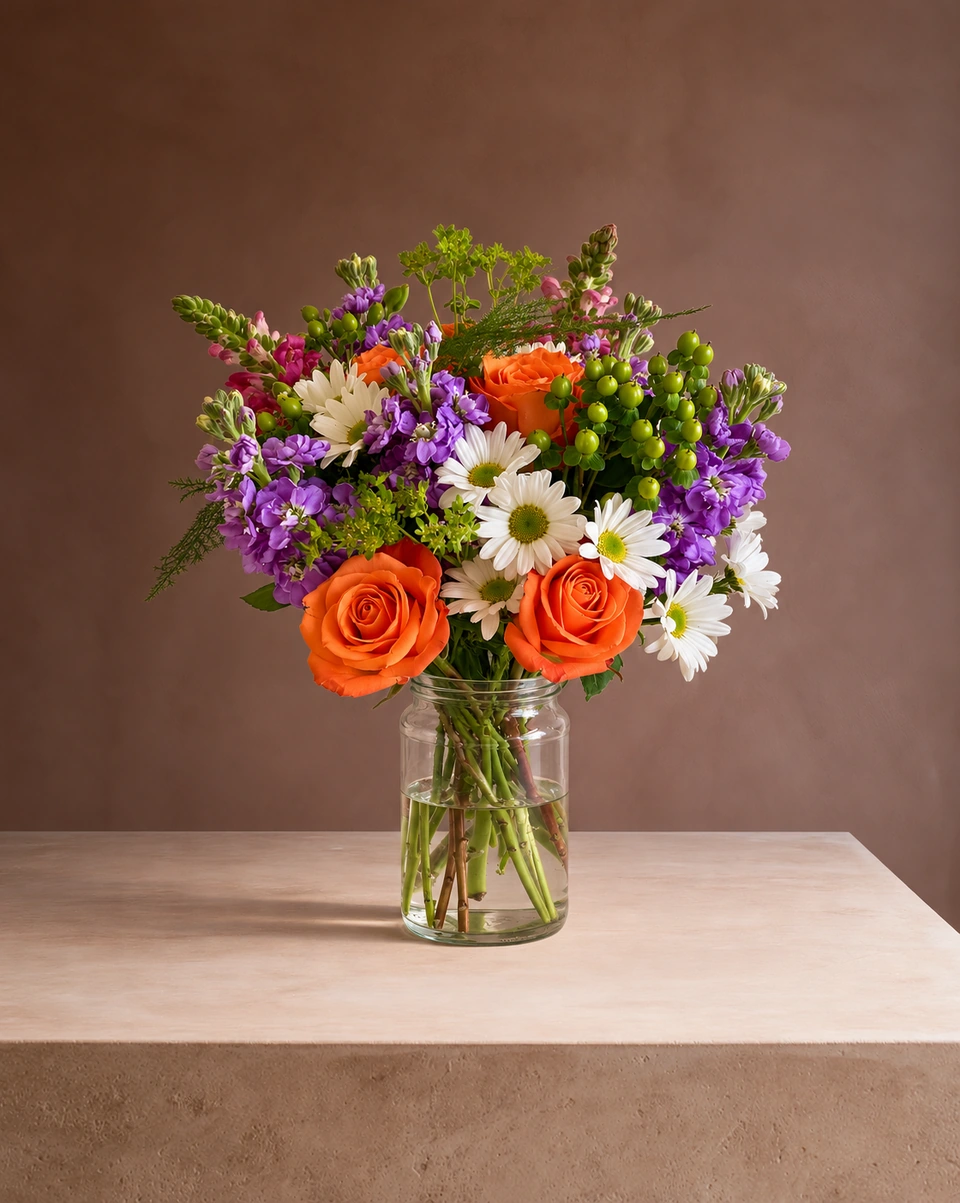
What a good flower product photo shows
- The whole piece, from the tallest stem to the base of the vase or the end of the wrap, with a little space all round.
- True colours. The blush rose a customer orders should be the blush rose that arrives.
- A sense of size. A surface, a table or a hand tells the customer how big the arrangement is.
- Its best face, turned towards the camera, at flower height rather than from above.
- A calm background that lets the flowers lead.
The florist’s shot list
The hero photo
Straight on, the whole piece, on a clean or styled surface. This is your website and listing photo.
A detail
A close-up of the main blooms and texture, for the second image on a listing or a carousel.
A scale shot
The piece on a table or in a hand, so customers see how big it is.
Seasonal versions
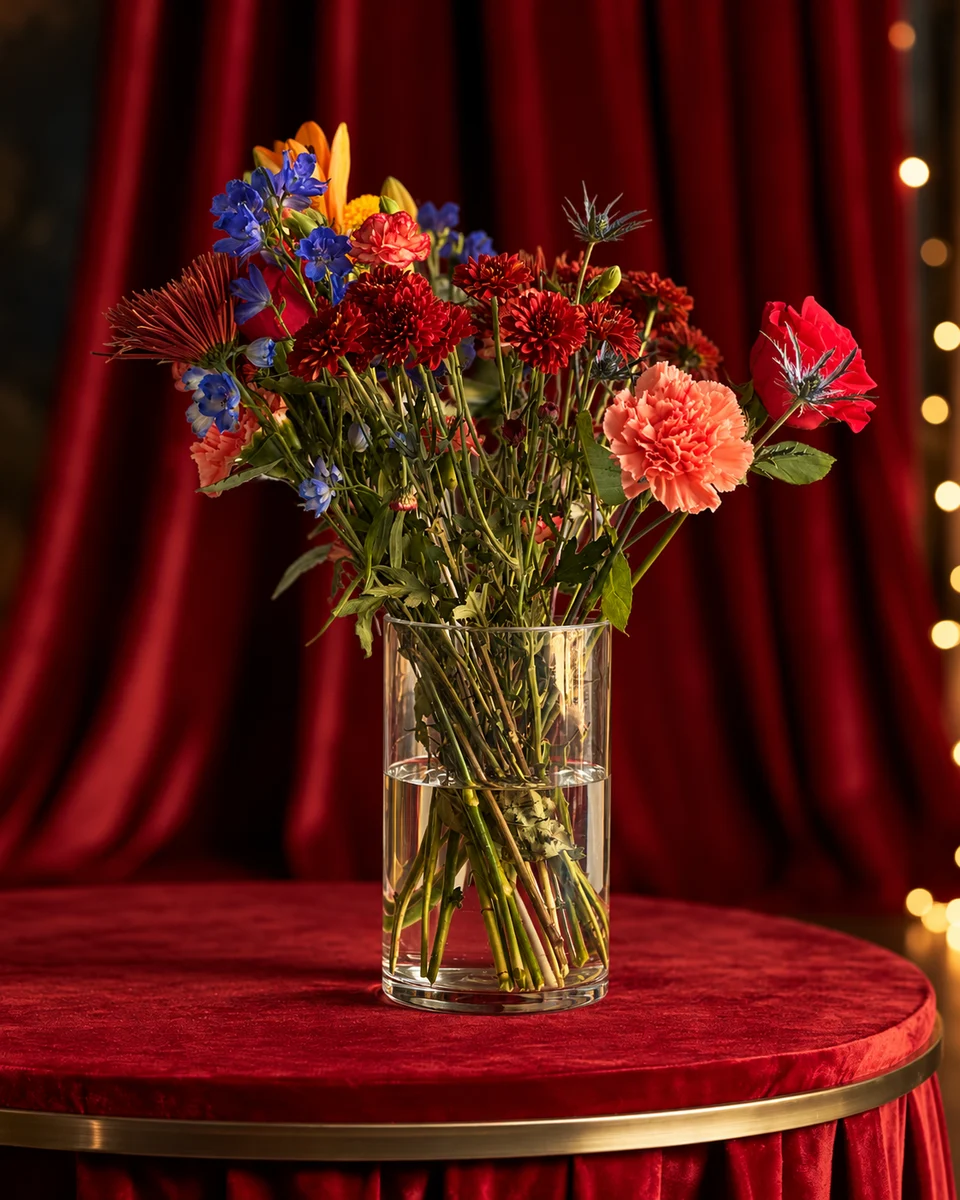
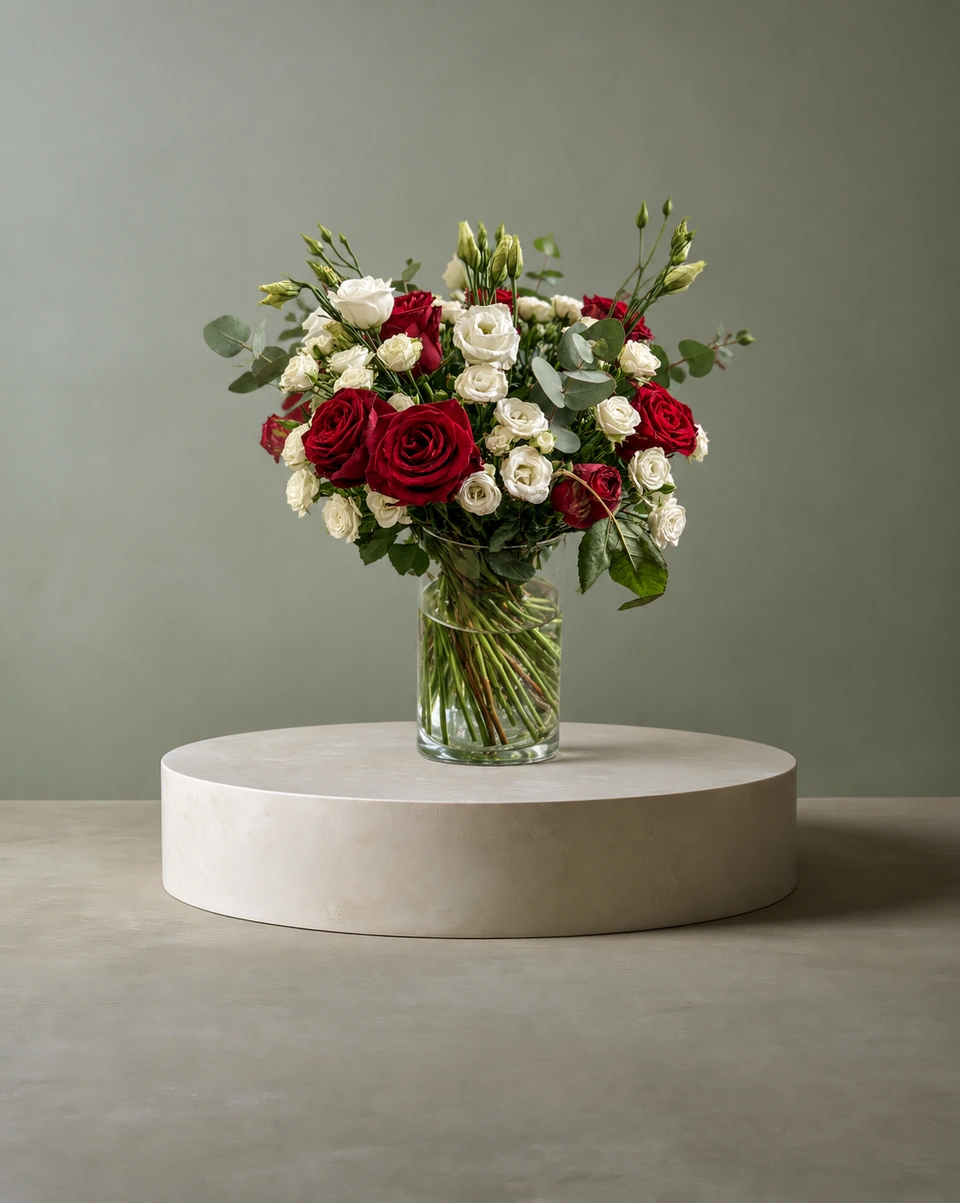
The same design in a Valentine’s, Mother’s Day or Christmas setting for your holiday menu.
A social cut
A tall 4:5 crop for Instagram posts and a 9:16 crop for Stories, with room for words.
Sizes for every channel
| Where | Shape | Size to export |
|---|---|---|
| Instagram post | 4:5 portrait | 1080 × 1350 px |
| Instagram and Facebook Story | 9:16 | 1080 × 1920 px |
| Etsy listing | 4:3 or square; the thumbnail crops | At least 2000 px on the shortest side |
| Shopify product | Square works well | 2048 × 2048 px |
| Your website | 4:5 or square | 1600–2048 px on the long side |
The free product photo resizer crops one photo to each of these sizes in your browser.
Make your whole menu look like one shoot
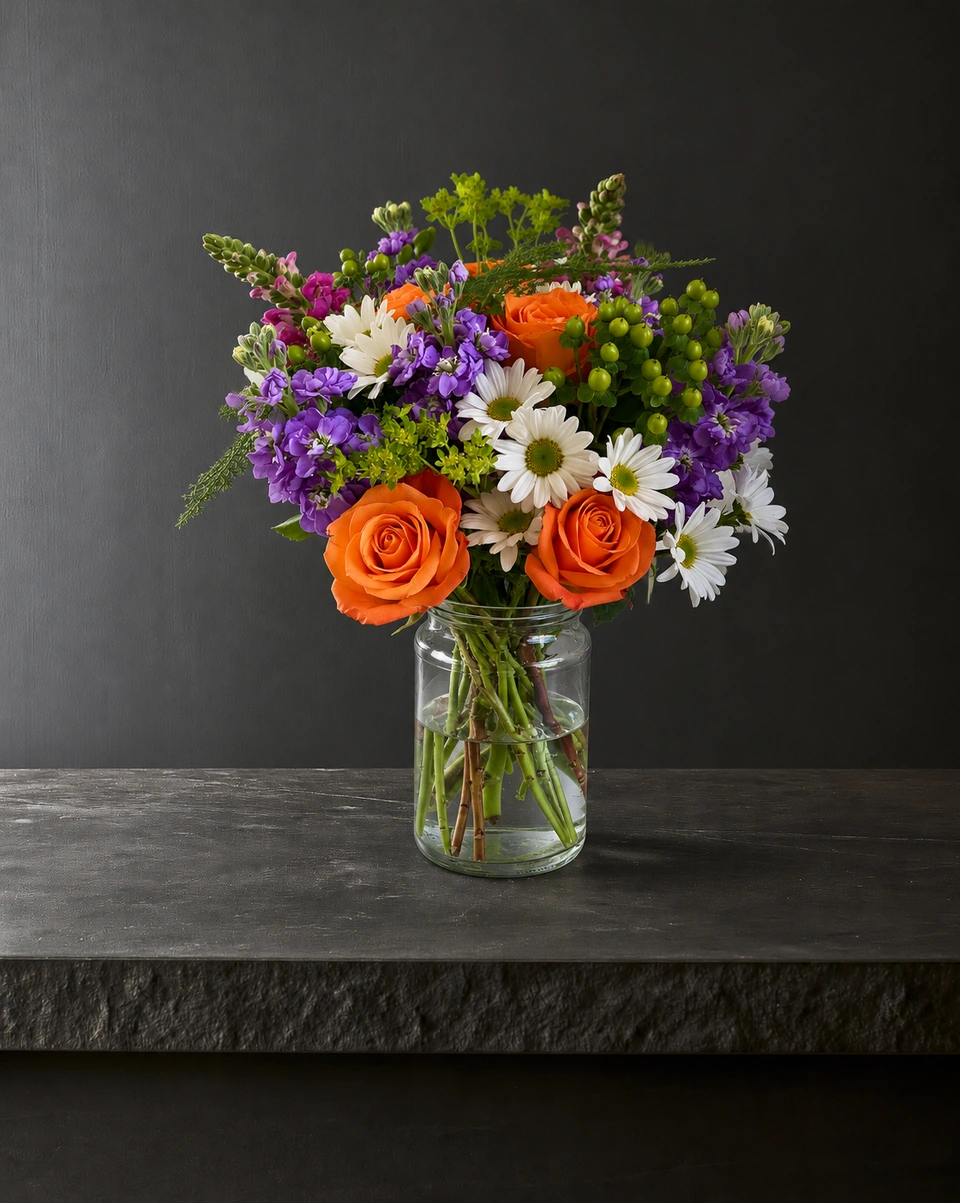
Customers trust a shop whose photos match: the same surface, the same light and the same framing from one product to the next. That is hard with phone photos taken on different days. In ShotSetter you pick one room and photograph every product in it, so a Valentine’s menu or a whole Etsy shop looks as if it was shot in one studio on one day.
Three ways to get photos, and what they cost
| Hire a photographer | Do it yourself | ShotSetter | |
|---|---|---|---|
| Cost | Roughly $25–$75 per image for simple white-background photos, and $150 or more for styled ones; retouching and studio fees are often extra | Your time, plus a backdrop, lights or a light box | From 33¢ a photo; 3 free to try |
| When | Booked ahead, so new designs wait | When you have time and good light | Any time, in about a minute |
| Matching look | Yes, within one session | Hard across different days | Yes: the same room for every product |
| Best for | Weddings, brand shoots, hero campaigns | Simple, occasional photos | Weekly menus, listings and social posts |
Keep it honest
Whatever method you use, the photo should show what the customer receives. Check every studio photo beside your original before you post it, and use the real piece’s photo where a platform asks for an unedited one. For DoorDash and Uber Eats rules, read photos for delivery apps and Etsy.
Made only for florists
The photo tool every florist should have
Your flowers are the product. ShotSetter makes the photo as lovely as the arrangement, wherever you share it: one phone photo in, a studio photo out.
For social media
Fresh posts and Stories every week, without a photo shoot or moving a single bucket. Download post and Story sizes with your logo and a caption, and let your flowers shine in a calm, professional feed.
For selling on your website
A studio product photo for every design, all in one house style, so your shop looks like a boutique. Customers see your real work instead of stock photos, and get what they saw.
- Skip the photographer. A studio photo from one phone photo, in about a minute.
- From 33¢ a photo. Every photo is 4K and uses 1 credit. A trial pack is $9 for 10 credits, good for 30 days.
- No subscription needed. Start with a one-time trial pack. Try 3 photos free, no card.
- Your real flowers. Your flowers and vase kept natural, so customers see your own work.
- 200+ rooms made for flowers. Studios, pedestals, homes, weddings and every season.
- A free fix with every 10 credits, if something isn’t quite right.
Quick answers
What is floral product photography?
Photos of finished flower pieces made to sell them: arrangements, bouquets and wreaths shown whole, in true colour, at a clear size, on a calm background, for websites, Etsy, social media and delivery menus.
How much does product photography cost for florists?
Published 2026 price guides put simple white-background photos at roughly $25–$75 per image and styled photos at $150 or more, often with extra fees. ShotSetter makes studio product photos from your phone photo from 33¢ a photo.
What size should flower product photos be?
Make them large and crop per channel: 1080 × 1350 for Instagram posts, 1080 × 1920 for Stories, at least 2000 px on the shortest side for Etsy, and about 2048 px for Shopify.
How do I make all my flower photos match?
Use the same background, light and framing for every product. With ShotSetter, choose one room and photograph every piece in it.
Sources
- Instagram Help: image resolution of photos you share
- Etsy: requirements and best practices for listing images
- Shopify Help Center: product media types and sizes
- Photta: product photographer rates 2026
- Nightjar: the real cost of product photography
Platform rules change. Check each one’s current help pages before you upload.